
A portable monitor gives you a second screen without the bulk of a desktop — plug it into your laptop via a single USB-C cable, and you’re working, gaming, or watching content on the go. In South Africa, where remote work and hybrid setups are common, a quality portable monitor can be a game-changer if you pick the right size and connectivity for your needs.
This guide covers what matters when choosing a portable monitor in 2026, with local prices and availability in mind. This guide focuses only on portable monitors; for the general guide to choosing any monitor see our general monitor buying guide.
Portable monitors typically range from 13.3 to 17.3 inches. Here’s how they compare:
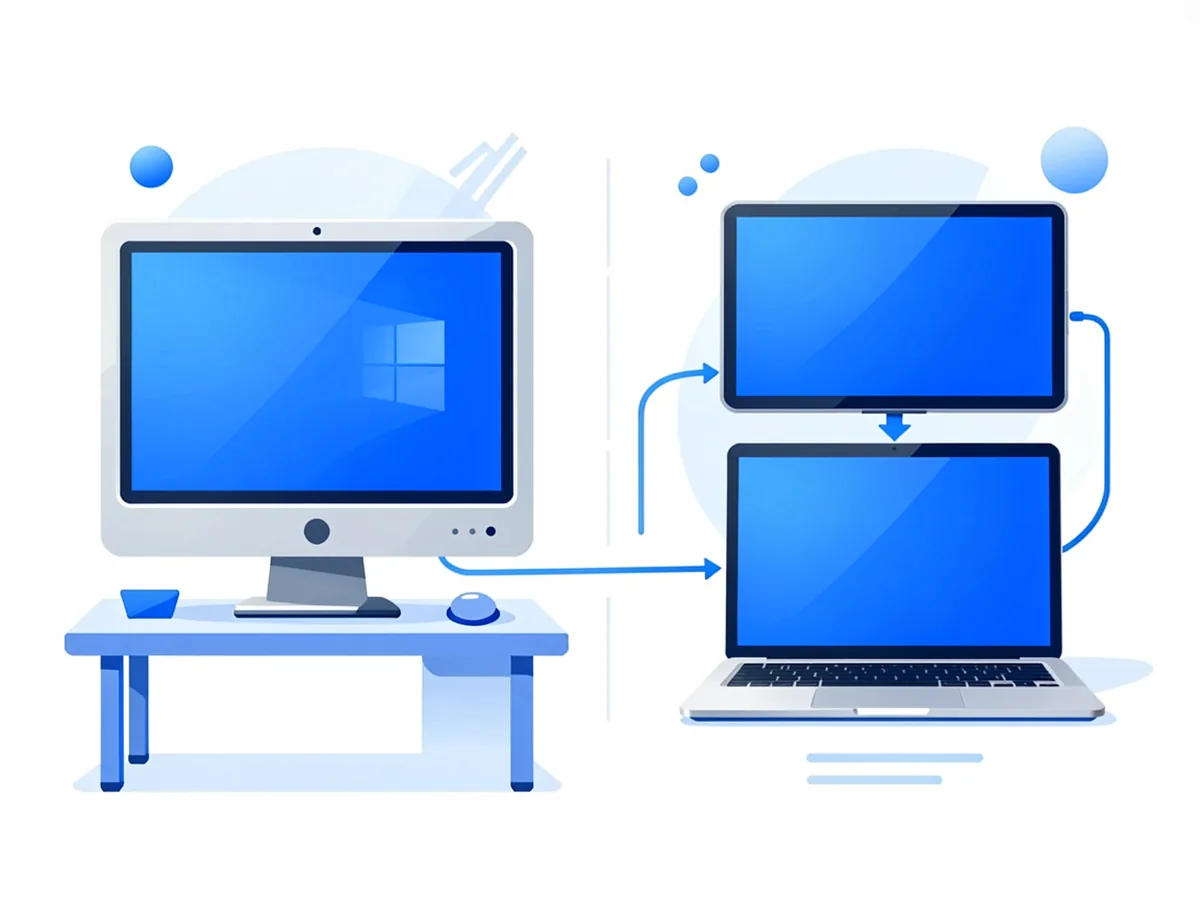
| Size | Best for | Portability | Price range (ZAR) |
|---|---|---|---|
| 13.3″ – 14″ | Travel, ultrabook users | Fits in most laptop bags | R800 – R1,500 |
| 15.6″ – 16″ | Most users, general work | Fits in large bags or carry-on | R1,000 – R2,000 |
| 17.3″ – 17.3″ | Desktop replacement, gaming | Needs dedicated case | R1,500 – R2,500 |
For most people, a 15.6″ or 16″ model hits the sweet spot — large enough for productivity, compact enough to actually carry.
See the portable monitor category for published models, including our 16 inch FHD portable monitor. Confirm current stock, the exact specification and compatibility before ordering.
How you connect the portable monitor matters more than size. Two main options exist:
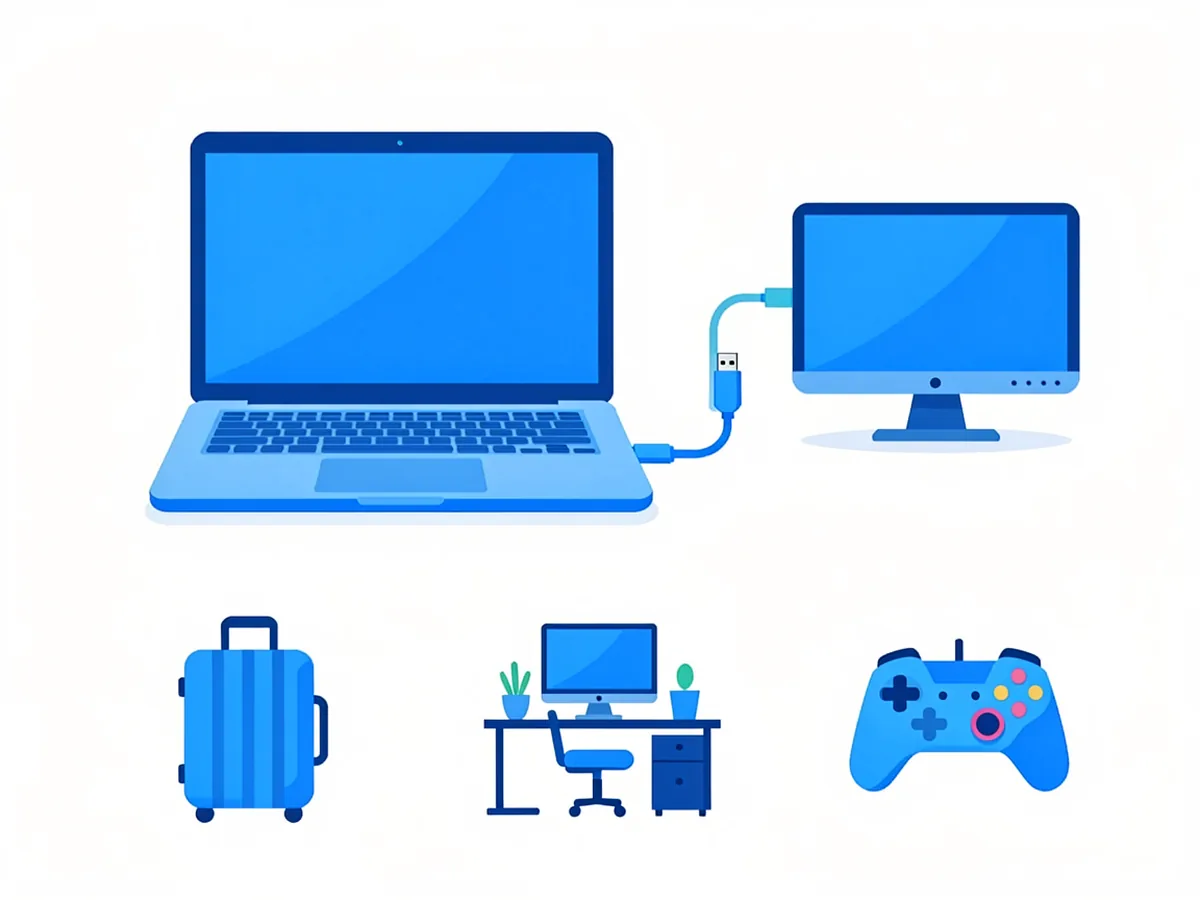
Modern USB-C ports can carry video, data, and power over a single cable. If your laptop has a USB-C port with DisplayPort Alt Mode, you only need one cable for everything:
If your laptop only has HDMI or no USB-C port, you’ll need a USB-C to HDMI adapter or a direct HDMI cable. This works fine but uses two cables and doesn’t charge your laptop.
USB-C is the clear winner if your devices support it. HDMI is still common and perfectly functional for older laptops or budget setups.
A portable monitor isn’t for everyone. Here’s when it makes sense:
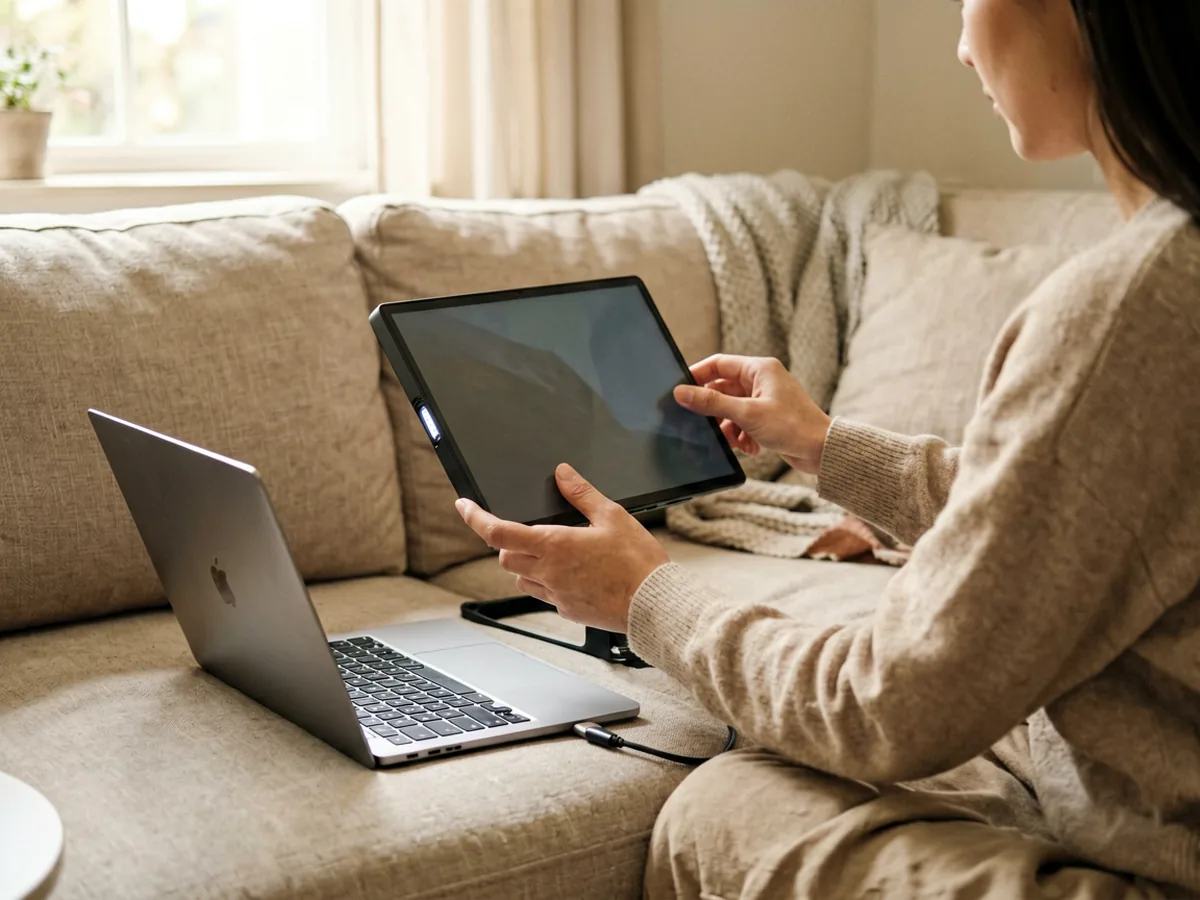
Glossy screens look great indoors but reflect light like mirrors outside. For outdoor or variable-light use, choose a matte anti-glare finish.
Some portable monitors come with a built-in smart cover that doubles as a stand. Others require a separate case or tripod mount. Check what’s included — buying accessories separately adds to the cost.
A 15.6″ screen at 1366×768 will look pixelated. Stick to FHD (1920×1080) minimum, ideally an IPS panel for better viewing angles and colour accuracy.
If you’re gaming, a 60Hz minimum is essential. Some models offer 120 Hz or 144 Hz — worth it if gaming is a primary use case, unnecessary for office work.
Prices vary by size, panel quality, and brand. Here’s a rough guide for 2026:
| Category | Price range (ZAR) | Examples |
|---|---|---|
| Budget (14″ – 15.6″, FHD, no extras) | R800 – R1,200 | No-name brands, Takealot generics |
| Mid-range (15.6″ – 16″, FHD, USB-C PD) | R1,200 – R2,000 | ViewSonic, ASUS, POTATOTECH 16″ |
| Premium (17.3″, high refresh, matte finish) | R2,000 – R3,500 | Asus ZenScreen, Dell UltraSharp portable |
Check Takealot, Incredible Connection, and local computer shops for current pricing. Prices tend to drop during Black Friday and back-to-school sales.
For drawing, annotation or touch interfaces, check the exact monitor model, operating-system support and required USB data connection. Touch support and stylus compatibility vary by model. Contact us to confirm available options before ordering.
Weight is the specification most people get wrong, and it is the one that decides whether you will actually carry the screen. Brightness is the one that decides whether you can use it where you are.
A portable monitor is useless if you leave it at home. The panels worth carrying fall into three bands, and the difference between them is usually the reason a R900 screen and a R2,500 screen cost what they cost.
For comparison, a 24 inch desktop monitor is typically 4 kg to 6 kg with the stand. That is the real benchmark: a portable monitor at under 1 kg is carrying a quarter of the weight of the screen it replaces.
Portable monitor brightness is quoted in nits (cd/m²). The panels in this price range are usually 250 to 300 nits, and that is genuinely sufficient for indoor use at normal desk lighting.
The honest limitation: no portable monitor in this price range is readable in direct sunlight. If you need that, you need a high-nit panel, and the price jumps. For most people working indoors, 250 nits is not a compromise, it is the right answer.
A matte anti-glare coating is worth more than a slightly higher brightness figure, because it determines whether you can see the screen at all with a light source behind or beside you. Glossy panels look more saturated on a desk with controlled lighting, but they disappear the moment there is a window in the room. This matters in South Africa, where loadshedding means a lot of work happens with a single lamp rather than full room lighting.
For light work and travel, yes. For professional colour work or gaming, a larger desktop monitor is still better. A portable monitor is best as a secondary screen — not a full desktop replacement.
If your laptop has a USB-C port that supports video output (DisplayPort Alt Mode), it will work. Most modern laptops do. If your laptop only has HDMI, you’ll need an adapter or a direct HDMI cable.
Yes — most portable monitors are under 1 kg and fit in a laptop bag. They work with USB bus power, so no separate power adapter is needed. Just ensure your device has the right ports.
For casual gaming (Switch, Steam Deck, mobile games), yes. For competitive PC gaming, a desktop monitor with higher refresh rates and faster response times is better.
Use a USB-C to USB-C cable that supports video output. Not all USB-C cables carry video — check the cable spec or use the one that came with your monitor.
Discrepancy Notice: Our online shop is still under preparation. Product prices, availability and shipping options are subject to change. This article is for informational purposes only — for product or compatibility questions, see our Contact page.
Want more screen-related guides? Read our monitor buying guide for desktop screens, or learn about USB-C hubs that expand your laptop ports.
Related products: 16 Inch Portable Monitor 1080P USB-C HDMI · 24 Inch FHD 100Hz Monitor
Samsung Galaxy A14 screen replacement in South Africa: part prices, the 4G versus 5G model trap, why no OLED exists for this phone, and honest DIY difficulty.
Samsung Galaxy A05 screen replacement in South Africa: part prices, the A05s and A06 model traps, with-frame versus bare panel, and the honest DIY difficulty.

Compare Samsung Galaxy A-series screen part prices in South Africa, understand what changes the fitted repair cost, and check your exact model before ordering.
2 responses