
A curved monitor wraps the image slightly around your field of view, reducing the distance between your eyes and the screen edges. Whether that matters depends on how close you sit, what you do on the screen, and how much desk depth you have. This guide covers what curved monitors actually do, when they’re worth the premium, and how to pick the right size and curvature for your setup in South Africa. This guide focuses only on curved monitors; for the general guide to choosing any monitor see our general monitor buying guide.
A curved monitor is a flat-panel display with a concave viewing surface — the panel itself is bent slightly so the edges curve toward the viewer. The original idea is that by making all parts of the screen the same distance from your eyes, the image is more consistent and the field of view is wider for the same panel size (Wikipedia — Curved monitor).
In practice, three things change:
Curved does not magically improve colour, contrast, or response time. Those depend on the underlying panel technology (IPS, VA, OLED) — see our desktop monitor guide for those factors.
If you sit dead-centre at a single screen for hours, a modest curve reduces eye strain more than a bigger resolution increase at the same price point.
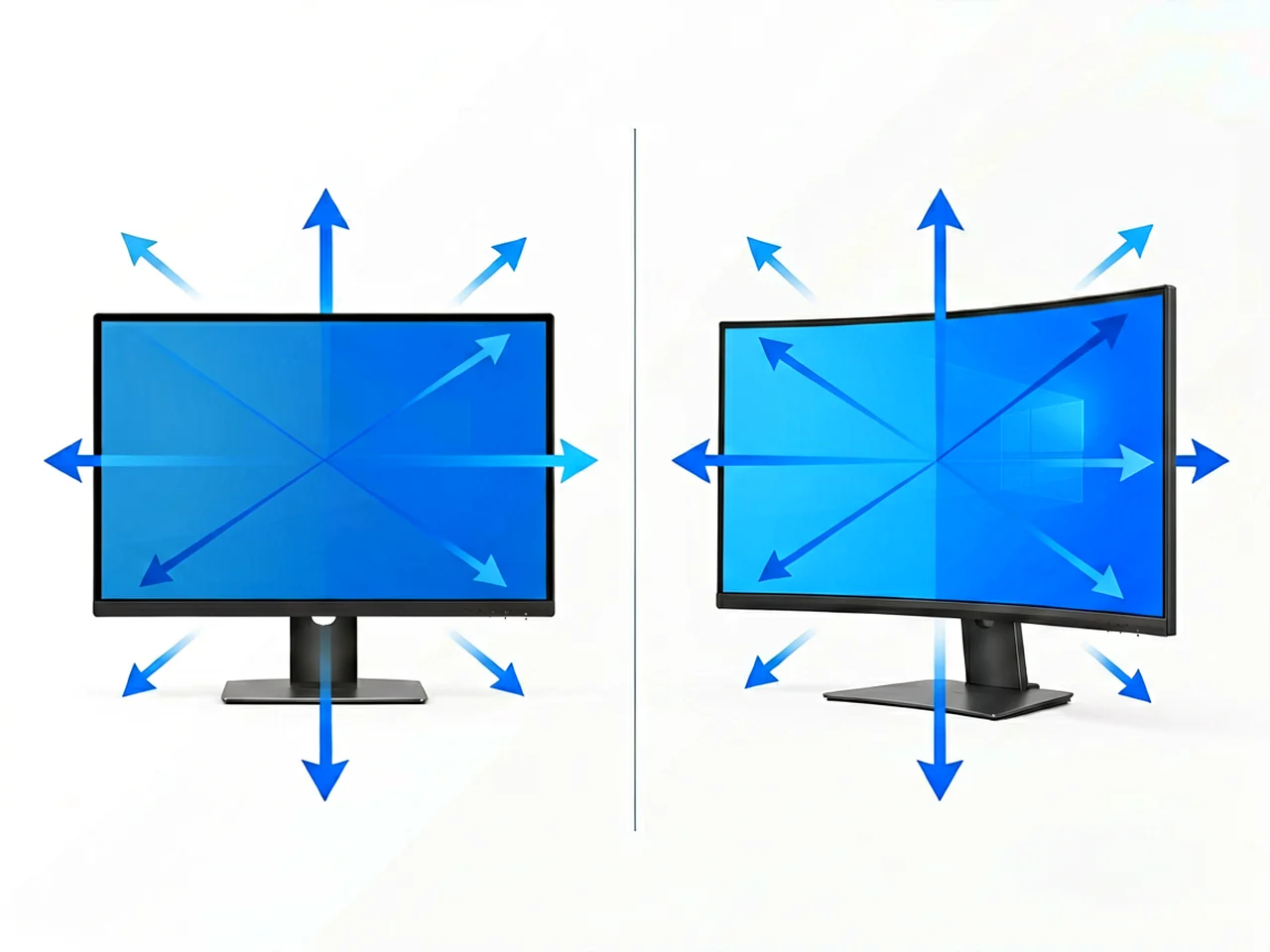
Curvature radius is measured in millimetres and describes the arc the panel makes. A smaller number means a tighter (more aggressive) curve.
| Radius | What it feels like | Best for |
|---|---|---|
| 1800R | Subtle curve, almost flat | 27–32″ general use, dual-monitor stacks |
| 1500R | Noticeable curve, easy to adjust to | 27–34″ gaming, single-screen productivity |
| 1000R | Strong curve, immersive but aggressive | 34–49″ ultrawide, sim racing, single-user |
The radius also has to match the screen size — a 1000R on a 27″ panel is more extreme than a 1000R on a 49″ ultrawide. If you want subtlety, stay at 1800R. If you want immersion, 1500R is the sweet spot for most people.
| Use case | Curved | Flat | Why |
|---|---|---|---|
| Gaming (single player, racing, flight sims) | ✅ Wins | — | More peripheral vision, more immersion |
| Productivity (split-screen, multi-window) | Tie | Tie | Depends on aspect ratio more than curve |
| Office work (documents, email, browser) | — | ✅ Wins | Curve adds nothing here. |
| Media consumption (movies, video) | ✅ Wins | — | Cinematic feel, less letterbox distraction |
| Programming / data work | — | ✅ Wins | Curved text near edges can look warped. |
| Shared viewing (multiple people) | — | ✅ Wins | Off-centre viewing at a curve distorts |
If you only do office work, a curved panel is paying for something you will not feel. If you game, watch movies, or work with wide timelines, the curve earns its place.

Curved monitors are physically deeper than flat panels of the same size — the curve adds a few extra centimetres at the deepest point. A standard 27″ 1500R is typically 25–30 cm deep, including the stand. Measure your desk from the wall to where your eyes are; you need at least 60–70 cm of total viewing distance for a 27″ to feel comfortable.
If you use a VESA arm, check the weight rating. A 32–34″ curved ultrawide is significantly heavier than a 24″ flat panel, and most cheaper arms max out around 9 kg. Get a heavy-duty arm rated for at least 12 kg if you go large.
Two 27″ curved monitors side by side look striking, but the bezels form a small V shape in the middle. For productivity, two flat 27″ panels with thin bezels are usually better. For sim games or a single ultrawide alternative, one 32:9 ultrawide curved (often 1800R or 1500R) replaces two screens cleanly.
Curved IPS and VA panels don’t suffer OLED-style burn-in. Clean the screen with a microfibre cloth — never press hard on the curve. Abrasive cleaners or paper towels can scratch the anti-glare coating.
Indicative 2026 retail ranges for new units in ZAR:
| Category | Price range (ZAR) | Notes |
|---|---|---|
| 27″ FHD 1500–1800R | R2,500 – R4,500 | Entry curved, office-friendly |
| 27″ QHD 165Hz 1500R | R4,500 – R7,500 | Gaming sweet spot |
| 32″ 4K 1500–1800R | R7,500 – R12,000 | Content / productivity |
| 34″ UWQHD 1500R | R9,000 – R14,000 | Ultrawide productivity |
| 49″ 32:9 1800R | R18,000 – R30,000 | Sim / dual-monitor replacement |
Compare prices at Takealot, Incredible Connection and local IT resellers. Look for warranty terms — curved ultrawides have more panel surface and more expensive backlight systems, so warranty matters.
Usually no. The benefit is minimal at 24–27″, and the premium over a flat panel is rarely worth it for documents, email and browser work. Save the curve for screens 32″ and up, or for media and gaming.
1500R is the safe default — a noticeable curve, easy to adapt to. 1800R is more conservative. Avoid 1000R at 27″ unless you specifically want the aggressive wrap.
A modest curve keeps the screen edges at a more consistent distance from your eyes, which can reduce micro-adjustments your eyes make across a flat, wide panel. The effect is subtle and varies by person.
Yes — most curved monitors support VESA 75×75 or 100×100. The curve does not interfere with the mount. Use an arm rated for the panel’s weight; curved 32″+ models are heavier than they look.
Curved panels are more fragile in transit than flat panels. If you order online, check the seller’s damage policy and consider local pickup if available.
Ordering note: Online ordering and payment are available. Product availability, compatibility and delivery options can vary, so compare the ports, size and compatibility on the relevant product page before ordering. If you need help comparing options, use our Contact page.
For monitors, adapters and other setup components, browse our PC parts, monitors and networking category and compare the ports, size and compatibility with your desk setup. Related reading: our desktop monitor buying guide, portable monitor guide, and USB-C hub buying guide.
Related products: 24 Inch FHD 165Hz Gaming Monitor · 27 Inch QHD 165Hz Gaming Monitor · 27 Inch 4K UHD Monitor
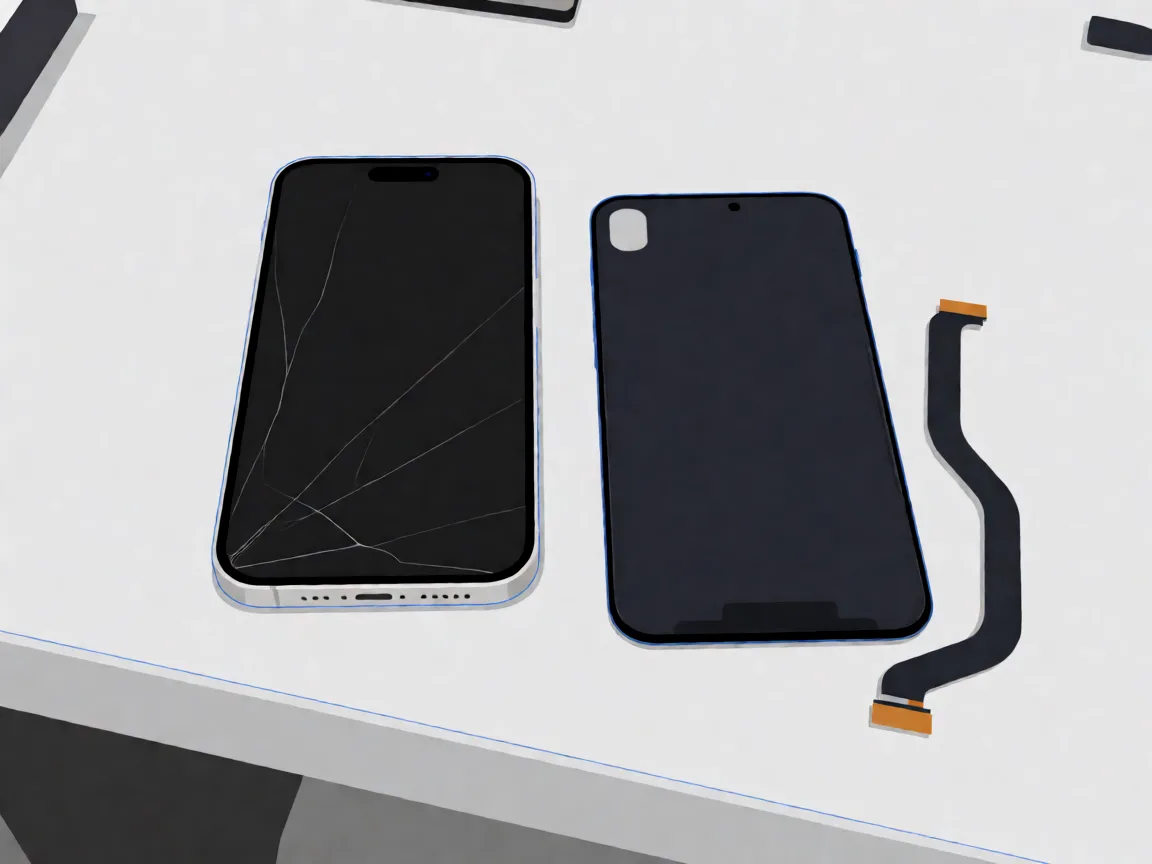
Samsung Galaxy A14 screen replacement in South Africa: part prices, the 4G versus 5G model trap, why no OLED exists for this phone, and honest DIY difficulty.
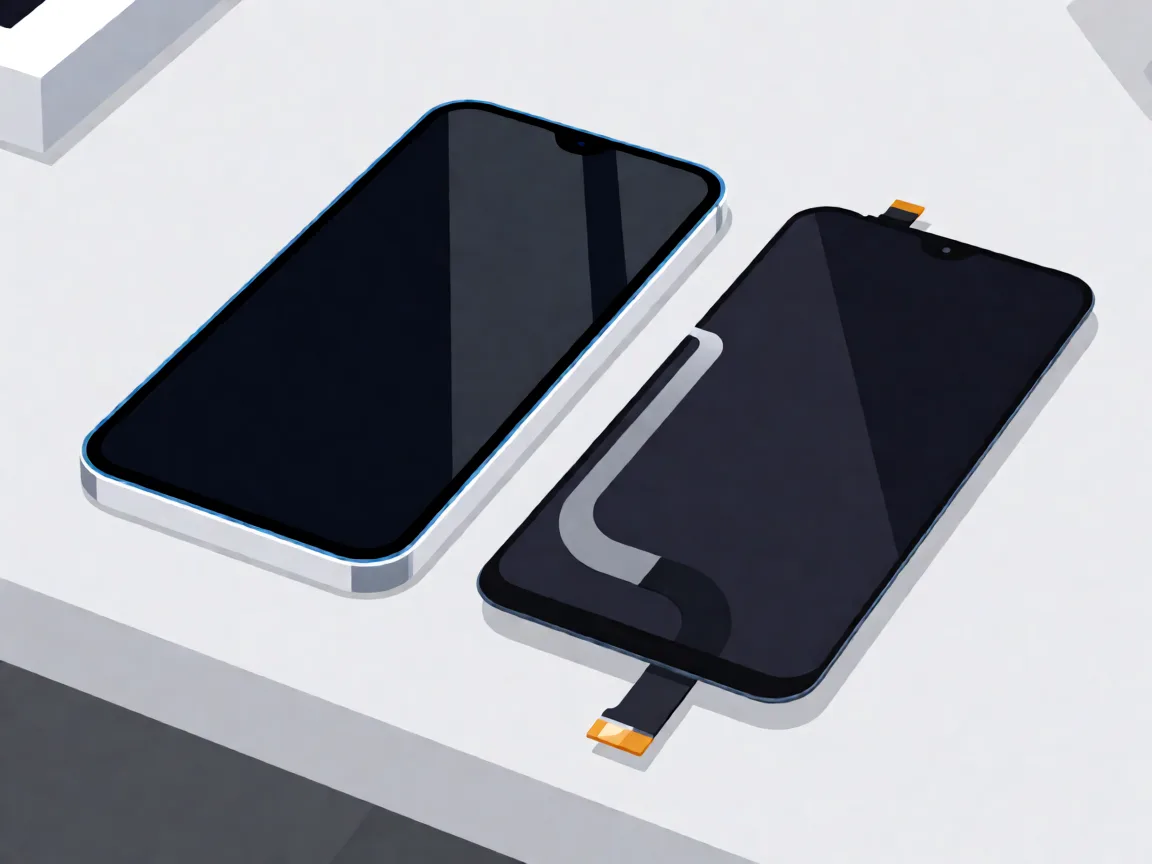
Samsung Galaxy A05 screen replacement in South Africa: part prices, the A05s and A06 model traps, with-frame versus bare panel, and the honest DIY difficulty.

Compare Samsung Galaxy A-series screen part prices in South Africa, understand what changes the fitted repair cost, and check your exact model before ordering.
One Response