Here is the uncomfortable truth about phone screen burn in — the term South African owners search when a keyboard or status-bar ghost stays on their display: the fix most people spend money on does not exist. Burn-in is not a software fault, not a stuck setting, and not something a multimeter, a factory reset or a repair app can undo. Once an OLED pixel has physically faded, no amount of colour-cycling tricks brings it back — the only remedy is a new display. Yet burn-in and the far more common, far more temporary image retention look almost identical from the outside, and most owners cannot tell which one they have. They spend a weekend on a fix that cannot work, or panic over a shadow that disappears on its own.
This guide separates the two, shows you how to test which one you actually have in about ten minutes, and sets out honestly what can be improved, what cannot, and how to slow the damage down on the screen you already own. It is written for South African phone owners, repairers and anyone holding a two-year-old handset wondering whether the ghost of a keyboard outline means they should spend money on a replacement screen.
What phone screen burn in actually is
Burn-in is the permanent, uneven fading of display pixels caused by unequal, cumulative use over time. On an OLED screen each pixel is its own light source — there is no backlight behind the panel, and each subpixel makes its own colour when current runs through it. As Wikipedia’s OLED overview puts it plainly, the longer an OLED pixel is illuminated, the dimmer it appears next to a lesser-used pixel.
Because the red, green and blue materials degrade at different rates, the damage rarely shows up as uniform dimming. Blue organic materials fade fastest, so a heavily used phone tends to drift yellow, pink or red over years — unless manufacturers compensate by driving the blue pixels harder, which burns them faster still. One 2008 technical report cited in the same source measured brightness loss after 1,000 hours of operation: blue down 12%, red down 7%, green down 8%. The mismatch between those three numbers is exactly what produces the odd colour patches and dark bands people eventually notice.
The other half is brightness: expected OLED lifespan falls sharply as operating brightness rises, which is why maxed-out brightness, sunlit lock-screens and screens left on continuously all shorten panel life.
Burn-in or image retention: the distinction that decides everything
This is the single most useful thing you can learn. Apple’s own display documentation states image persistence “is temporary and disappears after a few minutes of normal use,” while burn-in “can occur in more extreme cases.”
In practice they look similar and behave completely differently:
Temporary image retention. A ghost of a keyboard, notification bar or app toolbar appears only under certain backgrounds, usually dark or mid-grey. It fades within seconds to a couple of minutes. Common on newer phones and often visible in the first weeks — one Apple community specialist confirmed this as expected behaviour on an iPhone 13 that had been owned a week. Nothing is broken. No repair needed.
True burn-in. A faint but fixed shape — a navigation bar outline, a clock, a keyboard row, a status bar — that stays put across every colour and every app. It is most obvious on light grey or white backgrounds and it does not go away. The pixels underneath are permanently dimmer. This is a wear item, and the display is spent.
Dead or stuck pixel. A single black or single bright coloured dot at one coordinate. That is a different fault entirely — hardware, not ageing — and it has its own warranty implications.
Getting this wrong is expensive in both directions: retention fixes waste a weekend on true burn-in, and treating retention as burn-in means replacing a perfectly good display for nothing.
Symptom
What it is
Reversible?
Typical fix
Burn-in (ghost visible on any content)
OLED pixels have aged unevenly
No
Panel replacement or live with it
Image retention (ghost fades in minutes)
Pixels temporarily shifted
Yes
Full-field colour cycle
Smudge or residue
Oil, adhesive or protector residue
Yes
Isopropyl alcohol on microfibre
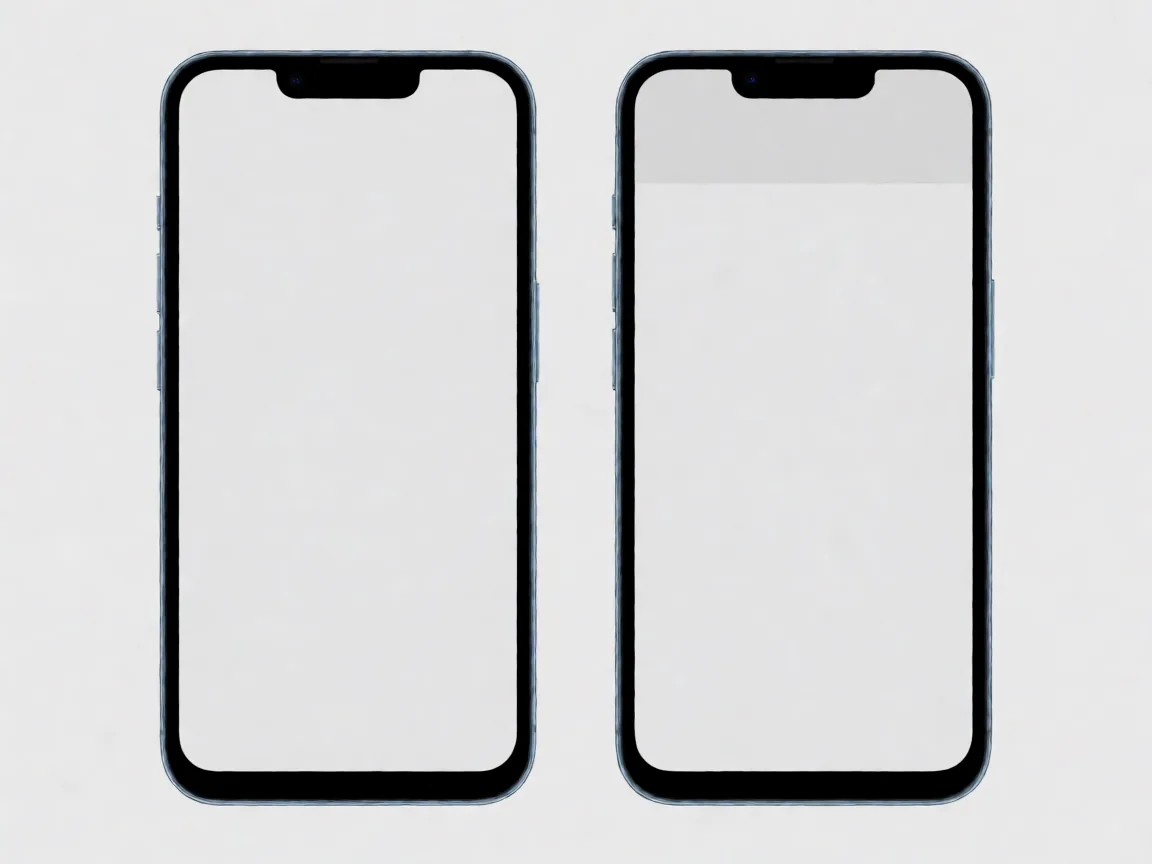
Two panels comparing a dissolving LCD ghost and a fixed OLED burn-in ghost
Image detailsName: burnin-lcd-vs-oled-retention.webp Alt: Two panels comparing a dissolving LCD ghost and a fixed OLED burn-in ghost Prompt: Purpose: Create a technical comparison illustration showing the difference between temporary image retention on an LCD panel and permanent burn-in on an OLED panel. The difference in reversibility must be readable without text. Subject Facts: Two rectangular phone display panels shown flat, side by side, viewed straight on, the same size. Both panels display the same faint ghost of a clock icon in the top left area. The LEFT panel (LCD) shows the ghost dissolving: the ghost outline is partially faded and small dissolving particles trail away from it, suggesting it is fading out. The RIGHT panel (OLED) shows the ghost fixed and solid: the outline is crisp and clearly anchored to the panel with no dissolving effect. Both panels have thin, plain bezels of identical width. Real-world Scene Logic: The two panels are parallel, evenly spaced, and do not overlap. Both are seen from directly in front with no perspective distortion. Even neutral lighting on the surrounding background. Camera/Lighting: Flat orthographic front view, even neutral studio lighting, light grey background. Style Anchor + Brand Color: Flat vector infographic style, restrained palette, brand blue only as a thin outer outline on each panel, otherwise black, grey and white. Constraints: No generated headlines, labels, captions, arrows, annotations, UI text or promotional text. No text, no words, no letters, no numbers anywhere in the image. No deformed panels, no distorted shapes, no perspective skew, no gradients that resemble generated text. Do not draw individual pixels, pixel grids or microscopic structures: show the panels as clean flat surfaces only. Output Format: 1024×768 output. Model: agnes-image-2.1-flash
LCD screens have their own version of the phone screen burn in family, and it is worth separating from true burn-in. An IPS panel can hold a temporary after-image after hours of static content, but the liquid crystal layer relaxes and the ghost fades within minutes of normal varied content. That is image retention in its mildest form. If the ghost clears on a full-field test image, the panel is healthy;.
How to test your screen in ten minutes
You do not need an app. A browser-based solid-colour test in fullscreen is the most reliable approach, because it removes system UI and leaves clean, even colour fields; a digital multimeter confirms the practical conclusion, though —
Two identical smartphones side by side, left screen clean grey, right screen showing a faint ghost of a messaging interface
Image detailsName: phone-screen-burn-in-test.webp — Test comparison Alt: Two identical smartphones side by side, left screen clean grey, right screen showing a faint ghost of a messaging interface Prompt: Not recorded (published 2026-10-19 before the prompt registry; Agnes generation assumed) Model: agnes generation, 2026-10-19 (prompt not recorded)
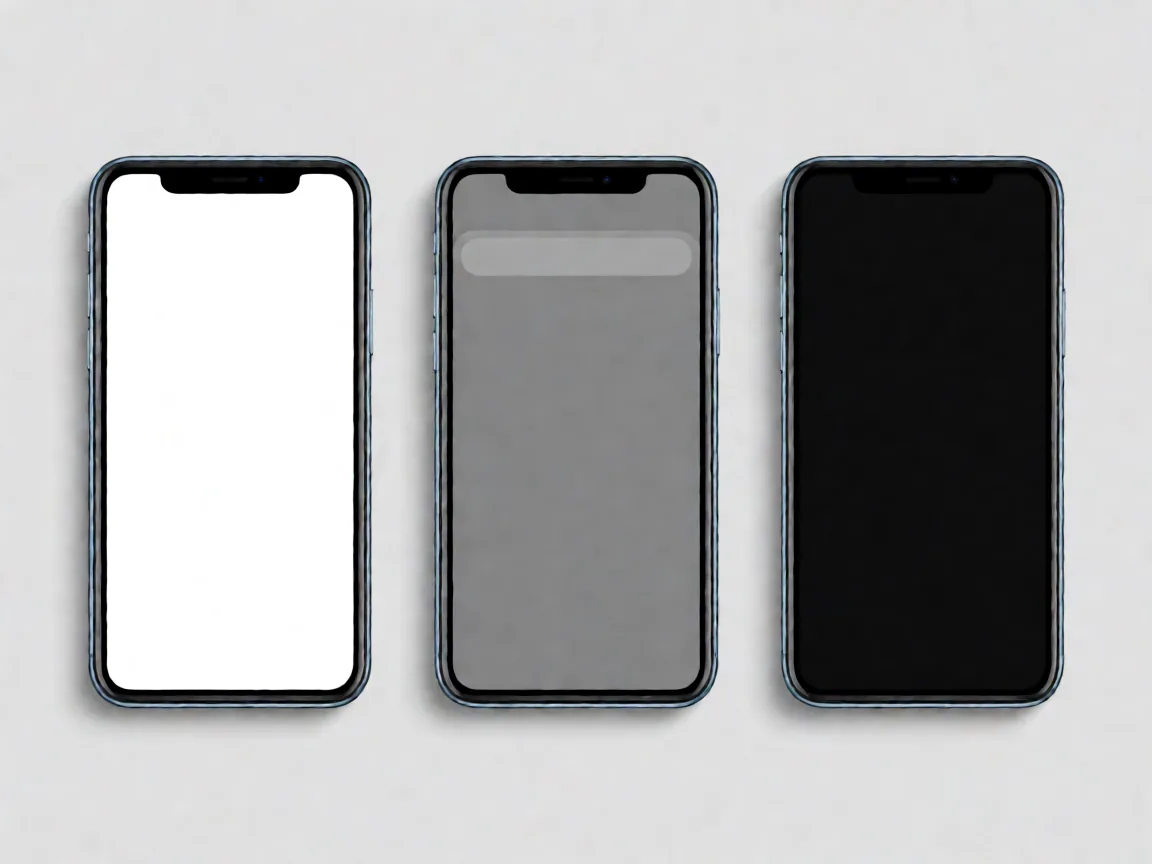
Step 1 — Grey field first. Mid-grey is the most revealing background for early-stage burn-in because it exposes faint brightness differences that white and black hide. Open any full-screen colour test in your browser, enter fullscreen, and set the screen to a uniform mid-grey. Look across the top strip and the bottom strip.
Step 2 — Pure white. Switch to solid white. Permanent dark patches from long-lived UI elements become obvious here. Note the shape and position of anything that should not be there.
Step 3 — Pure black. On OLED, black pixels are switched off entirely, so any residual outline from a bright static element is clearly visible against true black.
Step 4 — Red, green and blue separately. Step through each primary colour. Uneven colour response across the panel reveals sub-pixel degradation — the same test Samsung’s own factory service menu uses on Galaxy devices via the *#0*# dial code, where RED, GREEN and BLUE tiles test each sub-pixel bank directly.
Step 5 — Wait, then re-check. Leave normal, varied content on the screen for ten minutes. Re-open the grey field. If the ghost has faded or vanished, it was image retention. If it sits in exactly the same place with the same shape, it is burn-in.
Three identical smartphones showing white, mid-grey and black test screens, with a faint ghost interface visible on each
Image detailsName: phone-screen-burn-in-blue-subpixel.webp — Subpixel test Alt: Three identical smartphones showing white, mid-grey and black test screens, with a faint ghost interface visible on each Prompt: Not recorded (published 2026-10-19 before the prompt registry; Agnes generation assumed) Model: agnes generation, 2026-10-19 (prompt not recorded)
Why a multimeter will not tell you about burn-in
Burn-in is a chemical change in an organic light-emitting material, not an electrical fault: the pixel still passes a continuity test and still emits light, just less than its neighbour. A meter measures volts, ohms and amps; no probe placement reads “this subpixel is 12% dimmer.”
What a multimeter can rule out is the cheaper explanation. If your screen has a visible dark band or a stuck-looking patch, testing the battery voltage, the charging path and the display flex connector tells you whether you are looking at an ageing panel or a genuine electrical fault. That distinction matters at a repair bench: an electrical fault is diagnosable, a faded pixel is not.
What actually helps, and what is a waste of money
Be clear-eyed about this: nothing on the internet restores dead organic emitters. What follows is a ranking of real mitigation, from genuinely effective to purely cosmetic.
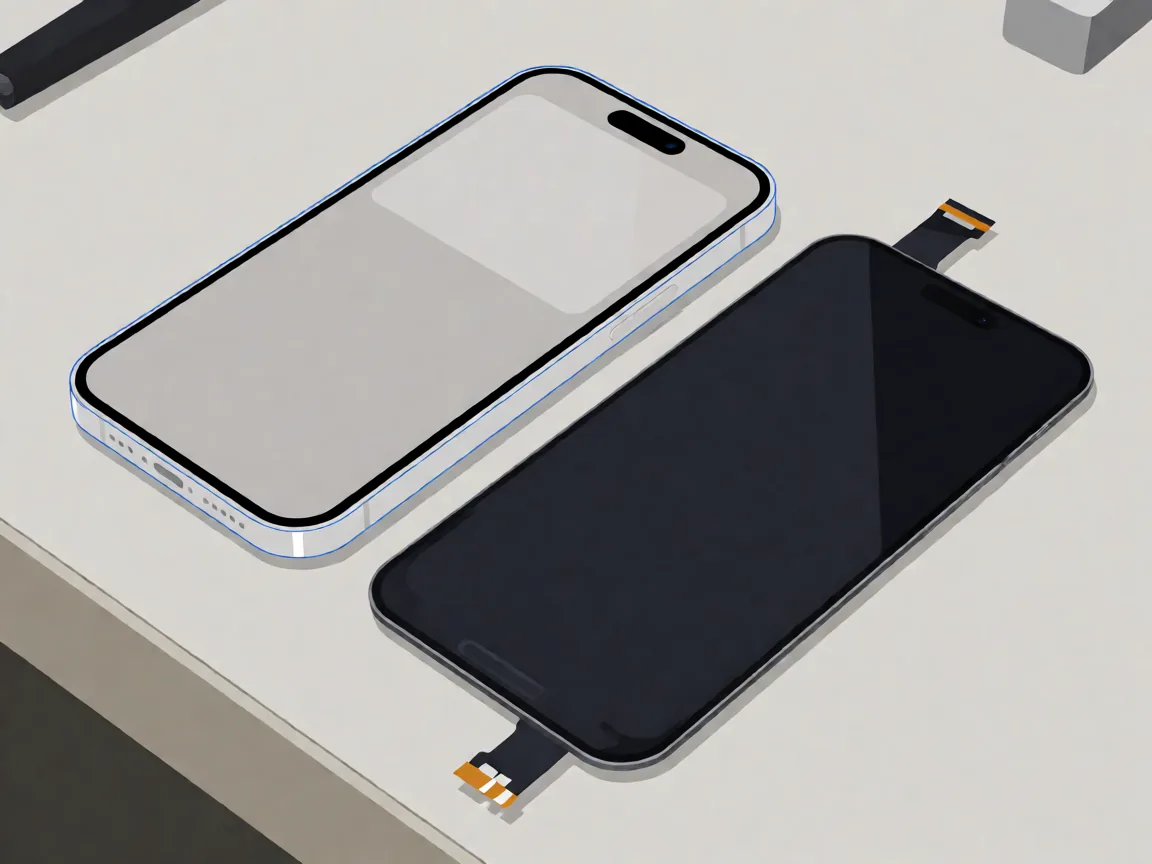
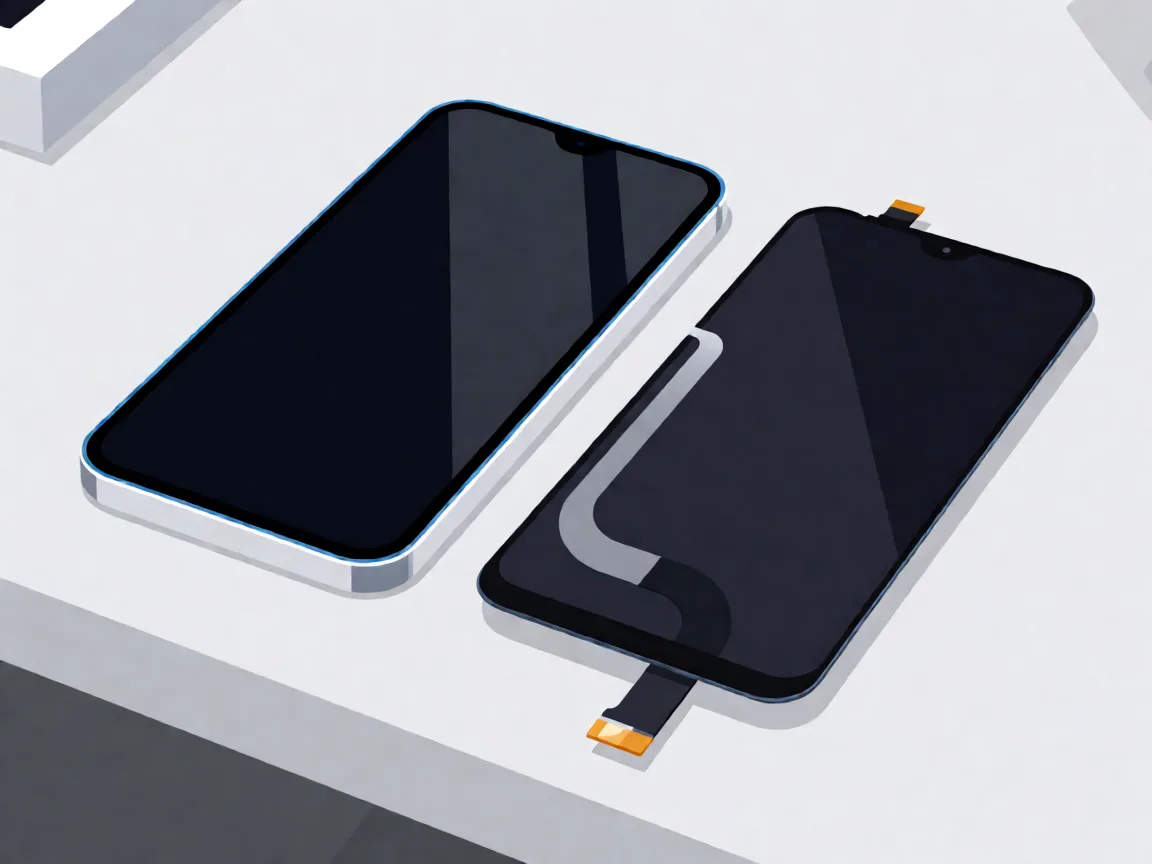
Smartphone with ghosted display beside a replacement screen assembly with flex cable
Image detailsName: phone-screen-burn-in-replacement.webp — Replacement Alt: Smartphone with ghosted display beside a replacement screen assembly with flex cable Prompt: Not recorded (published 2026-10-19 before the prompt registry; Agnes generation assumed) Model: agnes generation, 2026-10-19 (prompt not recorded)
Pixel refresh / panel refresh routines — real but bounded. LG’s OLED televisions run a Pixel Refresher automatically after roughly four hours of cumulative use, and Sony calls the equivalent Panel Refresh. The mechanism evens out wear by cycling pixel voltages; it does not resurrect faded organic material. Useful early, largely useless on a screen that already shows a fixed ghost. Phone manufacturers are more cautious and generally do not expose a manual equivalent worth chasing.
Pixel shifting — preventive, built in. Apple and Samsung shift the status bar by a pixel or two every minute or so on certain models, so fixed UI does not land on the same subpixels forever. Wikipedia describes this as a mitigation, not a cure. You cannot switch it on manually, and you should not try to defeat it.
Inverted-image and colour-cycling apps — cosmetic at best. These load opposite-colour images into the worn area to load the pixels more evenly, which can reduce how visible a faint ghost looks. Several repair shops describe exactly this in their write-ups. It changes appearance, not chemistry. If a shop promises to remove burn-in with an app, that is not a repair.
The “pixel unsticking” cycle — wrong tool for this problem. Rapid RGB flashing at 60 to 120 Hz genuinely works on stuck pixels, because a stuck pixel’s transistor is still alive but locked. It does nothing for burn-in, and running it with the screen at maximum brightness on an already-aged OLED panel is the worst possible combination for further damage.
Factory reset, app updates, digging in settings — irrelevant. Burn-in lives in the physical display stack, not in Android or iOS. No software action reaches it.
Pressure, rubbing or scratching the panel — actively dangerous. It damages an already-compromised display and can crack it. Do not attempt it on a burnt panel.
Android owners have one more mitigation layer worth trying. Several Android manufacturers build pixel-refresh or panel-compensation routines into their system maintenance tools, and running a full-field colour cycle from a free test video can reduce the visibility of mild image retention on LCD and, to a lesser extent, on OLED. None of these tools reverses the phone screen burn in itself; they can rebalance the remaining pixels so the ghost blends in.
From R519 (Samsung) / R625 (iPhone), parts only, 29 Oct 2026
The only fix for true burn-in
What kills an OLED faster in South Africa
The physics is universal, but how you live with it is not. Several factors that accelerate OLED ageing matter disproportionately in South African conditions.
Load shedding and voltage swings. A sudden power cut during a repair job can kill a heat-gun separation mid-sweep, and independent benches running on inverter backup are especially exposed. The same brownouts at home are why many owners arrive at a shop describing a “screen problem” that is actually a display flex or connector fault from a drop in supply voltage — not ageing at all. Test the power path before you write the phone off as a dead panel.
Heat. OLED lifespan is strongly temperature-dependent, and a phone left face-up on a workshop bench or a car dashboard in a Joburg or Durban summer is running far hotter than its rated conditions. Heat and high brightness together are the fastest path to visible ageing.
Full-brightness outdoor use. At 100% brightness, expected lifespan drops to roughly a quarter of what it is at 25%. Auto-brightness is not a convenience feature here; it is a lifespan control. Samsung phones also ship with screen-burn protection behaviour that assumes sane use — commercial or abnormal use falls outside it.
Static banking and POS terminals. A phone bolted to a counter showing one app, one map or one payment screen for twelve hours a day ages dramatically faster than a phone in a pocket. This is the mechanism behind the burned-in logos on shopfront TVs, and it applies to a delivery-route handset or a fixed-display budget phone.
Pulled or refurbished OLED panels. A panel removed from another device may have an unknown usage history and existing pixel wear. A newly manufactured third-party panel has a different source; its performance and lifespan depend on the specific part and how it is used. Check whether a replacement is new, refurbished or pulled, and review the warranty. Our guide to OEM versus aftermarket parts explains the source and quality differences.
Three phone panels showing burn-in severity from barely visible to clearly visible at all times
Image detailsName: burnin-severity-ladder.webp Alt: Three phone panels showing burn-in severity from barely visible to clearly visible at all times Prompt: Purpose: Create a technical illustration showing three levels of OLED screen burn-in severity. The difference between the three levels must be obvious at a glance. Subject Facts: Three identical modern smartphone screens shown flat, side by side, viewed straight on, all powered on showing the same pale grey test image. On each screen, a faint ghost of a messaging-app interface is visible: a rounded input bar at the bottom and a row of icons along the top. The LEFT screen shows the ghost so faint it is barely noticeable. The MIDDLE screen shows the ghost clearly visible but only noticeable when looking for it. The RIGHT screen shows the ghost strongly visible at all times, with the icon shapes clearly readable as darker patches. All three screens have thin, plain bezels of identical width. Real-world Scene Logic: The three panels are parallel, evenly spaced, do not overlap, and are aligned at the same height. The gradient of severity from left to right must be clearly visible. All are seen from directly in front with no perspective distortion. Camera/Lighting: Flat orthographic front view, even neutral studio lighting, light grey background. Style Anchor + Brand Color: Flat vector infographic style, restrained palette, brand blue only as a thin outer outline on each panel, otherwise black, grey and white. Constraints: No generated headlines, labels, captions, arrows, annotations, UI text or promotional text. No text, no words, no letters, no numbers anywhere in the image. No deformed panels, no distorted shapes, no perspective skew, no gradients that resemble generated text. Output Format: 1024×768 output. Model: agnes-image-2.1-flash
Severity decides the budget. If the ghost only shows on a full-grey test image at high brightness, mitigation is the rational spend. If it is visible on any content at normal brightness, or the aged patches read as dark shapes.
Is burn-in covered by warranty?
Almost certainly not. Samsung’s published warranty terms exclude “burned-in images resulting from viewing an image on the display screen for an extended period of time,” and LG and Sony explicitly exclude burn-in on their OLED televisionsn. Apple’s documentation describes long-term visual change including image persistence and burn-in as expected behaviour rather than a defect.
What warranties do cover is manufacturing defects, and for some models dead-pixel thresholds. A phone that develops a cluster of dead pixels in month four is a different conversation from a phone with a keyboard-shaped ghost after three years. If your damage is from a drop, a liquid event or an impact, that is an accident and a different pathway entirely — a screen cracked by a drop is the subject of screen replacement cost planning rather than burn-in.
So should you replace the screen?
Only if the result is permanent. Work through this decision in order:
Confirm it with the ten-minute test. If the ghost fades, you have image retention. No replacement, no spend, no drama.
Check whether it is spreading. A faint status-bar shadow on a three-year-old phone is cosmetic. A visible keyboard block that grew from a corner over six weeks is worse and will keep going.
Look at how it behaves. A ghost visible only on a dark background in a dim room barely registers. One that shows on every app, on white web pages and on your lock screen, is worth fixing.
Rule out the cheap causes first. If the dark area is a band rather than a shape, and appeared suddenly rather than gradually, suspect a flex connector, a display driver fault or a drop-induced panel crack before you assume ageing.
Then price the repair honestly. On entry-level Android handsets, a screen assembly may cost less than the phone is worth and replacement is often uneconomic. On iPhones and Samsung flagships it is a real expense — observed South African pricing in 2026 puts budget-tier Samsung screen assemblies around R900 to R1,300, mid-range A-series work around R1,100 to R2,200, and flagship assemblies from roughly R3,300 upward, with foldables quoted well into five figures. Against that, a burned screen on a device you would replace in a year is not worth spending money on.
On what a replacement is: the assemblies we stock are third-party display units, not Samsung or Apple originals, and the honest framing is fit and price rather than factory calibration. A replacement suits an otherwise healthy phone whose burn-in is severe enough to affect daily use; it suits you less if the ghost is mild, the phone is under warranty, or a board fault is the real problem. And if you would rather not carry the teardown risk, a part you have chosen can be handed to any workshop to fit.
Slowing down the next one
Prevention is cheap and it is the only part of the phone screen burn in problem genuinely within your control.
Keep auto-brightness on. On iPhone it lives under Settings › Accessibility › Display & Text Size.
Set a short auto-lock timeout so the panel is not a lit billboard on a table for hours.
Drop brightness when viewing the content that causes it — long video sessions, static menus, a game with a fixed HUD.
Prefer dark mode where you can, and avoid leaving a high-contrast static app open when you are not using the phone.
Keep the phone out of direct sun and off hot surfaces. Heat is free damage.
Keep iOS or Android current. Apple specifically credits its pixel-usage monitoring and auto-brightness behaviour, which run on the OS level.
Do not run pixel-unsticking or colour-cycling tools on an OLED panel as a routine habit. They are for stuck pixels, and the brightness they demand costs you lifespan.
Setting or habit
What it protects
Where
Lower maximum or adaptive brightness
Slows all pixel ageing
Quick settings
Dark-mode system theme
Black pixels draw no current on OLED
Display settings
Vary the launcher layout or rotate the phone
Spreads wear instead of concentrating it
Home screen
Disclaimer
Discrepancy notice: display technology, manufacturer firmware behaviour, pixel-shift and refresh schedules, warranty terms and repair pricing change without notice, and vary by model, region and date. Display lifetime figures quoted here come from published technical references and are measured under laboratory conditions; real outcomes depend on brightness, temperature, static content and usage patterns. Pricing ranges reflect South African market observations and are provided as market reference, not a quoted price. If you believe a fault is a manufacturing defect rather than wear, check the current warranty terms for your specific model and serial number. Questions or corrections are welcome via our Contact page or support@potatotech.co.za.
POTATOTECH publishes research-based guidance on electronics repair, replacement parts, tools and device compatibility for South African users.
Our content may reference manufacturer documentation, product specifications, technical repair resources and South African market information where relevant.
Where POTATOTECH has not independently tested a product or repair method, researched information is not presented as first-hand testing.
About POTATOTECH: /about-us/
Important
POTATOTECH provides information about replacement parts, repair tools and device compatibility.
POTATOTECH is not affiliated with or endorsed by device manufacturers unless explicitly stated. Product names, trademarks and brands belong to their respective owners.
Compatibility information is provided as guidance. Always confirm the exact device model, model number and relevant part specifications before selecting or purchasing a replacement part.
Repair information is provided for general informational purposes. Follow manufacturer guidance and appropriate safety precautions when carrying out repairs.
Samsung Galaxy A14 screen replacement in South Africa: part prices, the 4G versus 5G model trap, why no OLED exists for this phone, and honest DIY difficulty.
Samsung Galaxy A05 screen replacement in South Africa: part prices, the A05s and A06 model traps, with-frame versus bare panel, and the honest DIY difficulty.
Compare Samsung Galaxy A-series screen part prices in South Africa, understand what changes the fitted repair cost, and check your exact model before ordering.