
You plug in the cable, and nothing happens — or worse, the charging icon shows, but the battery percentage refuses to move. When your phone won’t charge, the cause runs through a short chain: the cable, the plug, the socket, the port, the software, and finally the battery itself. Working through that chain in order finds the fault in minutes for most people — and this guide walks it with you, including the load shedding realities that make charging problems more common in South Africa than almost anywhere else. By the end you will know whether this is a R50 cable, a five-minute cleaning, or a battery decision.
“It won’t charge” describes three different faults, and the fix depends entirely on which one you have. Plug in and watch the screen for thirty seconds:
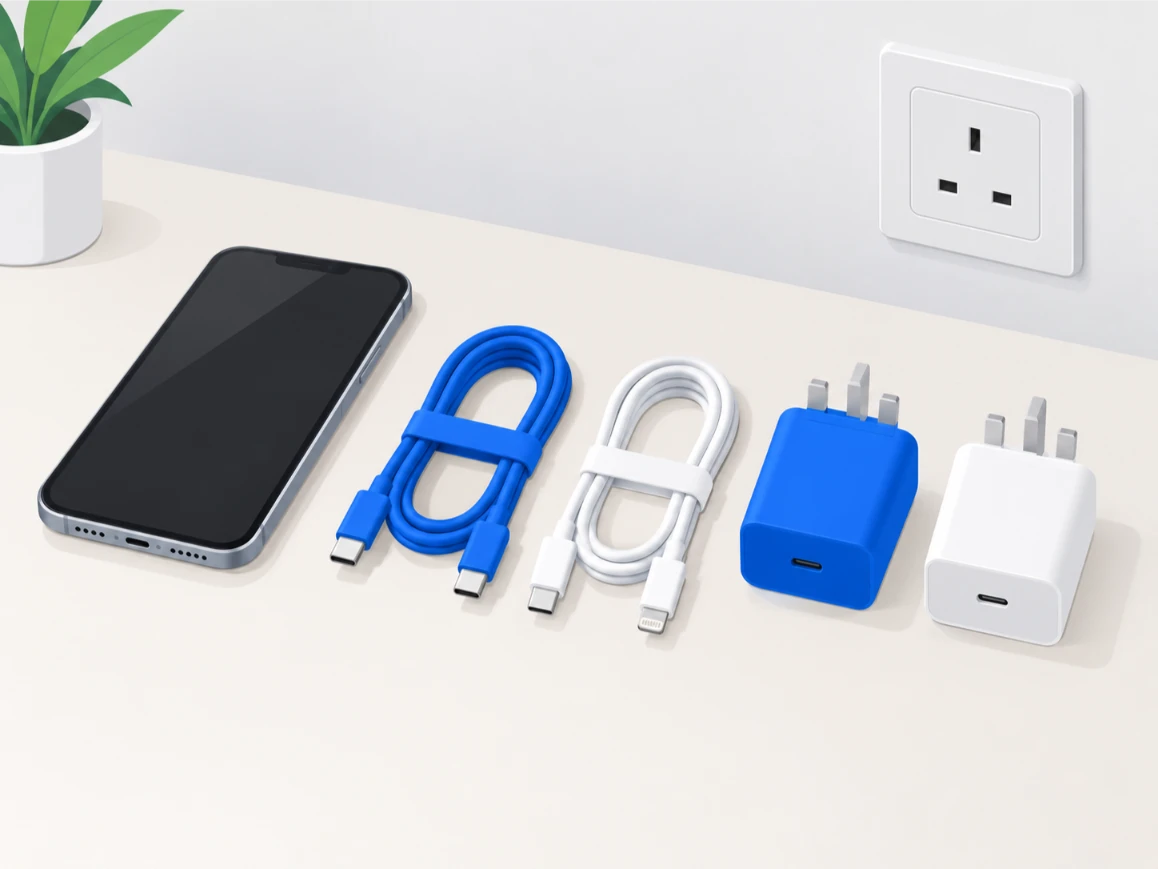
Before suspecting the phone, prove the power path. This cross-swap test takes two minutes and settles it:
A South African-specific note on plugs: load shedding is quietly hard on chargers. Every stage drop and reconnection pushes a voltage spike through the grid, and charging adapters are often the first casualties — sometimes visibly (a dead indicator light), sometimes subtly (an adapter that still works but delivers dirty, unstable power). Plug your charger into a surge-protected strip rather than a bare wall socket, avoid charging during the switch-over minutes, and retire any adapter that behaves differently than it used to. The scheduled load shedding process is now a permanent fixture of the grid, and treating your charger as a wear item is simply realistic.
If new cables and plugs change nothing, look at the port. Shine a torch inside: pocket lint compacts at the back of the port into a felt-like plug that the cable can no longer press through — the classic symptom is charging that only works with the cable at one angle. Clean it with a dry wooden or plastic toothpick and short, gentle scrapes against the back wall, or a soft dry brush. No metal pins, no compressed air at close range, nothing wet. This quick clean resolves a remarkable share of cases; if the port itself is damaged — a wobbly connector, bent pins, or cleaning that changes nothing — the full inspection and repair path lives in our charging port guide.
This variant confuses people most: the lightning bolt is on screen, maybe even the sound plays, but the percentage never climbs. Power is arriving — the phone just refuses to store it. Work through these:
Notice what is not on this list: calibration apps and “battery fixer” downloads. Charging behaviour is managed by the phone’s power hardware and OS; third-party miracle apps do nothing but advertise. How you use the battery does shape its lifespan, though — the Battery University lithium longevity research is the standard reference if you want the details.
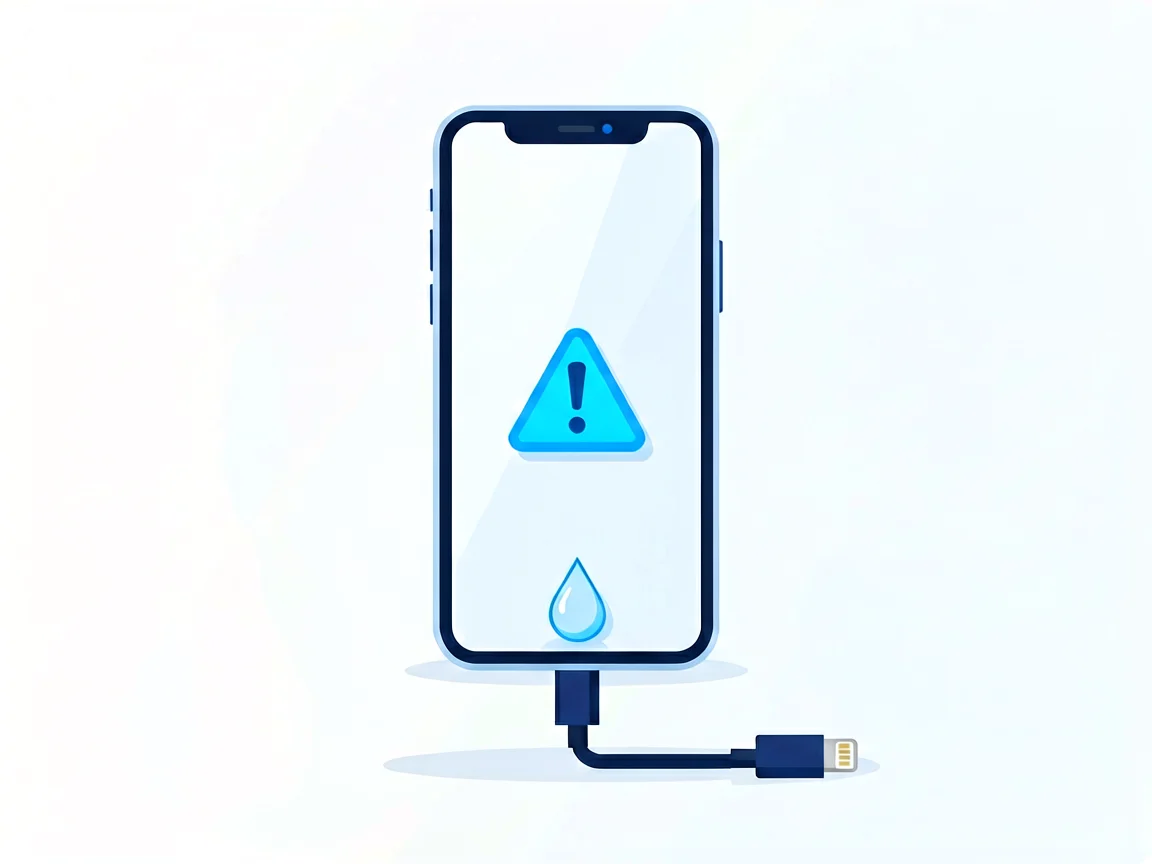
Modern phones detect moisture in the port and refuse to charge — showing a “liquid detected” alert. The refusal is protective: sending power through wet contacts corrodes them within hours. When the warning appears:
The older the phone, the more this matters: the rubber seals behind its water-resistance rating age with heat and years, letting moisture in through a “water resistant” shell. Charging through a damp port is also how a small wet incident becomes a charging-IC failure — the single most expensive charging fault there is.
Timing tells you a lot. Charging that stopped right after a drop usually means a cracked solder joint or a dislodged battery connector — software will not fix it. Charging problems that begin after a battery replacement deserve special mention, because they are common at informal repair counters: a non-original battery with a mismatched charge-management chip can show wrong percentages, refuse fast charging, or not charge at all. When you collect any repaired phone, watch it charge for ten full minutes at the counter before you pay and leave — and if a non-original part is suspected, asking for an original-grade part matters — non-original batteries often carry mismatched charge-management chips. Similarly, a charging fault that appears right after an OS update is usually patched in the next release; check the manufacturer’s support page before booking a repair.
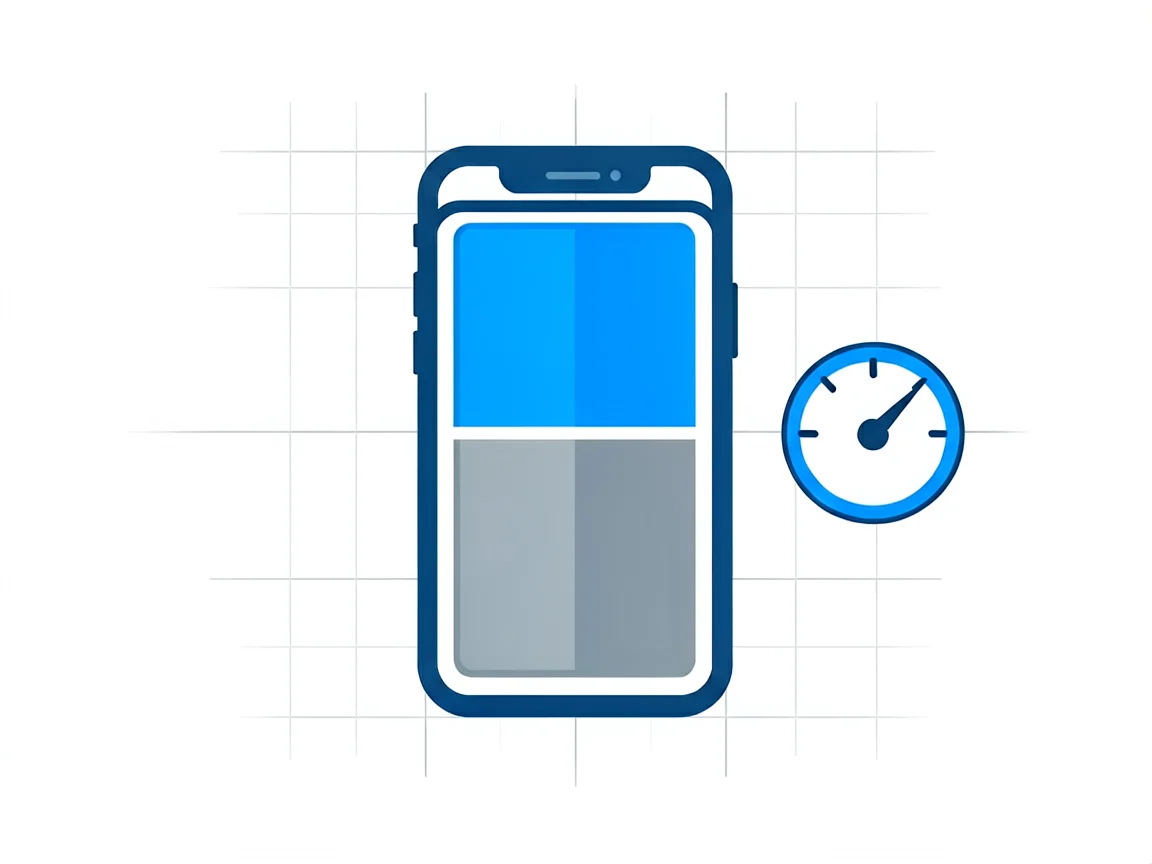
If the power chain is proven good, the port is clean, and the phone still refuses to charge (or charges painfully slowly), the battery itself is the prime suspect. Batteries degrade with every cycle: a unit that once charged in an hour now takes three, drops percentages in jumps, or shuts off at 20% — and eventually accepts charge poorly or not at all. Check the battery health reading where your phone offers one; a maximum capacity below roughly 80% is the accepted replacement threshold. Our battery replacement guide lists the tell-tale symptoms in detail, and the battery replacement cost guide covers South African pricing expectations before you request quotes.
On repair pricing: quotes vary by shop, by model and by battery grade, so always request a written quote before authorising work — and expect an assessment fee, commonly R250–450, usually deducted from the repair if you proceed. For context on how the internals come apart if you are technically minded, the teardowns on iFixit’s iPhone pages show the battery and charging-flex positions per model — but a battery that is swollen at all is a safety hazard: stop using the phone and hand it in; do not open it yourself.
Some combinations should end the DIY path immediately:
Unsure which case is yours? use our Contact page with your phone model and what you have already tried, and we will point you in the right direction.
My phone says it’s charging, but the percentage doesn’t move — why?
Power is arriving, but the battery is not storing it. Restart first — the battery meter is software and gets stuck. Then install updates, and check whether an 80% charging limit is enabled (Samsung Protect battery, iPhone charging optimisation). If the meter still freezes, the battery has likely aged past the point where it accepts charge properly and needs assessment.
Why won’t my phone charge past 80%?
That is deliberate battery protection, not a fault. Samsung’s “Protect battery” and Apple’s 80% charging limit slow or stop charging at 80% to extend the battery’s lifespan. Disable it in battery settings when you need a full charge for travel — and consider leaving it on for everyday use.
What does “liquid detected” mean, and can I skip the warning?
The port’s sensors found moisture, and the phone is blocking charging to prevent corrosion. Tap the phone gently port-down, let it dry for several hours, then retry. Avoid the “charge anyway” override — powering wet contacts is how corrosion and charging-IC failures start. Repeated false warnings on dry days mean the sensors are corroding and need professional cleaning.
I cleaned the port, and it still won’t charge — what now?
Work the chain in order: proven-good cable, proven-good plug, proven-good socket, then a restart. If all pass and it still refuses, the port connector itself or the battery is failing — time for a bench assessment. Most South African shops charge R250–450 to diagnose, usually deducted from the repair if you proceed. Always get a written quote first.
My phone died completely and now won’t charge at all — is it dead?
Probably not. A deeply discharged battery can look dead: connect a standard (not fast) charger and leave it untouched for at least 30 minutes — an hour is safer. The screen may stay black the whole time before showing signs of life. If nothing appears after an hour on a proven-good charger, the battery protection circuit or charging board needs professional attention.
How much does it cost to fix a phone that won’t charge in South Africa?
It depends entirely on the cause: a new cable or plug costs a few hundred rand at most, a port cleaning is cheap or free, a port replacement is a mid-price bench repair, and a battery sits in between — quotes vary by shop and model, so request a written quote and expect an assessment fee (commonly R250–450, usually deducted). Ask specifically which part the grade of the quote covers before agreeing.
More power and battery guides from our hub:
Disclaimer: This guide is for general information only. Repair steps carry risk; if you are unsure, consult a qualified technician. Prices and fees mentioned reflect publicly advertised ranges at the time of writing and may vary. POTATOTECH is not responsible for damage arising from DIY repairs.
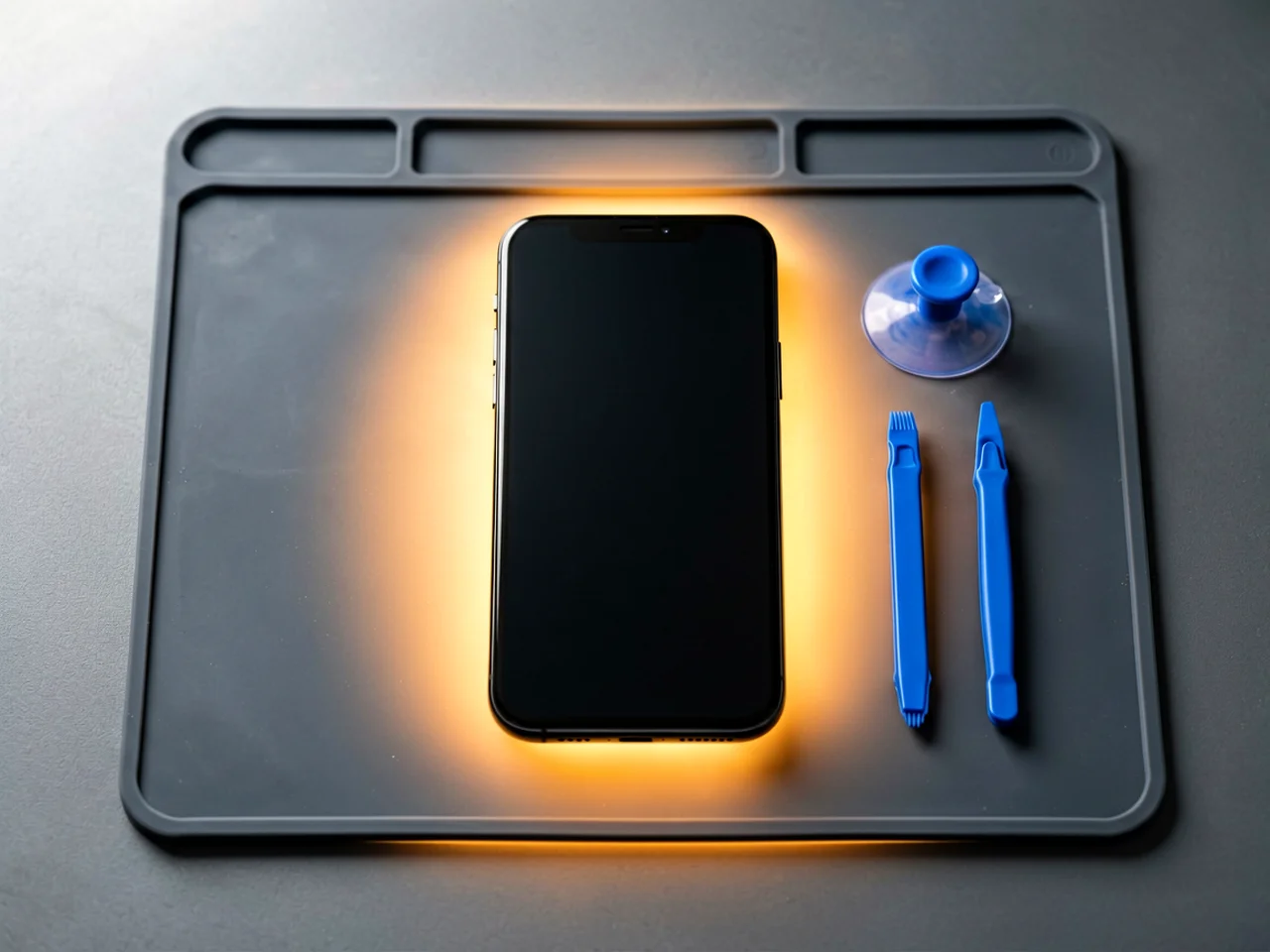
Most cracked phone panels don’t come from a shaky hand. They come from the wrong temperature. Heat the adhesive too little and the glass fights you until it snaps. Heat it too much, or in one spot, and you cook the panel underneath instead — which is how “repair” turns into “replace”. This guide is […]

You tap an app and nothing happens for ten seconds, then the whole screen freezes mid-animation. You wait, you tap again, the phone buzzes once and sits there. Sometimes a restart clears it for a day, sometimes it freezes again as soon as you open WhatsApp, and sometimes it started after an update or when […]

You open Maps or your taxi-hailing app, and the blue dot never settles, or it places you three streets away. You stand outside with a clear sky above you, and the phone still takes minutes to lock on, or it locks on and then drops your position into the middle of a field. Sometimes the […]
One Response