
You tap an app and nothing happens for ten seconds, then the whole screen freezes mid-animation. You wait, you tap again, the phone buzzes once and sits there. Sometimes a restart clears it for a day, sometimes it freezes again as soon as you open WhatsApp, and sometimes it started after an update or when the storage filled up. The frustrating part is that the phone works some of the time, which makes it hard to know whether the fault is software, storage, or the hardware underneath.
A phone that keeps freezing is one of the most common repair complaints in South Africa, because the causes sit across the software and hardware sides, and the fixes are mostly cheap if you catch them early. This guide covers the 30-second resets, the storage and update checks, the South African triggers that catch people out, and when freezing is actually a hardware warning you should not ignore.
A phone freezes when it runs out of something it needs to keep going. The three things every phone juggles are storage space, working memory, and processing headroom. When storage is nearly full, the phone cannot write cache files. When working memory is exhausted, apps get killed and restarted, which shows up as stutter and frozen screens. When the processor gets too hot, the phone deliberately slows itself down to cool off – and that slowdown can look exactly like a freeze. Understanding which of the three is running out tells you which fix will actually work.
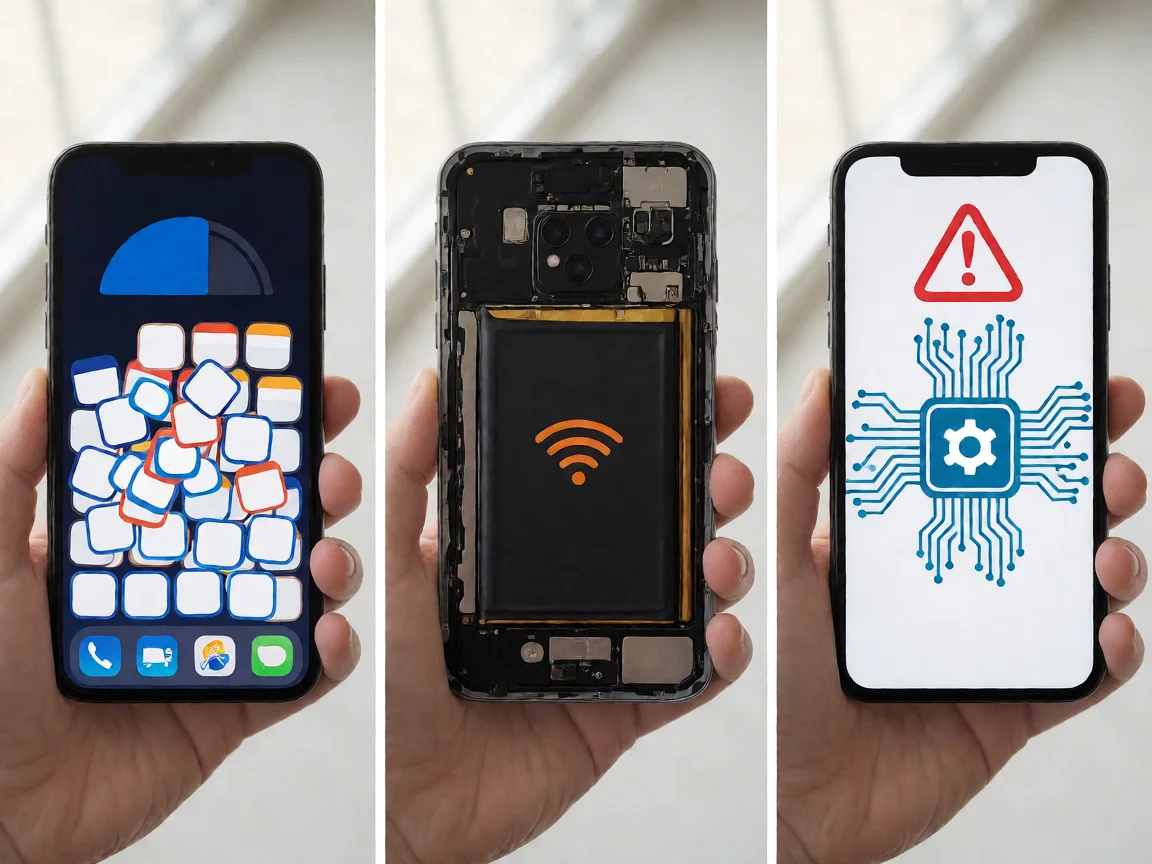
The five causes below account for most freezing phones on South African repair benches, listed to rule them out in order.
Do the checks in order. Force-restart the phone by holding the power button for about ten seconds until it restarts, because a temporary stuck state is the most common cause of a one-off freeze. Free up storage by deleting apps you do not use and clearing cached data in Settings > Storage, because a nearly full phone freezes constantly. Close the apps you are not using, because a dozen background apps eat working memory. Check the phone is not hot, because heat makes it throttle. Finally, check whether the freeze happens in one specific app or across the whole phone, because an app-specific freeze is usually the app’s problem.
If the phone still freezes after those five steps, the fault is not a temporary stuck state or a full cache. Move to the phone-side fixes below before assuming the storage chip is dying.
On both Android and iPhone, the first real fix is storage. Open Settings > Storage and check how much free space you have. If it is under 10 percent, delete unused apps, offload photos to a cloud or a computer, and clear the cache of your biggest apps. On Android, clear the cache in Settings > Apps for the apps that freeze. On iPhone, offload unused apps in Settings > General > iPhone Storage.
If storage is fine and the phone still freezes, check the system update. A pending or half-installed update is a common cause of freezes. Make sure the phone is on the latest version, and if an update is waiting, install it while the phone is plugged in. Our guide on phone won’t turn on: what to do first in South Africa explains how a half-written system update shows up across the phone.

The fastest way to separate software from hardware is the safe-mode test. On Android, hold the power button, then long-press Restart to boot into safe mode, which runs only the system apps. On iPhone, the closest equivalent is a clean restart without restoring anything. If the phone stops freezing in safe mode, a third-party app you installed is the cause – uninstall recently added apps one by one until the freeze stops. If the phone still freezes in safe mode with almost nothing running, the fault is the system itself, the storage chip, or the battery.
Two South African factors cause most freezing complaints here. The first is load shedding: a phone that loses power mid-update or that is charged from an unstable inverter can end up with a half-written system update, and the corrupted data freezes the phone every time it tries to read it. Always install updates while the phone is on a stable charger, and let it finish before unplugging.
The second is heat and hardware quality. A phone left on a car dashboard in the South African summer, or a low-cost phone with limited RAM, will freeze far more often. Keeping the phone out of direct sun, closing background apps, and choosing apps that are light on memory all help. Our guide on phone overheating in South Africa covers the heat side in detail, including the warning signs of a failing battery.
A phone that freezes once a month and then once a week is usually filling up or ageing. The two causes that get worse on their own are a nearly full storage chip and a failing battery. A full chip makes every app write slower until the phone freezes constantly. A weak battery sags under load, and when the voltage drops the phone stutters and freezes. Both are worth fixing early: backing up and cleaning storage is free, and a battery replacement is far cheaper than a phone that dies completely.
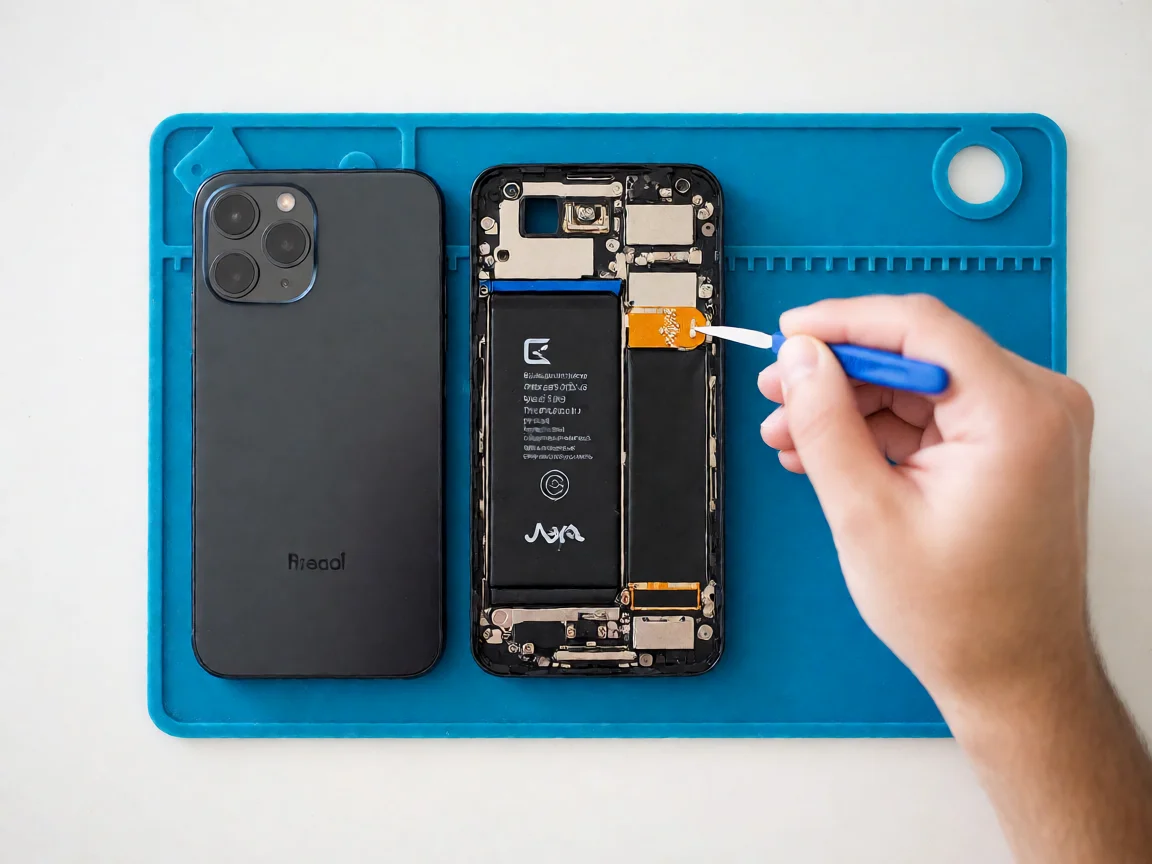
If the phone still freezes after cleaning storage, closing apps, updating the system, and testing in safe mode, the cause is hardware. On older phones the internal storage chip starts failing and the freezes get more frequent until the phone will not boot at all. On any phone the battery can sag under load and cause freezes that look random. Our guide on phone stuck on logo and boot loops in South Africa covers what happens when freezing escalates into a phone that will not start properly.
A phone that freezes in safe mode, with almost nothing running, is almost certainly a hardware fault – the storage chip, the battery, or the mainboard. This is not something a settings reset will fix, and it needs a professional diagnostic.
Local repair shops in South Africa typically charge a diagnostic fee between R250 and R450 to test the phone, confirm whether the fault is software, storage, or hardware, and quote the rest. Many shops credit the fee back if you proceed with the repair.
A software-only fix, where the shop clears corrupted data or reinstalls the system, is often just the diagnostic fee. A battery replacement, which fixes freezes caused by the battery sagging under load, runs R300 to R900 including labour, with iPhone and Samsung on the higher end. A storage chip replacement is a board-level job that runs R800 to R2000 and is only worth it on higher-value phones. If the mainboard itself is failing, the repair can exceed the phone’s value, and replacement is often the better call.
This article is general guidance based on manufacturer documentation, repair-shop experience, and the sources linked above. It is not a substitute for a professional diagnostic, and it is not a guarantee that any specific phone can be saved. If your phone is under manufacturer warranty, opening it will void that warranty. Always stop work and seek a qualified technician if the phone shows any sign of battery swelling, overheating, or chemical smell. POTATOTECH is a South African retailer of phone parts and repair tools and does not offer a phone repair service.
Why does my phone keep freezing and restarting?
Freezing that escalates into restarts usually means the phone is running out of storage, has corrupted system data after a bad update, or has a failing storage chip. Free up at least 15 percent storage, install the latest system update on a stable charger, and if it still restarts, back up your data and get a diagnostic, because a failing storage chip gets worse until the phone will not boot.
Why does my Android phone freeze after an update?
An interrupted or half-written update can leave corrupted cache and app data that freezes the phone every time it tries to read the bad data. Clear the cache in Settings > Storage and Settings > Apps for the apps that freeze, then reboot. If it still freezes, install the latest update on a stable charger, because follow-up updates usually patch the freeze bug.
Why does my iPhone keep freezing?
The most common causes are a nearly full iPhone storage, an outdated iOS, or a specific app with corrupted data. Check Settings > General > iPhone Storage and offload apps you do not use, update iOS while the phone is plugged in, and force-restart by pressing Volume Up, Volume Down, then holding the side button. If it still freezes, the battery or the storage is failing and needs a diagnostic.
How do I fix a phone that freezes constantly?
Do the checks in order: force-restart the phone, free up at least 15 percent storage, close background apps, and check the phone is not hot. Boot into safe mode on Android – if the phone stops freezing, a third-party app is the cause. If it still freezes in safe mode, the fault is the system, the storage chip, or the battery, and it needs a professional diagnostic.
Why does my phone freeze when it gets hot?
Because the phone deliberately slows itself down when the processor gets too hot, to protect the chip and the battery. In the South African summer, or under direct sun, that throttling can look exactly like a freeze. Cool the phone down, keep it out of direct sun, and remove any thick case. If it freezes from heat regularly, check the battery, because a failing battery generates more heat.
How much does it cost to fix a freezing phone in South Africa?
A diagnostic is typically R250 to R450, often credited back. A software-only fix, where the shop clears corrupted data or reinstalls the system, is often just that fee. A battery replacement runs R300 to R900 including labour, iPhone and Samsung higher. A storage chip replacement is a board-level job at R800 to R2000, worth it only on higher-value phones. If the mainboard itself is failing, replacement is often the better call.

You tap an app and nothing happens for ten seconds, then the whole screen freezes mid-animation. You wait, you tap again, the phone buzzes once and sits there. Sometimes a restart clears it for a day, sometimes it freezes again as soon as you open WhatsApp, and sometimes it started after an update or when […]

You open Maps or your taxi-hailing app, and the blue dot never settles, or it places you three streets away. You stand outside with a clear sky above you, and the phone still takes minutes to lock on, or it locks on and then drops your position into the middle of a field. Sometimes the […]

You pick up the phone to take a voice note or make a call, tap the record button, and the waveform stays flat. You speak louder, move your mouth closer to the bottom of the screen, and still nothing registers. Sometimes the microphone works in the camera app but not on a call; sometimes it […]