
You reach for your phone to answer a call, and the screen is just black. You press the power button. Nothing. You plug in the charger. Still nothing. But the phone is making the notification sounds it always makes, or it vibrates when a call comes in, or the side button still haptics. The phone is clearly on. The screen is clearly not.
A phone black screen is one of the most unsettling phone problems because it is the only major fault that takes away your ability to back up, to call for help, or to test whether the fix worked. This guide is for South African phones in exactly that state. It covers the 60-second test that tells you what kind of problem you are dealing with, the force restart combinations for the major brands, the common causes once a restart has not fixed it, and what a South African repair will actually cost.
Before you do anything else, confirm the phone is running. The reason this matters is that a black screen with a working phone and a black screen with a fully dead phone are two very different problems with two very different fixes. You do not want to spend money on a screen repair if the phone is actually not powering on at all.
If none of these work and the phone is completely silent, it is more likely a power failure than a display failure. Our guide on what to do when a phone will not turn on in South Africa covers that side of the problem.
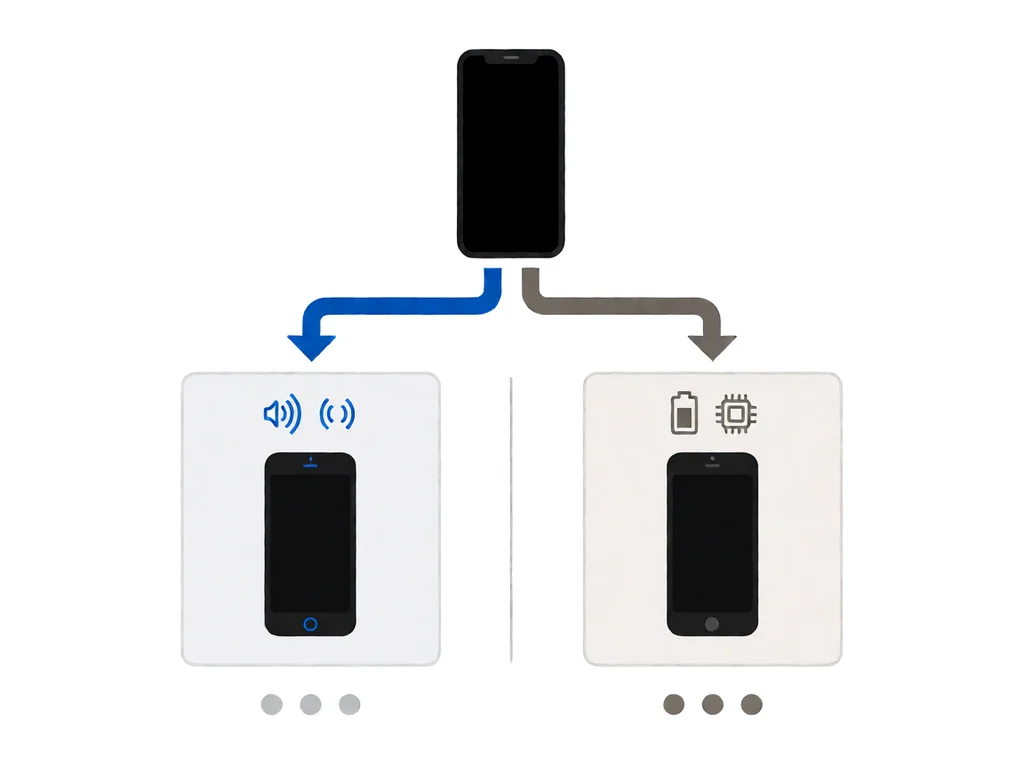
When a phone is running but the screen is fully dark, three different things can be broken, and they have very different repair costs.
OLED screens (most flagship phones from the last few years) work differently: each pixel emits its own light, so there is no separate backlight. The fix is more expensive because OLED assemblies are more costly than LCD ones.
If the 60-second test showed the phone is on, the next thing to try is a force restart. This does the same thing as pulling the battery on an old phone: it cuts power to the mainboard for a moment, which clears most software crashes that leave the screen unresponsive. The combination depends on the brand.
If the force restart works and the phone comes back, you have a software crash, and you do not need a repair. The most common cause is a memory leak in a recently installed app, especially after an Android or iOS update. Check the Play Store or App Store for app updates and remove anything you installed in the two days before the crash. If the problem recurs, a factory reset through recovery mode will usually clear it.
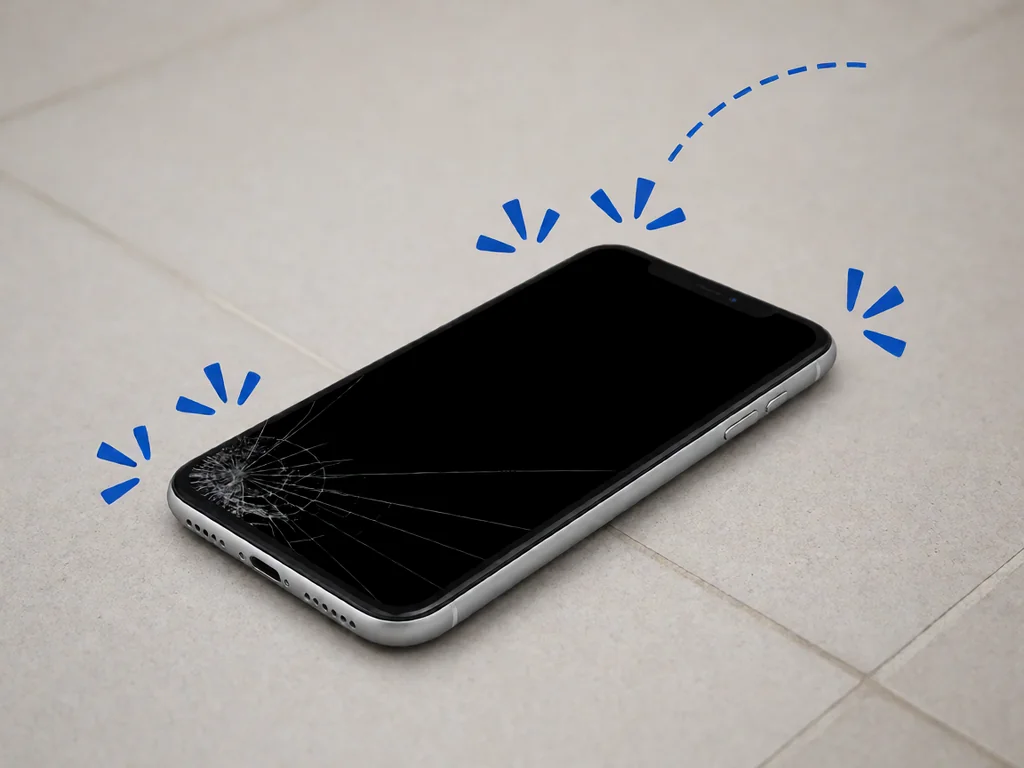
A black screen after a drop almost always points to the display assembly or the connector. The two most common failure modes look similar from the outside but have different repair costs.
If the drop was a face-down impact onto a hard surface, the screen is also the most likely place to crack. If the drop was onto a corner or edge, the mainboard is more likely to have taken the force, and the fault may not be the screen at all. A shop will tell you which it is in the first 10 minutes of the diagnostic.
Salt air, a kitchen spill, or a swim with the phone in a pocket will all cause the same category of black screen failure: the corrosion of a connector or a component. The interesting part is the timeline. In coastal South African cities, the humidity alone is enough to cause slow corrosion on a flex connector that was almost, but not quite, properly sealed after a previous repair. The phone can seem fine for weeks, then go black.
If your phone went black after a known liquid exposure, the same first-24-hour rules from our water damage guide apply, with one difference. With a black screen, the moisture may also have shorted the backlight circuit. In that case the phone needs an ultrasonic mainboard clean and a screen replacement, in that order. The shop that does both at once is the cheaper option.
This is the one that catches South African users the most, especially during load shedding season. A phone that has been left completely uncharged for several days, or that was sitting at zero per cent when the power went out, can fall into a state where the battery management chip refuses to draw current. The screen stays black, but the phone is not actually broken: it is just deeply discharged, and the protection circuit is locked.
Plug the original charger into a working wall socket and leave the phone alone for at least an hour, two hours if you can. Do not try to power it on during this time. Do not wiggle the cable. The protection circuit releases after a slow, steady charge, and the phone will come back to life on its own. If you do not have the original charger, any working USB-C or Lightning cable and a known-good wall adapter are fine. Do not use a cheap car charger or a power bank with a voltage indicator that reads below 5 volts; those will not wake the protection circuit.
If the phone still shows nothing after two hours on the charger, the fault is more likely the display or the mainboard, not the battery. At that point the diagnostic from a shop becomes the next step.
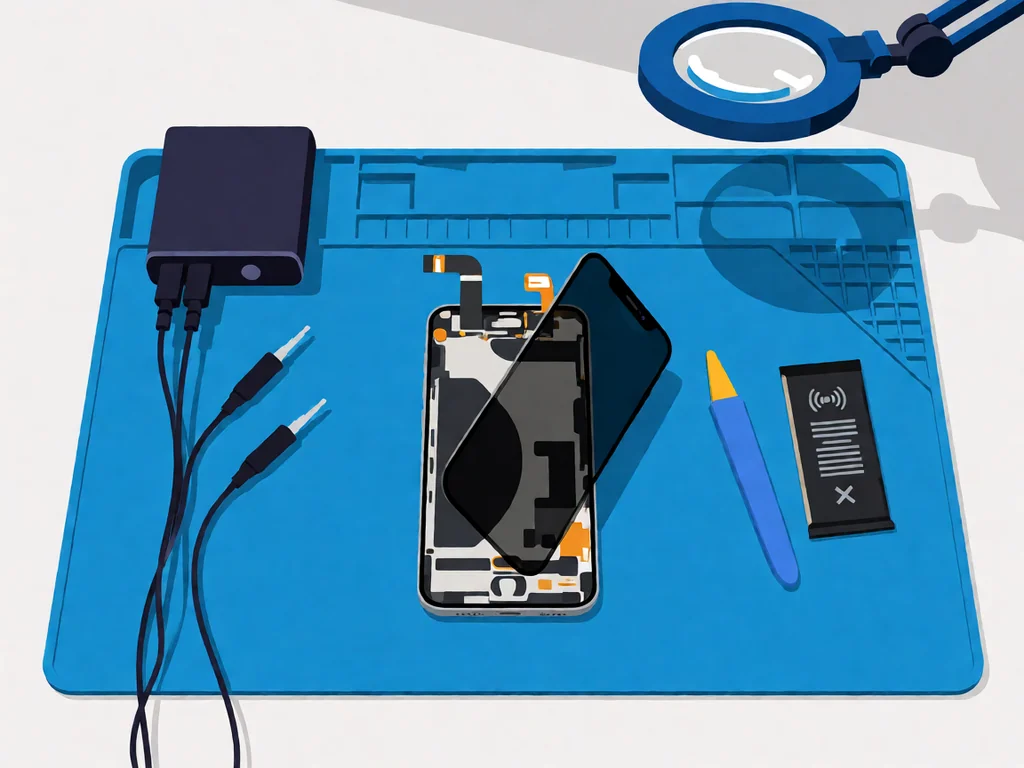
Local repair shops in South Africa typically charge a diagnostic fee between R250 and R450 to open the phone, identify the fault, and quote the rest. Many shops credit that fee back if you go ahead with the repair. Ask upfront whether the diagnostic is refundable, and ask for the quote in writing, especially the cost of parts separately from labour.
A simple flex cable reseat is often the cheapest repair, sometimes included in the diagnostic fee. A full-screen assembly replacement on a mainstream phone is roughly R900 to R2500 depending on the model and whether the panel is original equipment or aftermarket. A mainboard-level repair on the display driver circuit is the most expensive option, often R1500 to R4000, and is worth doing mainly on more expensive phones where the mainboard is worth saving. If you have an older phone, a screen replacement is sometimes more than the phone is worth, in which case the honest answer is to replace the phone.
If data recovery matters more than the phone itself, say so before the diagnostic. A shop that knows you want the data back will prioritise the mainboard and storage chip work and will quote that line item separately. Our phone parts catalogue lists the common replacement parts carried locally, which is useful when you are comparing what a shop has quoted against retail.
This article is general guidance based on manufacturer documentation, repair-shop experience, and the sources linked above. It is not a substitute for a professional diagnostic, and it is not a guarantee that any specific phone can be saved. If your phone is under manufacturer warranty, opening it will void that warranty. Always stop work and seek a qualified technician if the phone shows any sign of battery swelling, overheating, or chemical smell. POTATOTECH is a South African retailer of phone parts and repair tools and does not offer a phone repair service.
Why is my phone screen black but the phone is still on?
The phone’s system is running, but the display layer is not. The most common cause is a software crash that a force restart will clear. If a force restart does not work, the cause is usually a loose or torn display flex cable, a failed backlight on an LCD phone, or a failed display driver chip. A shop can tell you which in a 10-minute diagnostic.
What is the black screen of death on a phone?
The black screen of death is a nickname for a phone that is clearly powered on but shows nothing on the display. The name is borrowed from older computer terminology. On phones, the most common causes are the same as any other black screen: software crash, dropped phone, liquid damage, or a battery that has fallen into a deep discharge protection state. The fix depends on which of those applies.
How do I force restart my phone when the screen is black?
On most modern Android phones, hold the power and volume down buttons together for 10 to 15 seconds. On iPhone 8 and newer, press and release volume up, press and release volume down, then hold the side button. The exact combination depends on the brand, so look up your specific model if these do not work. A successful force restart usually shows the manufacturer logo before the home screen.
My phone screen went black after I dropped it. Is the screen or the mainboard broken?
It is more often the screen or its flex cable than the mainboard. The flex cable is the most common failure and the cheapest to fix. A shop will open the phone, reseat the cable, and tell you in 10 minutes whether that was the cause. If the mainboard is also damaged, the bill is higher, and the question becomes whether the phone is worth repairing at that cost.
How long should I charge a phone before deciding the screen is dead?
At least two hours on a known-good original or equivalent charger, ideally with the original cable. Do not try to power the phone on during that time. A phone that is deeply discharged can look completely dead for the first hour or so, then come back to life once the protection circuit releases. If nothing has changed after two hours, the problem is more likely the display than the battery.
How much does it cost to fix a black screen in South Africa?
A diagnostic in South Africa is typically R250 to R450, often credited back to the repair. A simple flex cable reseat may be included in the diagnostic. A full-screen assembly replacement runs from R900 to R2500 depending on the model and panel quality. A mainboard-level repair on the display driver is several hundred to a few thousand rand, worth doing mainly on higher-value phones.
Most cracked phone panels don’t come from a shaky hand. They come from the wrong temperature. Heat the adhesive too little and the glass fights you until it snaps. Heat it too much, or in one spot, and you cook the panel underneath instead — which is how “repair” turns into “replace”. This guide is […]

You tap an app and nothing happens for ten seconds, then the whole screen freezes mid-animation. You wait, you tap again, the phone buzzes once and sits there. Sometimes a restart clears it for a day, sometimes it freezes again as soon as you open WhatsApp, and sometimes it started after an update or when […]

You open Maps or your taxi-hailing app, and the blue dot never settles, or it places you three streets away. You stand outside with a clear sky above you, and the phone still takes minutes to lock on, or it locks on and then drops your position into the middle of a field. Sometimes the […]