
Short answer if your phone won’t turn on: plug it into a wall charger you trust, leave it alone for 30 minutes, then try a forced restart — in that order. Most phones that “won’t turn on” are not broken; they are either fully drained, stuck in a software crash, or on with a screen you can no longer see. Only a small share have real hardware failure. This guide walks you through the checks in the order a repair technician would run them, so you can tell the difference before you spend money.
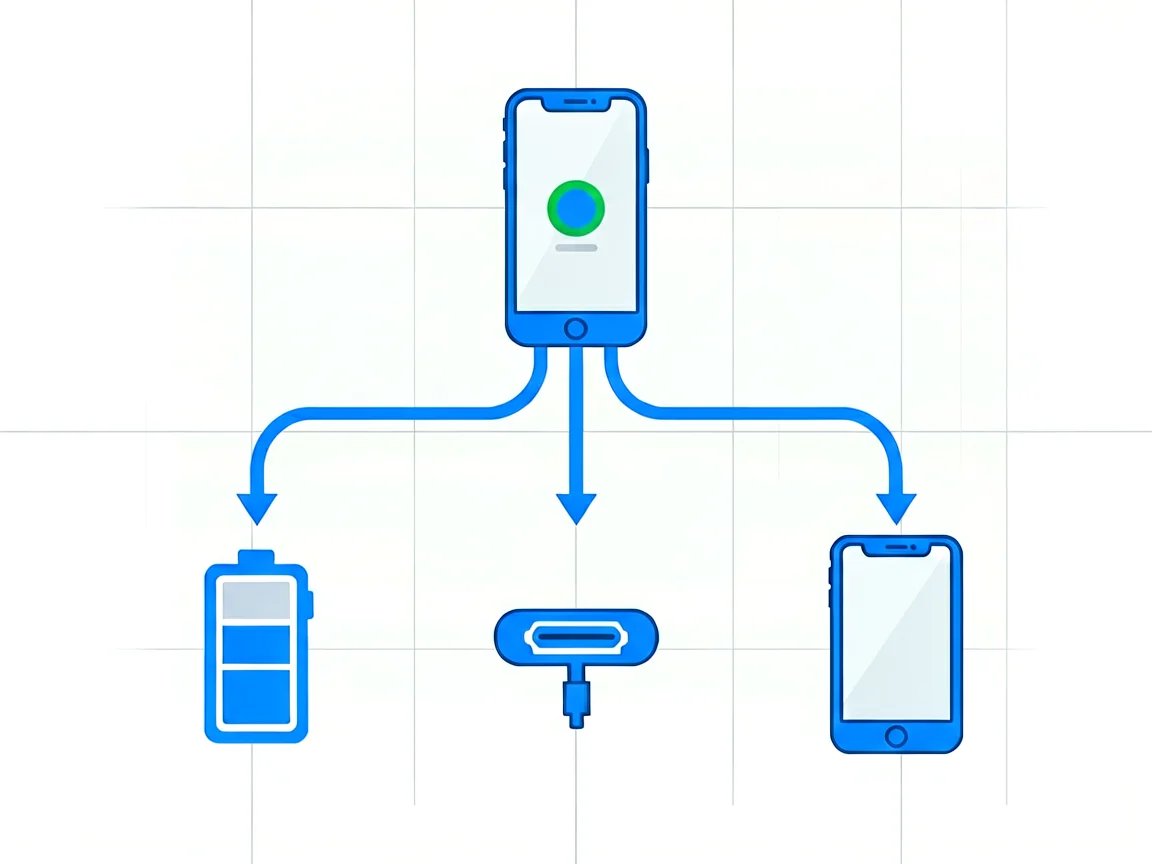
Before you touch a cable, find out which of the two you are dealing with. The distinction changes everything that follows.
If the phone shows no sign of life at all — no vibration, no heat, nothing on screen — work through the causes below in order. Each one is more expensive to fix than the last.
| Cause | How common | Tell-tale sign | Typical fix |
|---|---|---|---|
| Fully drained or failed battery | Most common | Nothing at all when plugged in, or the charge icon appears and then dies | Charge for 30–60 min; replace battery if it will not hold charge. |
| Dirty or damaged charging port | Very common | The cable feels loose, only charges at one angle. | Clean port; replace port flex if damaged. |
| Failed display, phone still running | Common after a drop | Rings or vibrations, the screen stays black. | Replace display assembly. |
| Software crash or failed update | Common | Stuck on the logo or black after an update | Forced restart, then recovery mode |
| Liquid damage | Seasonal | Exposure to water before failure | Power off, professional cleaning |
| Mainboard failure | Least common | No response to any of the above | Board-level repair or replacement |
A lithium-ion cell that has sat flat for weeks can drop below the voltage the phone’s power management circuit needs to boot, even though the cell itself is not ruined. The phone looks completely dead, and the fix is patience, not parts.
Give it 30 minutes on a wall charger before you judge anything, and up to an hour if the phone has been dead for more than a few weeks. A computer USB port delivers far less current than a wall adapter and will make this test look like a failure when it is not. If nothing appears after an hour, swap the cable and the adapter — cheap cables fail far more often than phones do — and try a different wall socket.
If the phone boots but then dies again within minutes, or only works while plugged in, the battery has reached the end of its life rather than the end of a charge. That is a different problem with a different fix. We cover the symptoms in detail in our guide on how to tell if your phone battery needs replacing.
Pocket lint is the single most under-diagnosed cause of a phone that will not start. Compacted dust at the bottom of the port stops the cable from seating fully, so the phone receives no power — and a phone with no power looks identical to a phone with a dead mainboard.
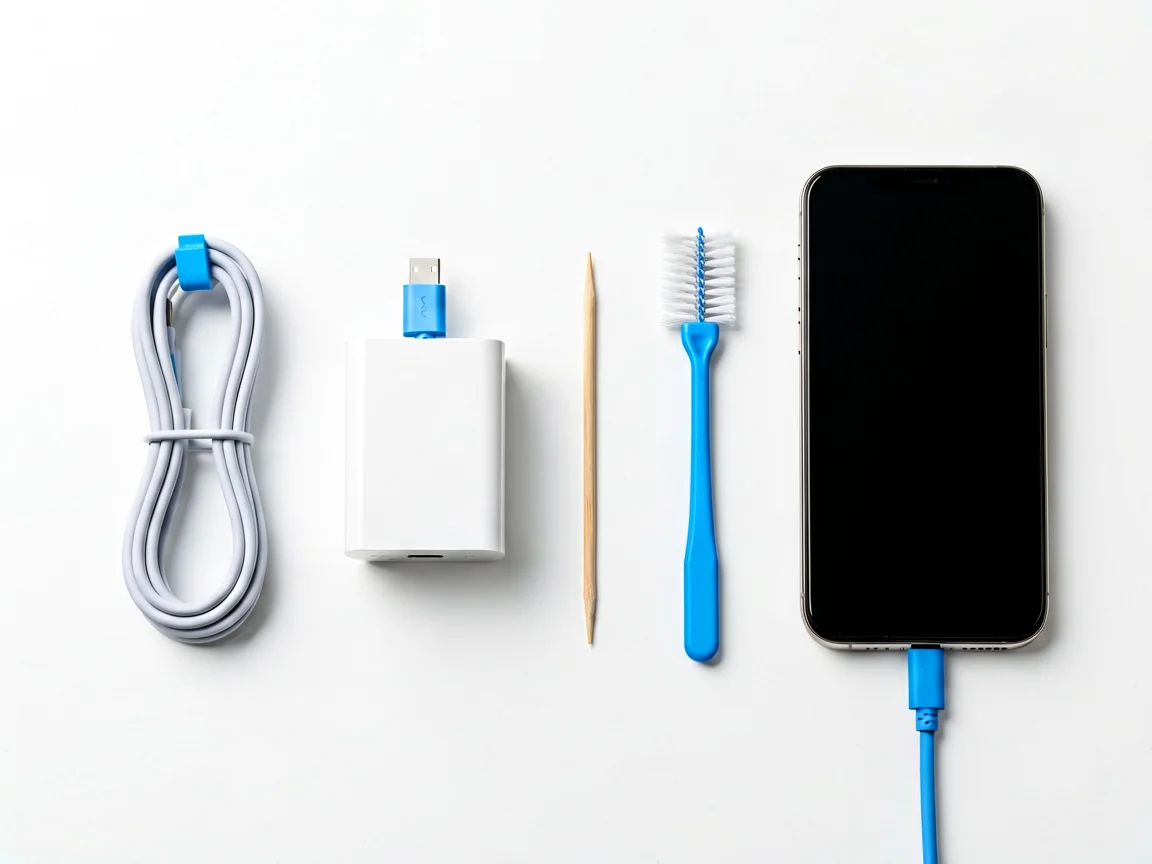
A port that only works when the cable is held at a particular angle is mechanically worn, and cleaning will not hold. Our walkthrough on phone charging port problems covers when a clean is enough and when the flex cable needs replacing.
After a drop, this is the most likely scenario and the easiest to misread as a dead phone. The mainboard boots, the radios connect, and the vibration motor works — but the display panel, its connector or its backlight took the impact.
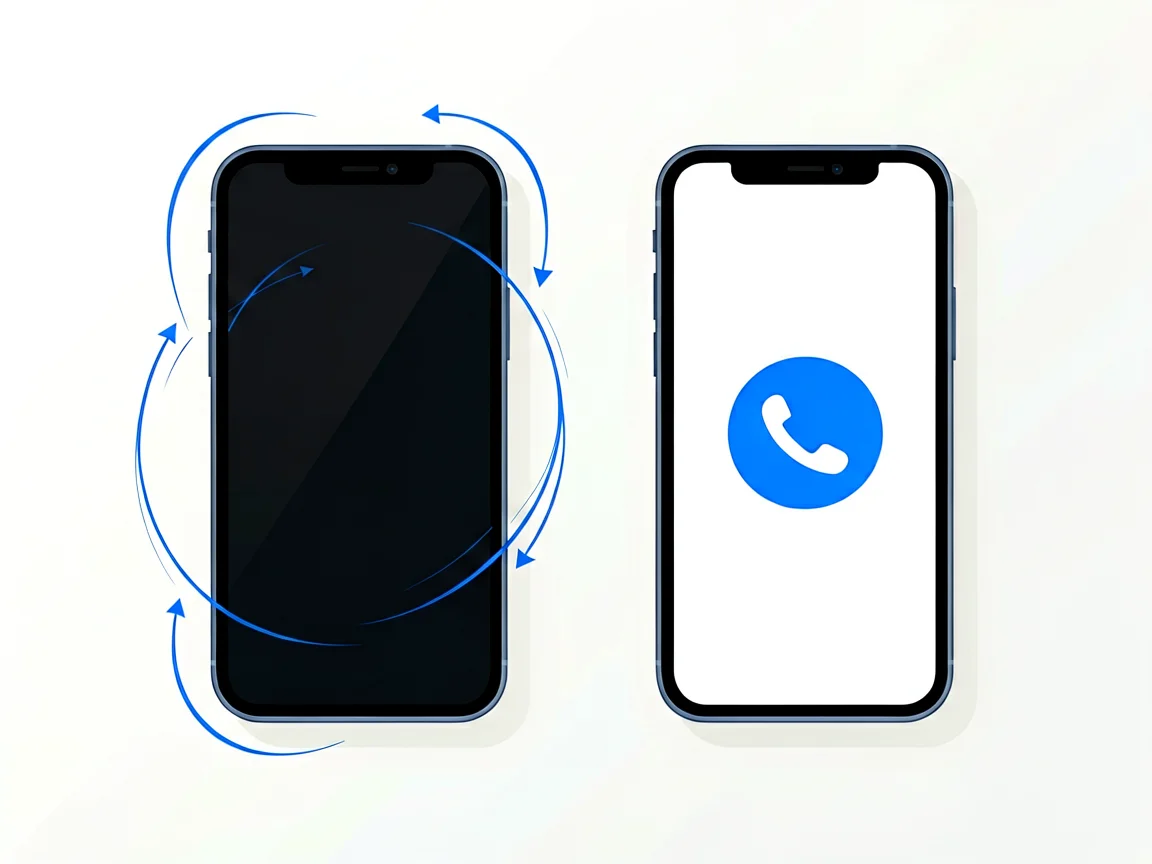
Once you know the board is fine, the question becomes cost and downtime rather than diagnosis. If you want a sense of how long a screen job actually keeps a phone off the road, see our breakdown of how long a phone screen replacement takes.
A phone that froze mid-update, or that restarted once and never came back, is usually recoverable without opening the case. This is also the only cause on this list where the “fix” can cost you your data, so read to the end of the section before acting.
Apple’s documented sequence for a modern iPhone is to press and quickly release volume up, press and quickly release volume down, then press and hold the side button until the Apple logo appears — which Apple notes can take longer than ten seconds. Older iPhones with a Home button use Home plus the side or top button instead. On the Android side, holding power together with volume down for ten to fifteen seconds forces a reboot on most devices, though the exact combination varies by manufacturer.
If a forced restart brings the phone back, do not stop there. A crash that needed a forced restart usually means a failing app or a full storage partition, and it will happen again. If the phone boots to a logo and stalls, the next step is recovery mode, which reinstalls the operating system and erases the device. Make that decision deliberately: recovery mode is a data-destroying step, and if the photos matter more than the phone, a repair shop should open it before anyone reinstalls anything.
Water itself rarely kills a phone quickly. What kills it is power flowing through the wet board while dissolved minerals bridge two contacts, which is why the first thirty minutes matter more than anything you do afterwards.
The most damaging thing you can do to a wet phone is switch it on “just to check”. Corrosion starts as soon as current flows, and it does not stop when the phone dries.
What does help is boring: power it down if it is still on, remove the case and SIM tray to open an air path, wipe the outside, hold it port-down and tap it gently against your palm, then get it to a bench. Technicians can disconnect the battery and clean the board properly — something no home method replicates.
If the phone has no response to a known-good charger after an hour, no vibration, no heat, no connection to a computer, and there is no history of liquid exposure, the fault is probably on the logic board. That covers failed power management ICs, cracked solder joints under a chip after a drop, and storage failures.
Diagnosing these requires bench-level tools (thermal imaging, microscope, bench supply), and the repair is micro-soldering — not a home or parts-swap job. The only decision to make at home is whether it is worth quoting: board work on an entry-level phone often costs more than the device itself, while the same repair on a recent flagship usually is not.
Three local conditions change how phones fail here, and none of them appear in global troubleshooting guides.
South Africa’s rolling outages mean the average phone is plugged into a supply that disappears and returns several times a week. The damaging part is rarely the outage itself — it is the voltage spike when supply returns, which travels through the adapter and into the phone’s charging circuit. Over time this is hard on both cheap adapters and the charging IC on the board. If a phone in a load-shedding household suddenly stops charging or starting, suspect the adapter before the phone, and consider a quality surge-protected extension for the charging corner.
An IP68 rating is earned in a laboratory with clean, still, fresh water and brand-new seals. Real conditions are harsher: sustained high temperatures in the interior provinces soften the adhesive that keeps water out, and year-round humidity on the east coast keeps moisture in the air a phone breathes every day. A two-year-old phone with an IP68 badge may have very little of that protection left. This is why a phone can fail after nothing more dramatic than being used with wet hands or left in a humid room — and why “but it’s waterproof” is not a reason to skip the power-down step.
| Situation | Usually worth repairing | Usually not worth repairing |
|---|---|---|
| Battery failure | Phone under three years old, no other faults | Phone already slow, storage full, screen cracked too |
| Charging port | Clean port flex replacement on a mid-range or flagship | Entry-level phone where labour approaches device value |
| Display failure | Flagship or recent mid-range, board confirmed working | Display plus mainboard damage together |
| Liquid damage | Data recovery is the goal, or the phone is new. | Entry-level device, corrosion already visible on the board |
| Board-level fault | The recent flagship board repair quoted below is roughly half the replacement cost. | Anything where the quote exceeds about 60% of a replacement device |
The rule that holds up: compare the written quote against what a replacement costs today, not against what you originally paid — phones depreciate fast, so a sensible year-one repair is often poor value in year four.
Most South African repair shops charge a diagnostic or assessment fee before quoting, and reputable ones credit that fee back if you go ahead with the repair. Before you hand a phone over, ask three questions:
Quotes vary widely by shop, city and model, so always ask for a written quote that separates parts from labour, and check which part grade is being quoted — a cheap display or battery will fail months later rather than on collection day.
When you do need parts, browse our phone parts category to see what is available for your model, or use our Contact page if you are not sure which part your symptom points to.
Why won’t my phone turn on even when plugged in?
Because a dead battery needs a minimum voltage before the phone will boot, and that can take 30 to 60 minutes of charging to reach. If an hour on a wall charger changes nothing, the likely causes are a failed battery, a dirty or worn charging port, or a board-level fault.
My phone vibrates, but the screen is black — what does that mean?
The phone is running and the display is not. This is a display, display-connector or backlight fault, not a power problem, and it is usually repairable without touching the mainboard.
Can I recover photos from a phone that won’t turn on?
Often yes, but the method depends on the fault. If the board works and only the screen is dead, a replacement display brings everything back. If the board has failed, data recovery becomes a specialist job, and it gets more expensive the longer corrosion is left to spread.
Should I put a wet phone in rice?
No. Rice absorbs moisture too slowly to matter, and its dust gets into the charging port and speaker mesh. Power the phone down, open the SIM tray, and take it to a bench instead.
How long should I charge a dead phone before giving up?
Thirty minutes on a wall charger is the standard first test; an hour if the phone has been flat for weeks. Use a wall adapter, not a laptop USB port.
Will a factory reset fix a phone that won’t turn on?
Only if the cause is corrupted software, and if the phone cannot boot far enough to enter recovery mode, a reset will not be possible. It also erases everything, so it should never be the first thing you try.
Disclaimer: This article is general information, not a repair instruction for any specific device, and it is not a substitute for professional assessment. Repair quotes, parts availability and turnaround times vary by shop, city and model — always request a written quote before authorising work. Product pricing, stock and availability are subject to confirmation; use our Contact page for current details. Opening a phone may affect its manufacturer warranty and its water-resistance seals.
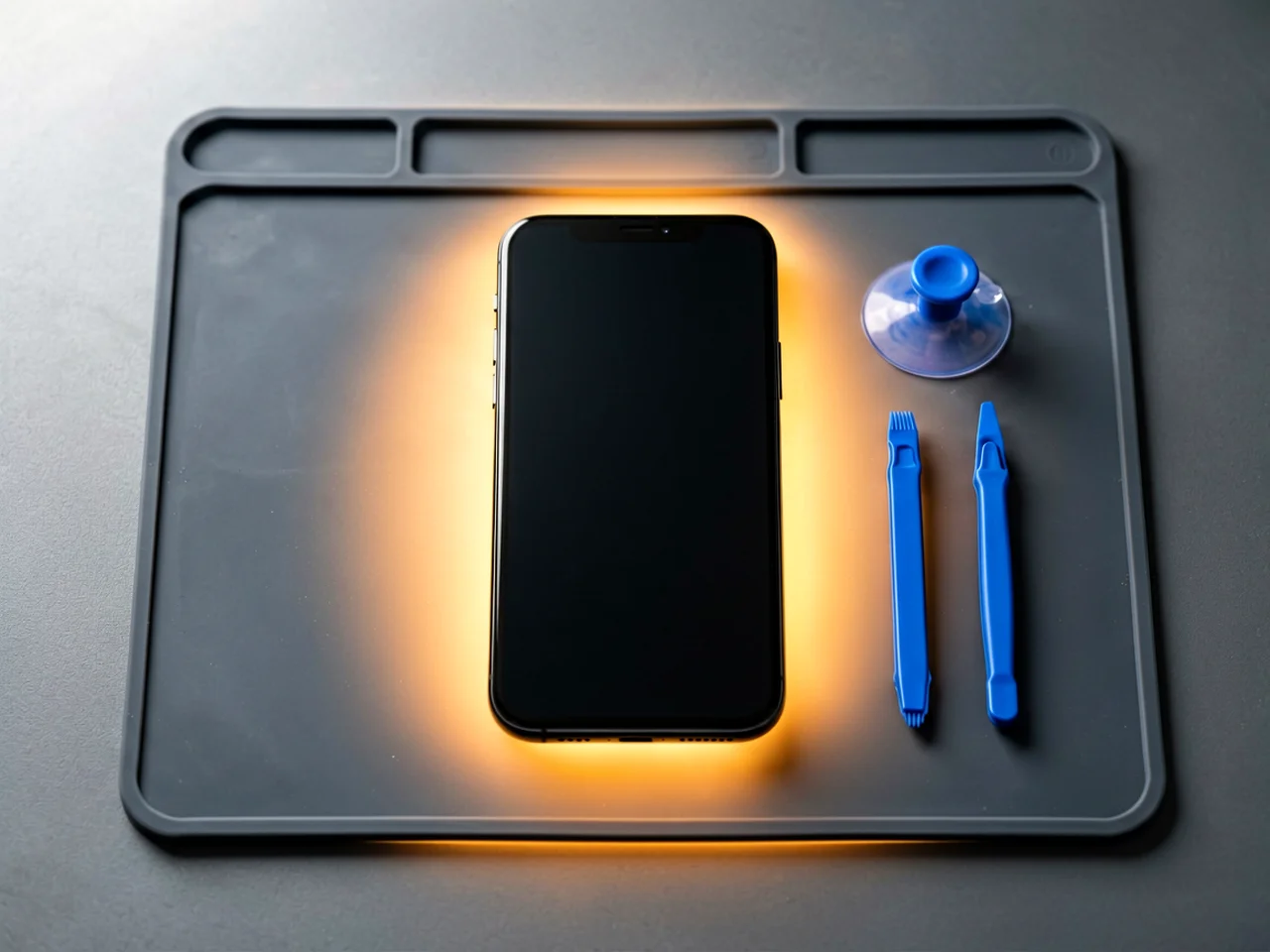
Most cracked phone panels don’t come from a shaky hand. They come from the wrong temperature. Heat the adhesive too little and the glass fights you until it snaps. Heat it too much, or in one spot, and you cook the panel underneath instead — which is how “repair” turns into “replace”. This guide is […]

You tap an app and nothing happens for ten seconds, then the whole screen freezes mid-animation. You wait, you tap again, the phone buzzes once and sits there. Sometimes a restart clears it for a day, sometimes it freezes again as soon as you open WhatsApp, and sometimes it started after an update or when […]

You open Maps or your taxi-hailing app, and the blue dot never settles, or it places you three streets away. You stand outside with a clear sky above you, and the phone still takes minutes to lock on, or it locks on and then drops your position into the middle of a field. Sometimes the […]
4 responses