
A Samsung Galaxy A06 screen replacement in South Africa starts at R524 for the part alone (POTATOTECH shelf price, 25 October 2026). Samsung Care+ lists a R749 per-incident repair fee for the A06 tier, and independent workshops quote roughly R1,100–R1,400 for the comparable A-series class. Before ordering anything, check your model number: the 4G A06 (SM-A065F) and the 5G A06 (SM-A066) look identical but their screens are not interchangeable.
The Galaxy A06 is one of Samsung’s cheapest phones, and that changes the repair maths. The usual advice of “order the part and fit it yourself to save a fortune” does not hold here, because Samsung prices this model into its cheapest official repair tier. This guide covers the real numbers, the model-number traps, and the sensible routes for a R500-class screen job.
All prices below are collected values with dates attached, not quotes; where A06-specific installed pricing is scarce, that is said plainly rather than guessed.
The spread is smaller than on flagship phones, and the ordering of the options is different too. These are collected values; confirm the exact model and part grade with whoever does the work.
| Route | Typical cost (ZAR) | Source and date |
|---|---|---|
| Part only, Galaxy A06 display assembly | R524 | POTATOTECH shelf, 25 Oct 2026 |
| Part only, comparable A-series screens (A05, A05s, A13, A14) | R519–R554 | POTATOTECH shelf, 25 Oct 2026 |
| Samsung Care+ per-incident repair fee (A06 tier) | R749 | samsung.com/za, 25 Oct 2026 |
| Samsung Care+ screen damage cover (plan) | from R499 once-off, 12 months, 1 repair | samsung.com/za, 25 Oct 2026 |
| Independent workshop, comparable class (A14/A15/A25) | R1,100–R1,400 | ZA Repair Price Database, 10 Sep 2026 |
| Official service pack, comparable class | R1,499–R1,799 (incl. 15% VAT) | ZA Repair Price Database, 10 Sep 2026 |
| Part only at parts suppliers (class range) | R450–R750 | ZA Repair Price Database, 10 Sep 2026 |
Here is the part that surprises people. On a flagship, the part is a fraction of the installed price, and DIY saves thousands. On the A06, our shelf part is R524, and Samsung’s per-incident repair fee is R749, so DIY saves roughly R225 before tools. If you already own the tools, that saving is still worth it. If you would be purchasing tools for a one-off job, the official route at R749 or an independent shop at R1,100–R1,400 is the rational spend for a phone in this bracket.
One honest gap: A06-specific installed quotes from independent shops are scarce because shops quote the A14/A15/A25 class. Treat R1,100–R1,400 as the comparable-class anchor and ask for a written quote for your model.
For a Samsung Galaxy A06 screen replacement, the model number is the first thing to check: the phone ships in a 4G version and a 5G version, and iFixit’s device listing is explicit that they should not be confused: the LTE models are SM-A065F, SM-A065F/DS, SM-A065M and SM-A065M/DS, while the 5G model is SM-A066. Open Settings → About phone and match the model number exactly. A 5G panel will not fit a 4G phone, and the two look identical from the outside.

The wider trap is the A0x family. The A05, A05s and A06 are all 6.7-inch budget phones with near-identical bodies, and on our shelf they sit within R30 of each other. They are not the same machine:
| Galaxy model | Our part price (25 Oct 2026) | Model numbers | Display |
|---|---|---|---|
| Galaxy A05 | R524 | SM-A055F, SM-A055M (and /DS) | 6.7″ PLS LCD, 720 × 1600 (HD+) |
| Galaxy A05s | R554 | SM-A057F, SM-A057M, SM-A057G | 6.7″ PLS LCD, 1080 × 2400 (FHD+) |
| Galaxy A06 (this guide) | R524 | SM-A065F, SM-A065M (4G); SM-A066 (5G) | 6.7″ PLS LCD, 720 × 1600 (HD+) |
| Galaxy A13 | R519 | Check before ordering. | — |
| Galaxy A14 | R524 | Check before ordering. | — |
| Galaxy A15 | R989 | Check before ordering. | OLED per listing |
| Galaxy A16 | R1,046 | Check before ordering. | OLED per listing |
Note the A05s: it is the odd one out with a sharper FHD+ panel and a triple rear camera, and iFixit warns directly against confusing it with the two-camera A05. A single price for “A05/A05s/A06 screen” is a red flag rather than a bargain, because at least two different panels hide behind that label.

Samsung’s official specifications list the A06 display as a 6.7-inch PLS LCD at 720 × 1600 (HD+). That resolution is the tell. Any A06 screen advertised as “Full HD” or “OLED” is either mislabelled or is not what you think it is, because Samsung never shipped an OLED panel in this model. Worth knowing from the same spec sheet: 167.3 × 77.3 × 8.0 mm, 189 g, a 5,000 mAh battery, USB-C, and a dual nano-SIM tray that shares its slot with a microSD card of up to 1 TB.
Order a complete display assembly with the frame where one is offered, and source the adhesive separately if it is not included, because the original seal is destroyed during removal. Screen-only panels are slightly cheaper but must be glued onto the old frame, and the result depends on your cleanliness and patience. SA parts suppliers typically list a 6-month warranty and free nationwide shipping, dispatched within about 48 hours.
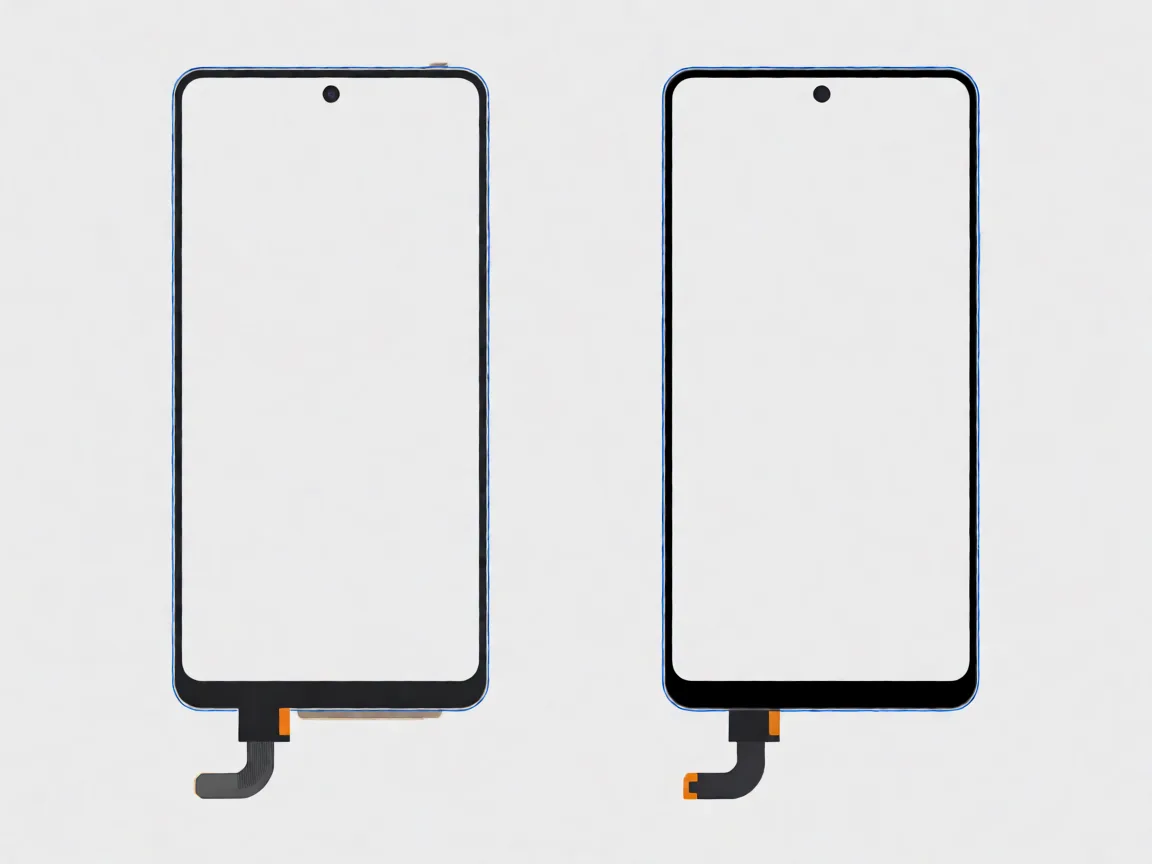
You can do a Samsung Galaxy A06 screen replacement yourself, and the A-series is one of the easier families to work on. iFixit does not (yet) publish a step-by-step guide for the A06 specifically, so treat what follows as the general method for this family rather than a model-specific manual: our guide to removing a phone screen without breaking it and DIY screen repair overview fill in the technique.
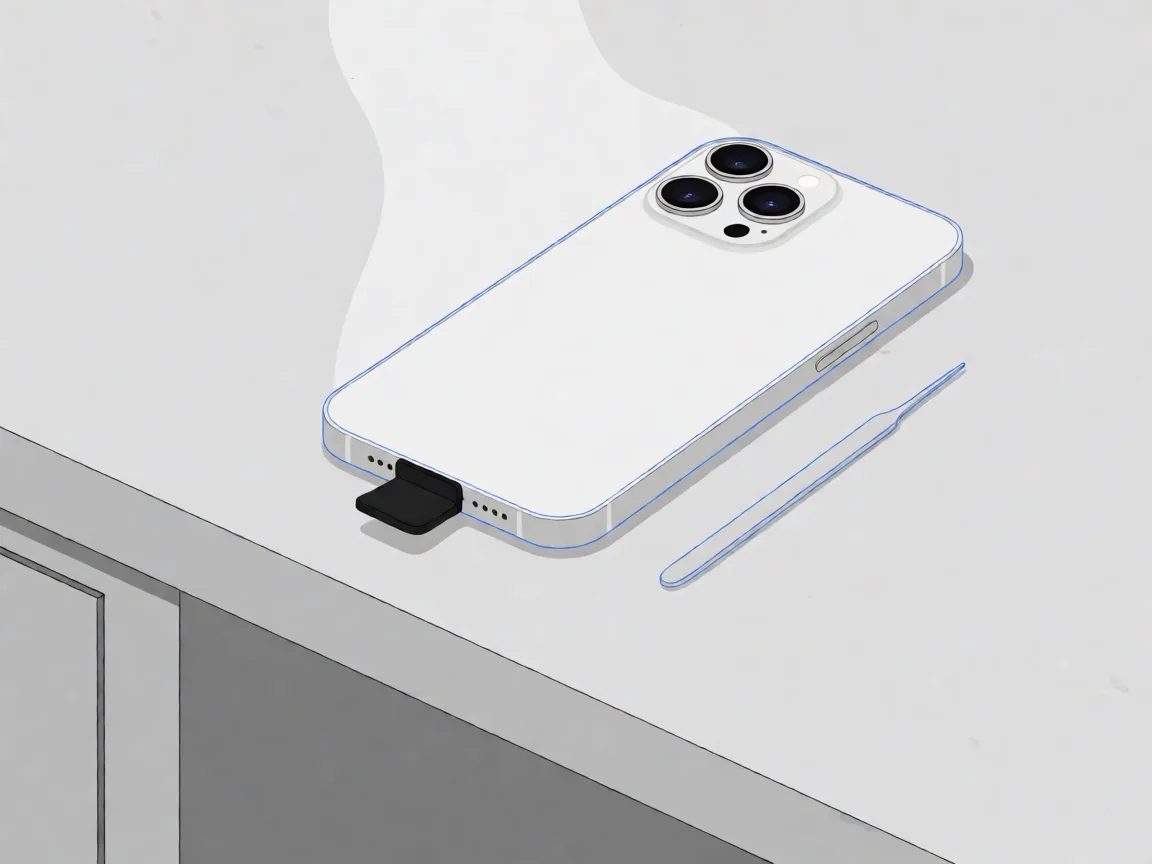
Tools: a small Phillips screwdriver (#00 or #000), plastic pry tools, a SIM ejector, tweezers, a heat gun or hair dryer, a suction handle, and replacement adhesive. Remove the SIM tray first, keep every screw in a magnetic tray, and do not rush the adhesive.
| Your situation | Sensible route | Why |
|---|---|---|
| You own repair tools and enjoy the job. | Part plus DIY | R524 part plus an hour of work; saves roughly R225 against the official fee and far more against a shop |
| You have, or are purchasing, Samsung Care+ | Official route | R749 per incident on the A06 tier is Samsung’s cheapest repair bracket, with genuine parts and certified work. |
| No tools, no plan, want it done properly | Independent workshop | R1,100–R1,400 comparable-class pricing, typically same-day, with a shop warranty |
| Screen damage plus a bent frame, water exposure or battery issues | Shop quote for the whole job | Stacked faults change the maths; price them together, not piece by piece. |
Context matters on a phone this affordable. If the A06 also has a failing battery, a damaged charging port or water corrosion, the combined bill can approach the price of a newer budget phone. A screen on an otherwise healthy A06 is great value; a screen on a phone with three other faults is not. Check the rest of the device first.
From about R524 for the part alone, R749 per incident through Samsung Care+, and roughly R1,100–R1,400 at independent workshops for the comparable A-series class. Figures are collected values dated September and October 2026.
They are different phones with different screens. The 4G A06 is model SM-A065F (or SM-A065M, plus /DS dual-SIM variants), while the 5G version is SM-A066. Check Settings → About phone and match the model number exactly before ordering.
Yes. The A-series opens from the back, which is more approachable than a front-opening flagship: heat the rear cover, lift it, disconnect the battery first, then swap the assembly and test before sealing. iFixit has no model-specific A06 guide, so follow the general method and take your time.
No. All three are 6.7-inch budget phones with near-identical bodies, but the panels differ: the A05 and A06 use HD+ 720 × 1600 PLS LCD panels, while the A05s use a sharper FHD+ 1080 × 2400 panel. Match the model number, not the look.
No. Samsung’s specifications list a 6.7-inch PLS LCD at 720 × 1600 (HD+). A listing advertising an “OLED” or “Full HD” screen for the A06 is mislabelled; OLED panels only appear higher up the range, such as the Galaxy A15 and A16.
Information Notice: Prices, availability and repair terms change. This article is for general informational purposes. For current availability and specifications, contact us at support@potatotech.co.za or use our Contact Us page.
Related reading: Samsung green line issue: how to fix it and what it costs · How to remove a phone screen without breaking it · Can you repair your own phone screen? · Browse our Samsung replacement screens by model.
Samsung Screen Replacement Cost in South Africa (2026)
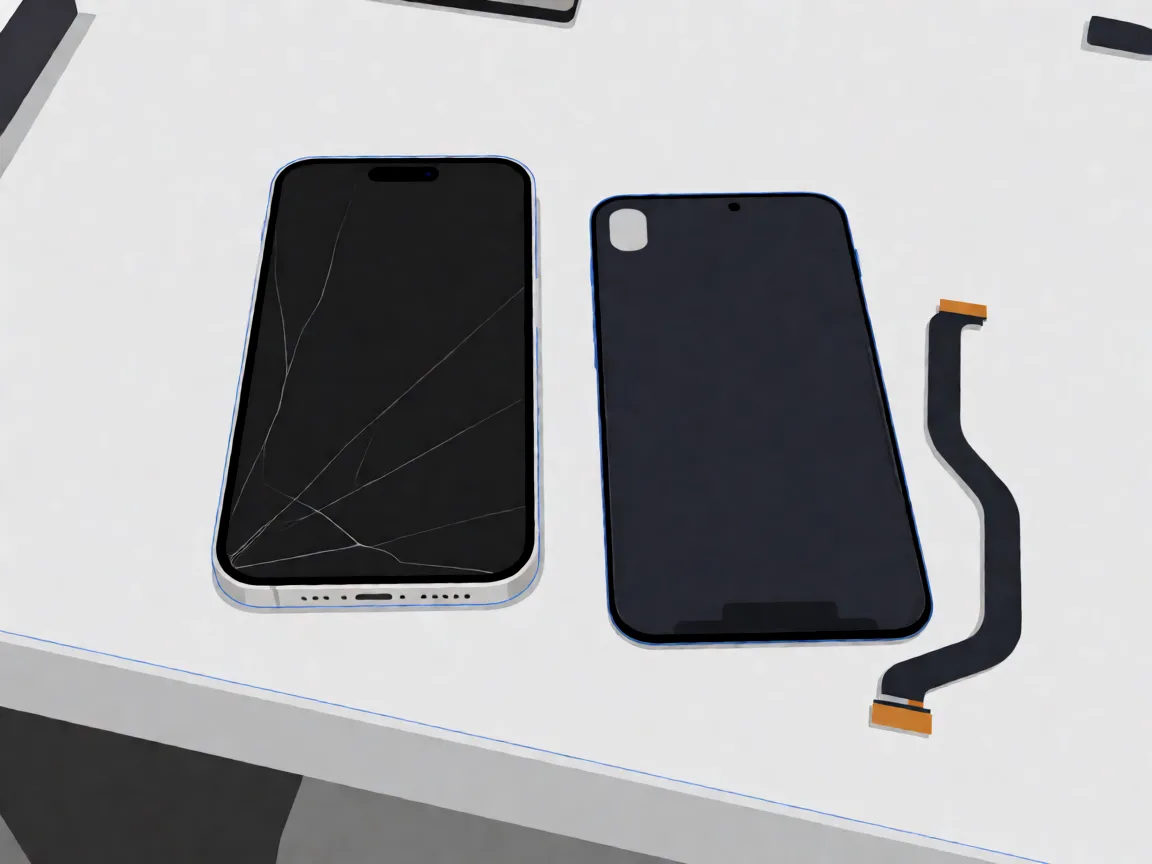
Samsung Galaxy A14 screen replacement in South Africa: part prices, the 4G versus 5G model trap, why no OLED exists for this phone, and honest DIY difficulty.
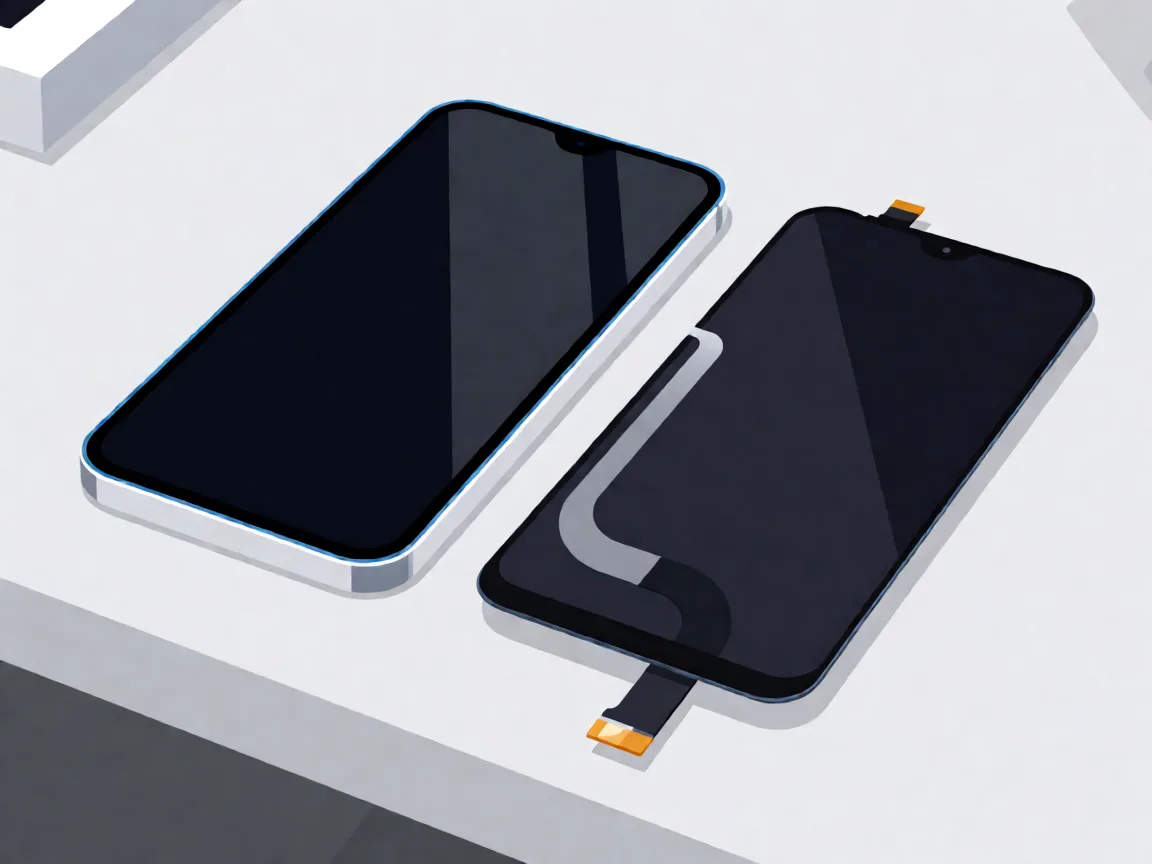
Samsung Galaxy A05 screen replacement in South Africa: part prices, the A05s and A06 model traps, with-frame versus bare panel, and the honest DIY difficulty.

Compare Samsung Galaxy A-series screen part prices in South Africa, understand what changes the fitted repair cost, and check your exact model before ordering.
One Response