
You press the power button. The screen lights up, shows the logo, and holds there for a while, and then the phone restarts itself. It happens again, and again, and again. Sometimes the phone gets to the lock screen and freezes. Sometimes it restarts before the logo finishes drawing. Either way, the phone never actually becomes usable.
A boot loop is one of the most alarming phone faults because it locks you out of the phone at the most basic level. You cannot back up. You cannot open any app. You cannot even confirm whether the problem is software or hardware. This guide is for South African phones in that exact state, walking through the 60-second force restart, the recovery-mode options that recover most cases without losing data, and the data-loss warning that comes with the last-resort factory reset.
A phone that is stuck on the logo and a phone in a boot loop are usually the same fault, just at different stages. When the phone starts, it loads the bootloader, then the operating system kernel, then the system services, then the home screen. If anything in that chain fails or is corrupted, the phone either freezes on the splash screen or, worse, the operating system crashes and the bootloader restarts the whole sequence. That is a boot loop.
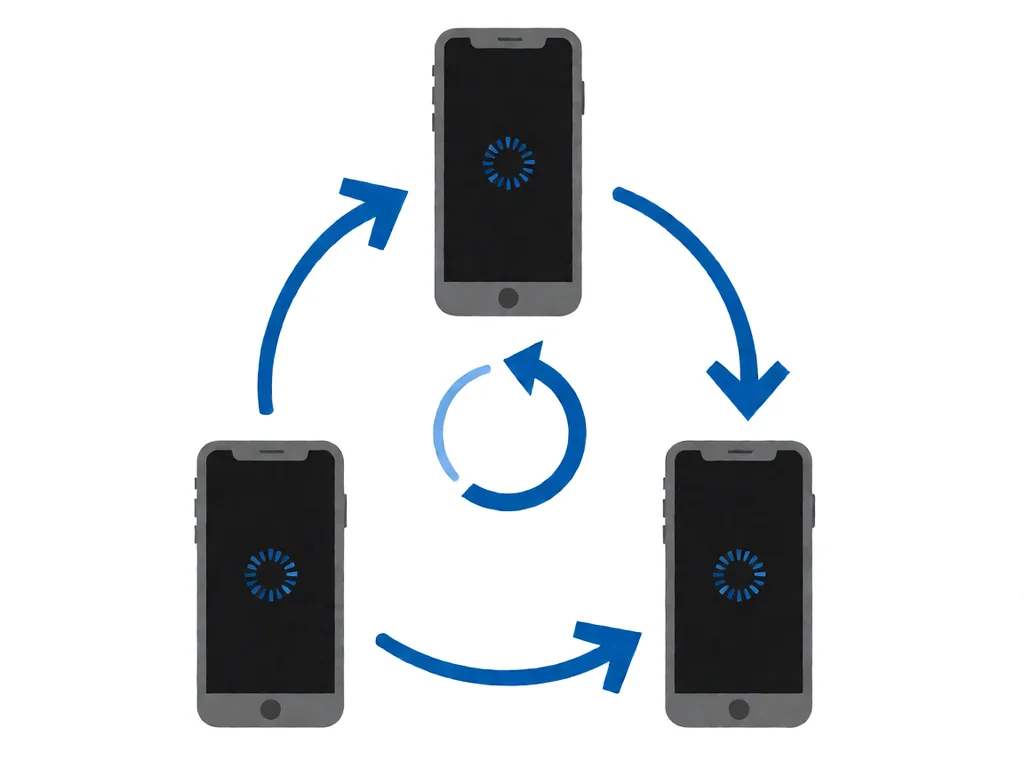
The first job is to be sure the phone is doing a boot loop, not some other failure that just looks like one. The signature of a real boot loop is that the phone shows the logo or spinner every time it restarts, and the time between restarts is roughly the same each time, often 30 seconds to 2 minutes. If the time between restarts is wildly inconsistent, or the phone restarts immediately without ever showing a logo, the fault is more often the battery or the power button than the operating system.
Before you do anything else, plug the phone in for 15 to 30 minutes. A deep-discharged battery can cause a phone to look like it is in a boot loop when it is actually just running out of power as soon as it starts. After the short charge, do a force restart. The combination depends on the brand.
If the force restart works and the phone boots to the home screen, you had a software crash, not a full boot loop, and you do not need any further repair. The most common cause is a memory leak in a recently installed app. Check the Play Store or App Store for app updates and remove anything you installed in the two days before the crash. If the problem recurs, a factory reset through recovery mode will usually clear it. The same procedure is in section 7 below.
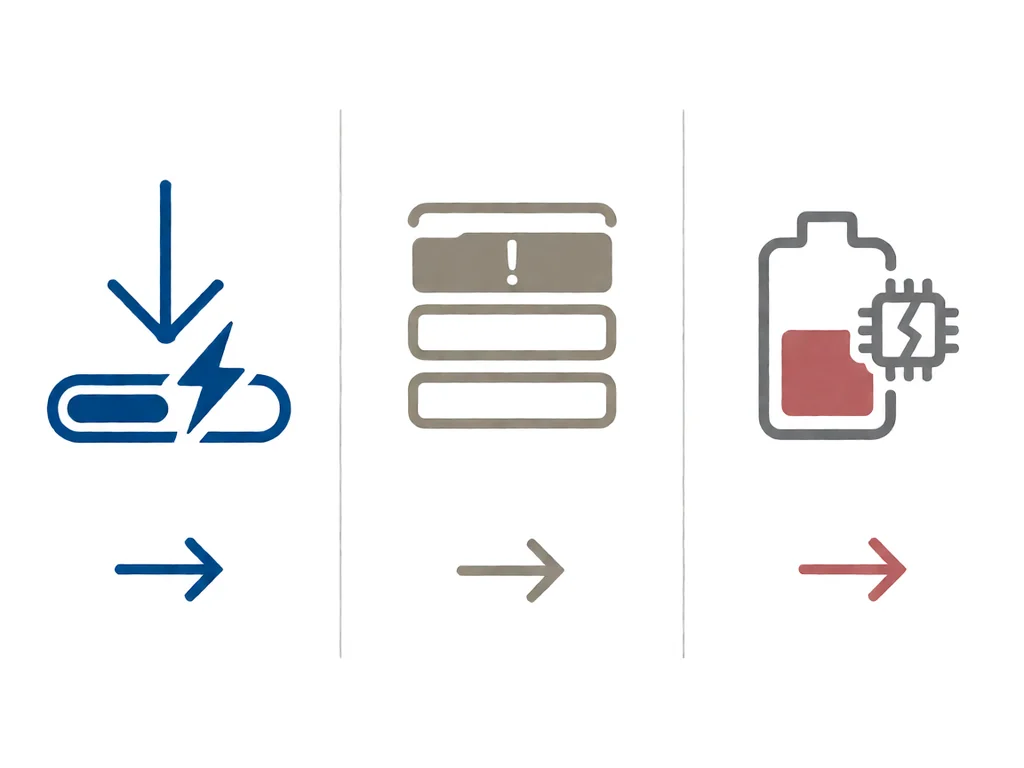
The single most common cause of a true boot loop is a failed or interrupted operating system update. The phone downloads the update, applies it, and the new system image replaces the old one. If anything interrupts the apply step, the result is a half-installed system that the bootloader cannot finish bringing up. The phone then restarts into the apply step, fails again, and repeats.
In South Africa, the most common interruption is load shedding. A phone on charge during scheduled power cuts is especially at risk, because the update is downloading and installing at the same time, and a cut in the middle is exactly the failure case the bootloader cannot recover from. The fix is to never start a system update if the next load shedding window is within an hour. The second most common cause is an unstable mobile data connection, which can break the download mid-stream on a phone that is updating over cellular.
Updates can also fail because of low storage. The update package plus the working space the installer needs to apply it is usually 2 to 4 GB. If the phone has less than 5 to 6 GB free when the update starts, the installer can run out of space partway through. Check the storage setting on the phone if you can get to it before doing anything else. Our guide on phone charging faults in South Africa covers a related symptom that can look like a boot loop on a small number of phones.
Even without an update, a phone that runs out of storage at a critical moment can end up in a boot loop. The operating system relies on a small amount of free space for swap, logs, and recovery files. When that free space is exhausted, the system can fail to write a critical file during startup, fail to read it on the next boot, and enter the loop. This is more common on budget phones with 16 GB or 32 GB of storage, which is a meaningful chunk of the South African market.
If the phone does get to the home screen after a force restart, open the storage setting and check how much free space you have. Anything under 1 GB is dangerous. Anything under 200 MB will probably cause another boot loop within days. Offload photos and videos to a cloud service or a memory card, then uninstall apps you have not used in three months.
A small but stubborn fraction of boot loops are not software at all. The three most common hardware causes each have a different signature.
If the phone was dropped shortly before the boot loop started, or if it spent time in water, or if the battery is swollen, skip the software fixes in the next two sections and take it to a shop.
If the force restart did not fix it and the fault is not clearly hardware, the next step is recovery mode. Recovery mode is a separate small operating system that lives on a protected part of the storage. It boots independently of the main system, which is why the phone can reach it even when the main system is in a loop. From recovery mode, you can clear the system cache, apply the system update again, or wipe the user data. Each of those has a different data-loss cost.
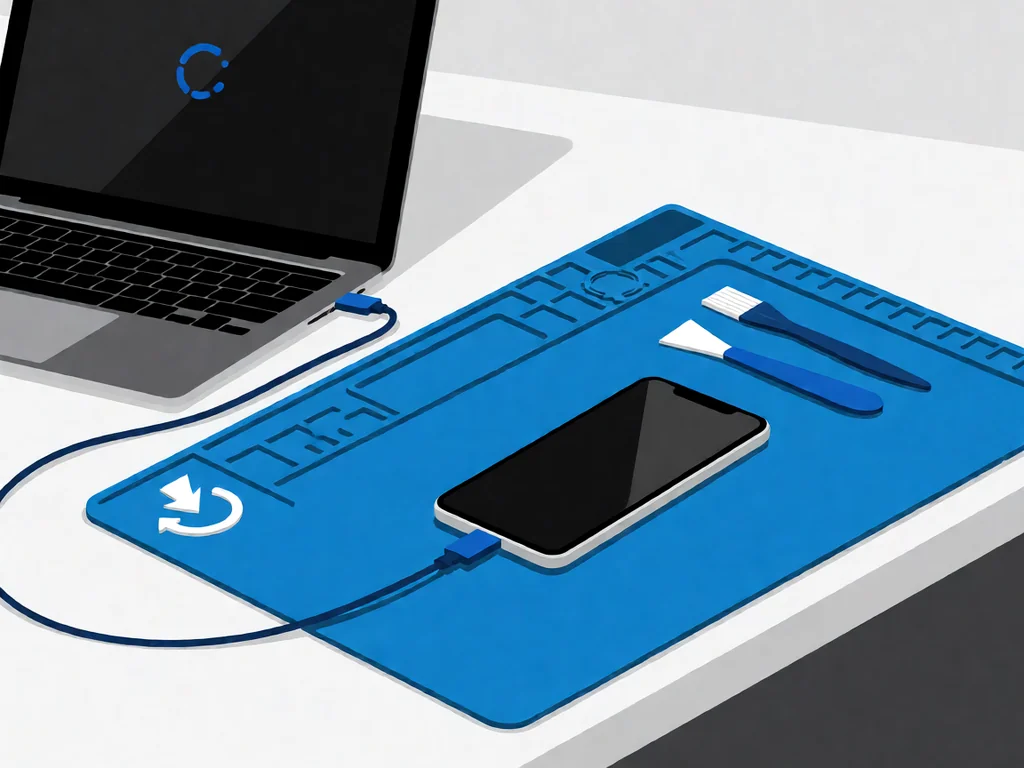
The exact key combination to enter recovery mode depends on the brand. On most Android phones, hold the power button and the volume down button together for 10 seconds, then use the volume keys to navigate to recovery mode and the power button to confirm. The iPhone equivalent is connecting the phone to a computer, putting it into recovery mode, and choosing Update or Restore in the computer app. An update on iPhone tries to reinstall the system without wiping; Restore wipes.
A factory reset is a real loss. Anything that is on the phone and not backed up is gone forever, including photos, videos, messages, app logins, downloaded music, game saves, and any local files. Before a factory reset, try every other option first: force restart, clear cache, and apply the update again. A factory reset should be the last software step, not the first.
If you can get to the home screen even briefly, copy anything irreplaceable to a cloud service or a computer before the factory reset. If the data is irreplaceable, a shop with a board-level specialist is the safer option than a factory reset.
Local repair shops in South Africa typically charge a diagnostic fee between R250 and R450 to open the phone, identify whether the fault is software or hardware, and quote the rest. Many shops credit that fee back if you go ahead with the repair.
A software-only fix, where a shop does a forced update via recovery or a clean factory reset, is often cheaper than a hardware diagnostic. A mainboard-level repair on the eMMC or the power management IC is the most expensive fix, often R1500 to R4000, worth doing mainly on more expensive phones. If you have an older phone, the honest answer is sometimes to replace the phone.
If the data on the phone is irreplaceable and a factory reset would lose it, say so before the diagnostic. A shop with a board-level specialist can sometimes read the storage chip directly and pull the data off before doing any reset, which is more expensive but the only way to keep the data in a real hardware boot loop. Our phone parts catalogue lists the common replacement parts carried locally.
This article is general guidance based on manufacturer documentation, repair-shop experience, and the sources linked above. It is not a substitute for a professional diagnostic, and it is not a guarantee that any specific phone can be saved. If your phone is under manufacturer warranty, opening it will void that warranty. A factory reset erases all data that is not backed up, and the data is not recoverable after the reset is complete. Always stop work and seek a qualified technician if the phone shows any sign of battery swelling, overheating, or chemical smell. POTATOTECH is a South African retailer of phone parts and repair tools and does not offer a phone repair service.
Why is my phone stuck on the logo screen?
The most common reason is a failed or interrupted operating system update. The phone boots, finds a half-installed system, and cannot finish. The second most common reason is a storage-full failure during the same update process. Less commonly, it is a hardware fault on the mainboard, the storage chip, or the battery. A force restart is the first step; a recovery-mode cache clear is the second; a factory reset is the last.
Can a boot loop phone be fixed?
Yes, in the large majority of cases. Software boot loops caused by a failed update or a corrupted cache are fixed by a force restart, a recovery-mode cache clear, or a clean factory reset, in that order. Hardware boot loops are fixed by a mainboard-level repair or, less often, by replacing the storage chip. The cases that cannot be fixed are usually ones where the storage chip is physically destroyed, which is rare.
How do I fix a phone stuck on the logo after a factory reset?
A factory reset that ends in a boot loop usually means the system image on the phone was already corrupted before the reset. The fix is to enter recovery mode and apply the system update from a computer or a memory card. On iPhone, the equivalent is to do a full restore through iTunes or Finder, which downloads a fresh system image.
Will I lose my data if I fix a boot loop?
It depends on the step. A force restart loses nothing. A recovery-mode cache clear loses nothing. A recovery-mode update reinstall loses nothing on Android and loses everything on iPhone. A factory reset loses everything that is not backed up. The data loss steps are clearly labelled in recovery mode; the phone asks you to confirm before it does anything destructive.
How long should I leave a phone on the charger before giving up?
At least 30 minutes on a known-good original or equivalent charger before doing the force restart. A deep-discharged battery can look like a boot loop for the first 20 to 30 minutes, then the protection circuit releases and the phone boots normally. If nothing has changed after 2 hours, the fault is more likely the operating system or the mainboard, not the battery.
How much does it cost to fix a boot loop in South Africa?
A diagnostic in South Africa is typically R250 to R450, often credited back to the repair. A software-only fix, where a shop does a forced update or a factory reset, is often just the diagnostic fee. A mainboard-level repair on the eMMC or the power management IC is the most expensive option, often R1500 to R4000, worth doing mainly on higher-value phones. If the data on the phone is irreplaceable, ask about a data-recovery line item before any reset is done.
Most cracked phone panels don’t come from a shaky hand. They come from the wrong temperature. Heat the adhesive too little and the glass fights you until it snaps. Heat it too much, or in one spot, and you cook the panel underneath instead — which is how “repair” turns into “replace”. This guide is […]

You tap an app and nothing happens for ten seconds, then the whole screen freezes mid-animation. You wait, you tap again, the phone buzzes once and sits there. Sometimes a restart clears it for a day, sometimes it freezes again as soon as you open WhatsApp, and sometimes it started after an update or when […]

You open Maps or your taxi-hailing app, and the blue dot never settles, or it places you three streets away. You stand outside with a clear sky above you, and the phone still takes minutes to lock on, or it locks on and then drops your position into the middle of a field. Sometimes the […]