
A clogged Lightning port is one of the most common reasons an iPhone stops charging properly, and it is also one of the cheapest to put right. Lint from your pocket packs into the bottom of the port over months of use, and once it has compacted, the cable can no longer go in far enough to make contact. Before you pay for a repair, check the port.
Dust is part of daily life here, from dry Highveld winters to sand on the coast, and a phone that lives in a pocket or a bag collects more of it than one that sits on a desk. The port also carries data, so the same clog that stops charging will stop a sync to your computer.
The Lightning port is a narrow recessed slot, and everything your pocket contains ends up in it. Clothing lint is the usual culprit. It collects against the back wall of the port and compresses into a felt-like mat that stops the cable from seating properly. When that happens, any of the following can follow:
Cleaning takes about five minutes and needs nothing you do not already have. It is worth doing first because it costs nothing and it rules out the most common cause of the problem.
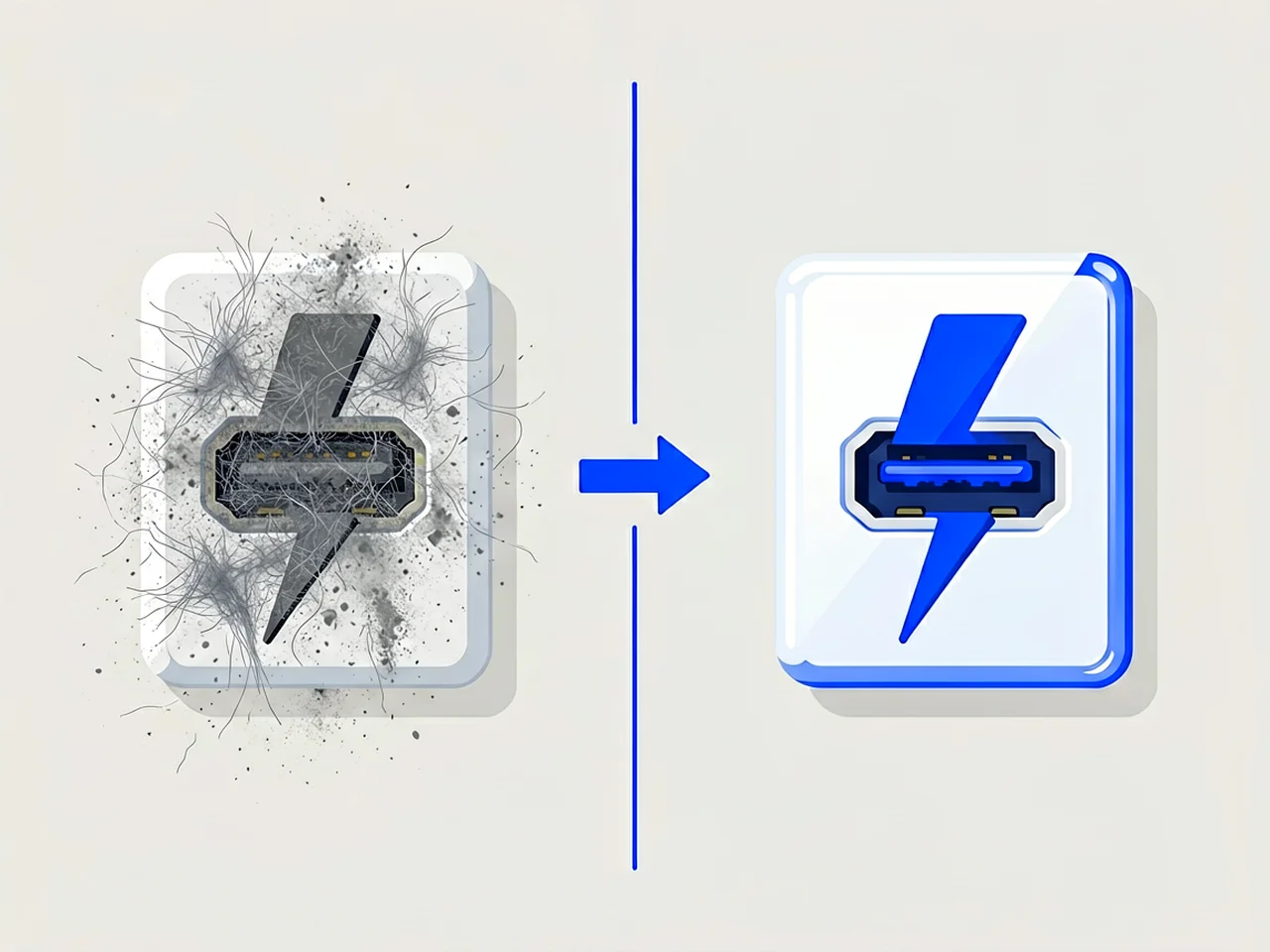
The symptoms below point to a blockage rather than a fault elsewhere. A tired battery or a frayed cable produces some of the same complaints, so it helps to tell them apart:
Work slowly and do not force anything. The contacts inside the port are thin strips of metal, and a bent one cannot be straightened back into place.
Leave liquids out of it. Isopropyl alcohol is fine for cleaning a charging cable and a bad idea inside the port, because it carries dissolved lint deeper instead of lifting it out and leaves a film on the contacts. Dry tools only.
Leave the job alone if you pull out anything damp, or if the contacts look green or white rather than gold. Those are signs of moisture damage, and no amount of cleaning will undo corrosion. The phone needs to go to a repair shop at that point.
Everything on this list is cheap or already in the house:

| Tool | Purpose | Where to Find |
|---|---|---|
| Wooden toothpick | Gently dislodge compacted lint | Kitchen drawer |
| Compressed air can | Blow out loose debris | Computer stores, Takealot |
| Soft-bristled brush | Sweep away surface particles | Makeup section, pharmacy |
| Phone flashlight | Illuminate the port interior | Already on your iPhone |
Important: Never use metal objects like pins, needles, or paperclips. Metal can short-circuit the port, damage the delicate pins, or push debris deeper into your iPhone.
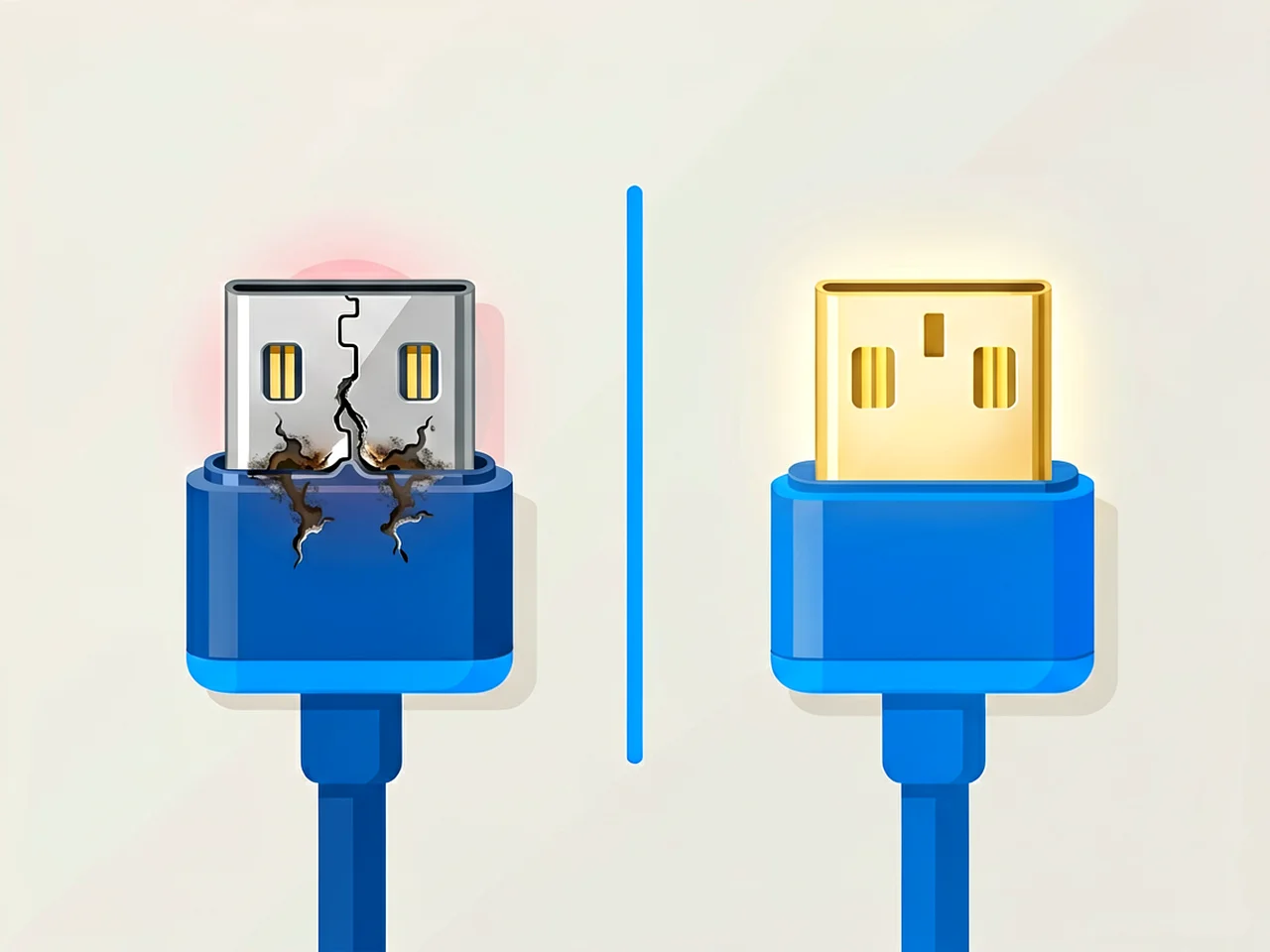
If none of that helps, the port is probably damaged rather than dirty. These are the signs that point that way:
A repair shop can replace the charging port assembly. On most iPhones that is a separate flex part rather than a board-level repair, which keeps both the part and the labour reasonable.
Every two to three months is about right if the phone lives in a pocket or a bag. If charging starts behaving oddly, clean it then rather than waiting for the scheduled date.
No. Metal pins can conduct electricity, short-circuit the port, bend the delicate charging pins, or push debris further inside. Always use wood or plastic.
No. Clearing debris out of the port is ordinary maintenance, and Apple’s own support page lists it as a step to try when a phone will not charge. Damage you cause while doing it is a different matter, which is why the tool stays wood or plastic.
A clean and inspection is usually a few hundred rand at most. A port replacement typically runs R800 to R1,500 depending on the model and on whether you use Apple or an independent shop. Ask for a quote before you hand the phone over.
Yes, in short bursts, with the can held upright. Tilted at an angle, it sprays liquid propellant instead of air, and that leaves residue behind. Let the port dry before charging.
Disclaimer: Prices and availability may change. For current pricing, stock status or delivery details, please use our Contact Us page. This article is for general informational purposes.
Most cracked phone panels don’t come from a shaky hand. They come from the wrong temperature. Heat the adhesive too little and the glass fights you until it snaps. Heat it too much, or in one spot, and you cook the panel underneath instead — which is how “repair” turns into “replace”. This guide is […]

You tap an app and nothing happens for ten seconds, then the whole screen freezes mid-animation. You wait, you tap again, the phone buzzes once and sits there. Sometimes a restart clears it for a day, sometimes it freezes again as soon as you open WhatsApp, and sometimes it started after an update or when […]

You open Maps or your taxi-hailing app, and the blue dot never settles, or it places you three streets away. You stand outside with a clear sky above you, and the phone still takes minutes to lock on, or it locks on and then drops your position into the middle of a field. Sometimes the […]