
Is your iPhone screen original? The fastest, most reliable way to tell is built into the phone itself: open Settings → General → About → Parts and Service History. On an iPhone 11 or newer (not the SE 2nd/3rd gen), a genuine Apple display shows “Genuine Apple Part” next to Display; a non-genuine or unverified one shows “Unknown Part”; and if that section isn’t there at all, the screen was never replaced. Below are the step-by-step checks, what the warning really means, and the physical tells to watch for in South Africa.
Whether you’ve bought a used iPhone, had a screen swapped at a local repair shop, or are just curious, knowing what’s on your phone matters — for resale value, for warranty questions, and for setting expectations about features like True Tone.
This is the one test Apple itself built for exactly this question, and it’s the place to start.
Here’s what each label means:
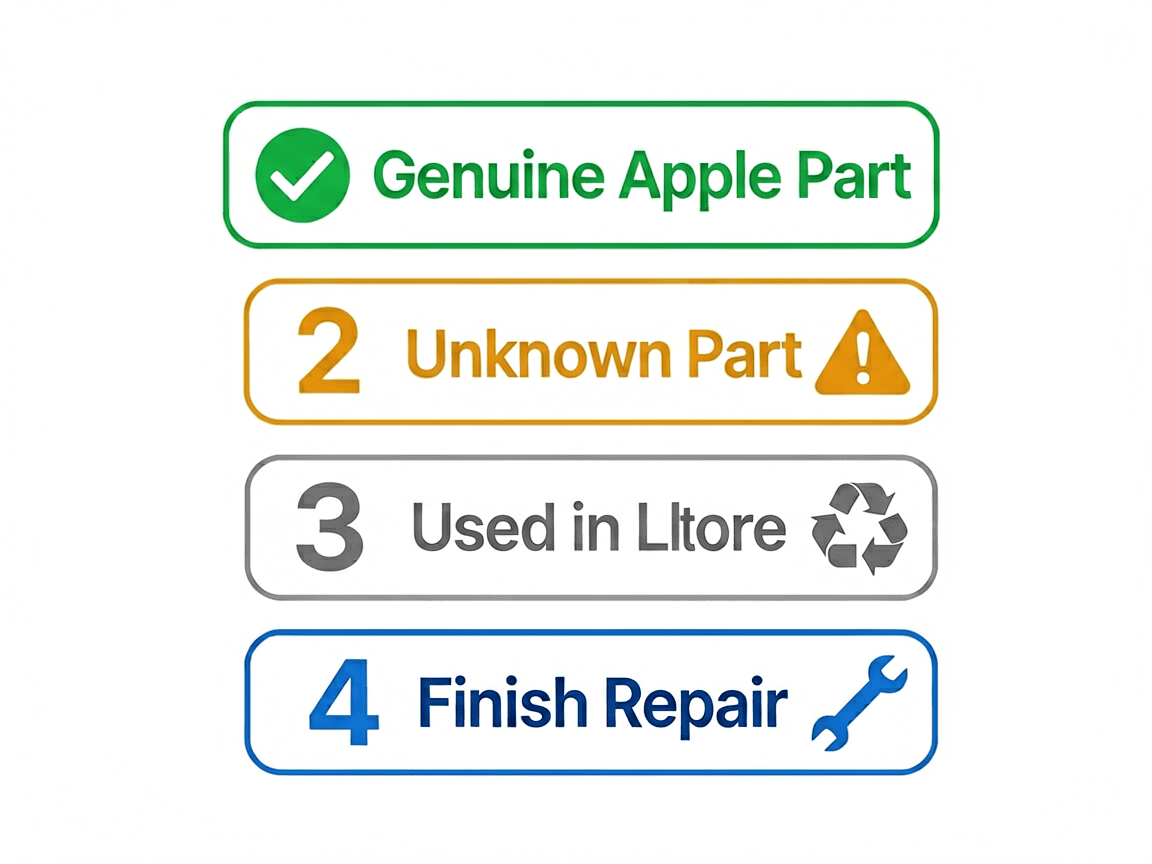
One detail worth knowing: an “Unknown Part” message can affect the trade-in value of the device, according to Apple, even though it doesn’t stop the phone from working.
This is where a lot of confusion — and panic — comes from. The “Unknown Part” notice is a software serialization check, not a verdict on screen quality.
Apple pairs key components, including the display, to the phone’s logic board at the factory. When a replacement screen is installed, the system checks whether that part is verified. If it isn’t — which includes a perfectly good aftermarket panel, or even a genuine Apple screen moved from another phone without Apple’s pairing step — iOS flags it.
The practical upshot:
So an “Unknown Part” message tells you the screen wasn’t verified through Apple’s system — it does not by itself mean the screen is broken or dangerous. That distinction matters, especially if a local shop just fitted a quality aftermarket panel.
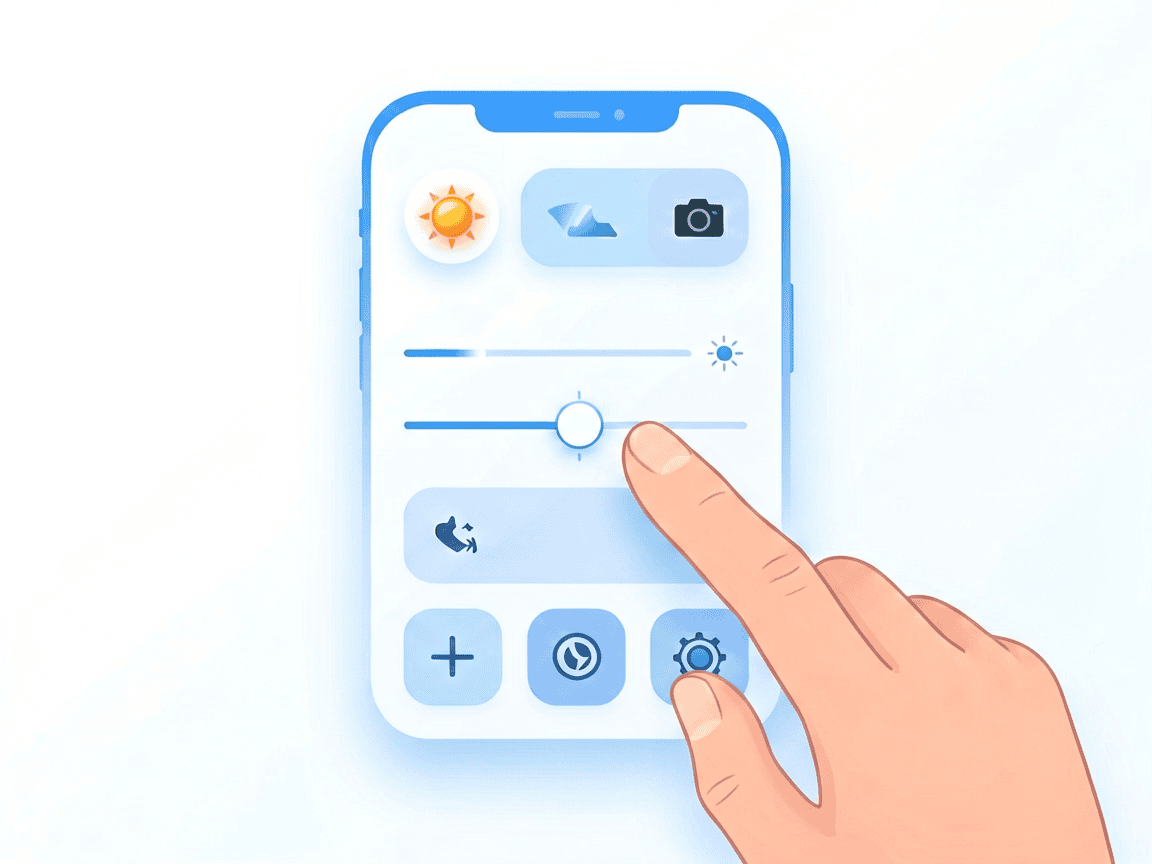
True Tone automatically adjusts the screen’s white balance to match the light around you. Because it relies on calibration data tied to the original display, a replacement often loses it — which makes True Tone a useful clue.
To check:
If the True Tone button is missing, that’s a strong sign the screen has been replaced with a non-genuine part or that the original screen’s calibration data wasn’t carried across. One caveat: some aftermarket screens and programmers can now restore True Tone, so its presence alone doesn’t prove the panel is a genuine Apple one — but its absence is a meaningful tell.
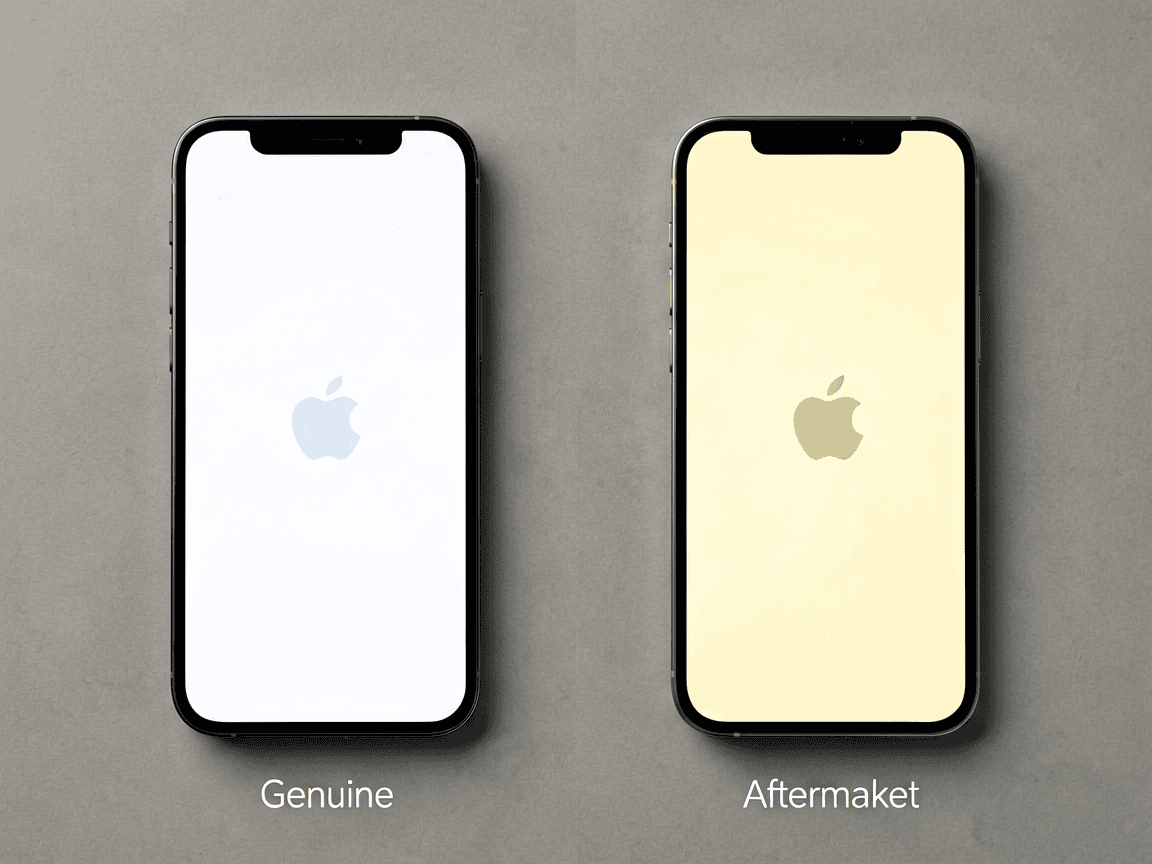
If the software check isn’t available (older iPhone) or you want a second opinion, a careful look can reveal a lot.
None of these are proof on their own, but several together are a strong signal.
South Africa has a large, active market for used iPhones and for screen repairs — and a wide range of part qualities on offer. A few local realities:
If you’re sourcing a replacement yourself, browse our phone parts and compare grades before you commit.
Yes. A phone with an aftermarket display generally works fine for everyday use — calls, apps, messaging, cameras — and only loses the features tied to Apple’s calibration (mainly True Tone, sometimes ambient-light behaviour). The risks Apple flags with non-genuine displays are real but mostly about *quality consistency*: touch responsiveness, colour accuracy, maximum brightness, and — in poorly done jobs — the chance of a loose part affecting the battery.
The honest takeaway: a non-genuine screen isn’t automatically a problem, but quality varies widely. Buy from a source you trust, ask what grade of panel you’re getting, and don’t be alarmed by the “Unknown Part” notice if the phone otherwise works well.
If you’re weighing a repair in the first place, our phone repair tools guide cover the money and the DIY side.
How do I check if my iPhone screen is original?
Open Settings → General → About → Parts and Service History (iPhone 11 and newer, except the SE 2nd/3rd gen). “Genuine Apple Part” next to Display means genuine; “Unknown Part” means non-genuine or unverified; no section usually means the screen was never replaced.
What does “Unknown Part” mean on an iPhone?
It means the installed display wasn’t verified through Apple’s system — typically an aftermarket panel, a screen pulled from another iPhone, or a genuine part that wasn’t paired after fitting. It’s a software serialization notice, not proof the screen is faulty; it mainly disables True Tone.
Will a non-genuine screen affect Face ID?
No. Face ID lives in the front sensor assembly, not the display, so fitting a non-genuine screen doesn’t disable it. The “Unknown Part” warning relates to the display only. (Face ID *can* be put at risk during a careless repair if the sensor module is damaged — but that’s a fitting issue, not the screen’s grade.)
Can True Tone be restored on an aftermarket screen?
On a genuine or used-genuine Apple screen, iOS 18’s Repair Assistant can restore True Tone after pairing. On an aftermarket panel, True Tone usually needs a separate programmer to copy the calibration data, or a pre-programmed “diagnostic” screen that mimics the pairing — otherwise it stays off.
Does an “Unknown Part” message mean the screen is bad?
Not by itself. It confirms the part wasn’t Apple-verified, but a quality aftermarket screen triggers the same message and works normally apart from True Tone. It can, however, lower trade-in value and means you should set expectations about colour/brightness accuracy.
*Shopping for a replacement or verifying what’s already on your phone? Browse our phone parts and repair toolkits, and if you’re unsure what grade you need, ask your repairer exactly what panel they fit.*
POTATOTECH is currently preparing its online store. Product names, specifications, pricing, stock levels and delivery options mentioned or linked above are indicative and subject to change. For the latest availability, specifications or shipping details, please use our Contact page. Nothing in this article constitutes a purchase offer or a commitment to supply.
Most cracked phone panels don’t come from a shaky hand. They come from the wrong temperature. Heat the adhesive too little and the glass fights you until it snaps. Heat it too much, or in one spot, and you cook the panel underneath instead — which is how “repair” turns into “replace”. This guide is […]

You tap an app and nothing happens for ten seconds, then the whole screen freezes mid-animation. You wait, you tap again, the phone buzzes once and sits there. Sometimes a restart clears it for a day, sometimes it freezes again as soon as you open WhatsApp, and sometimes it started after an update or when […]

You open Maps or your taxi-hailing app, and the blue dot never settles, or it places you three streets away. You stand outside with a clear sky above you, and the phone still takes minutes to lock on, or it locks on and then drops your position into the middle of a field. Sometimes the […]
6 responses