
A phone whose charging port won’t take a charge is rarely a dead battery. In most cases the culprit is pocket lint packed into the phone charging port, a worn-out cable, or bent internal pins — not the battery at all. Before you spend a cent on a repair, try a different cable and adapter, then clean the port gently with a wooden toothpick (never metal). If the phone still only charges at an angle or the cable falls out, the port itself is damaged and usually needs a professional replacement — a job that often involves micro-soldering and isn’t a beginner’s DIY.
Charging ports are among the most heavily used parts of any phone. Every plug-in and yank adds wear, and dust from your pocket quietly compacts inside. Understanding what’s actually wrong saves you time, money, and an unnecessary repair.
The fastest way to avoid a pointless repair is to rule out the cheap causes before touching the phone :
Only after these checks point back at the phone should you look at the port itself.
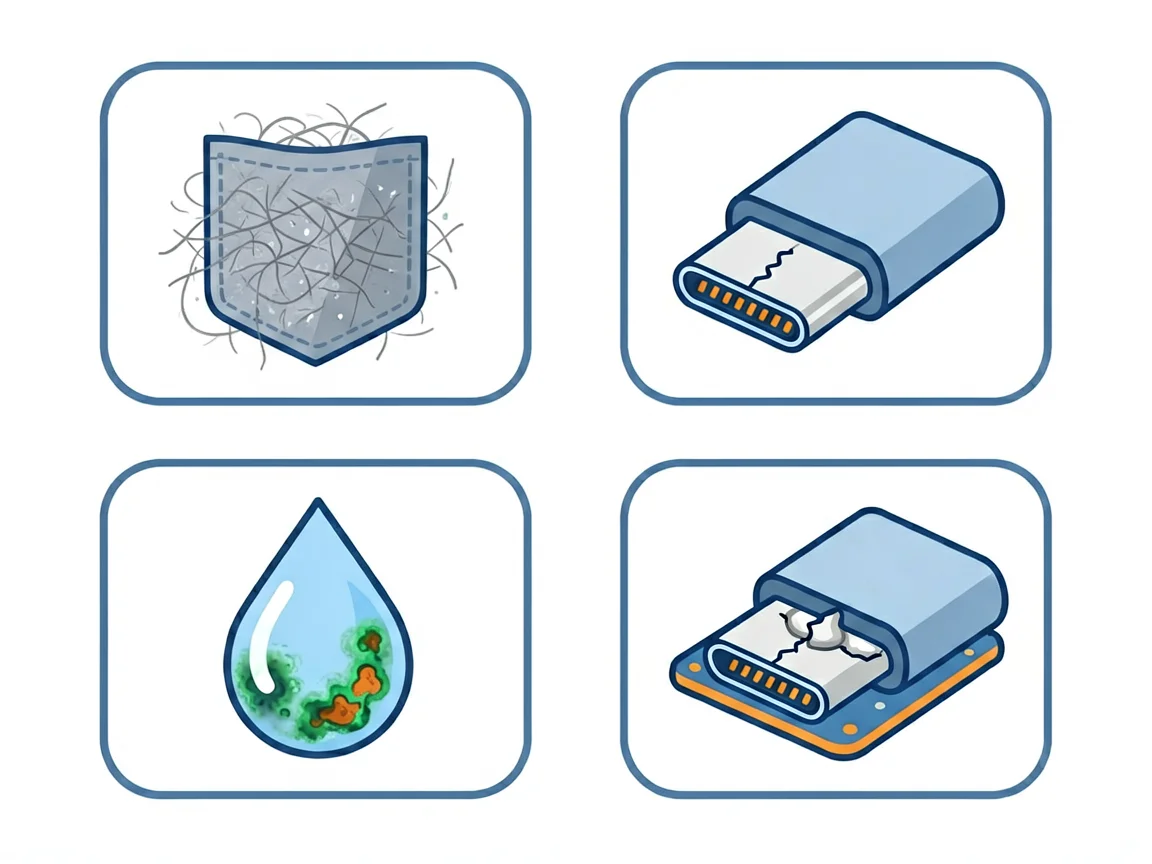
1. Lint and pocket dust — the most common. Every trip in and out of your pocket pushes tiny fibres into the port. They compact at the back, and the cable can’t seat properly. A flashlight into the port will usually show it — if you can’t see the metal contacts clearly, debris is likely the culprit.
2. Bent or worn pins. Forcing a cable in at an angle, or using off-spec cheap accessories, bends the small metal contacts inside. USB-C ports have a delicate centre tongue that cracks easily; Apple Lightning ports have an open cavity that collects lint faster.
3. Moisture and corrosion. Humidity, sweat and spills rust the copper contacts, blocking the current even when the cable feels firmly seated. Moisture damage can build silently over time.
4. Loose solder joints from physical stress. Constantly wiggling the cable to get a charge weakens the solder where the port meets the motherboard. Eventually the whole port becomes loose and fails — this usually means replacement or re-soldering.
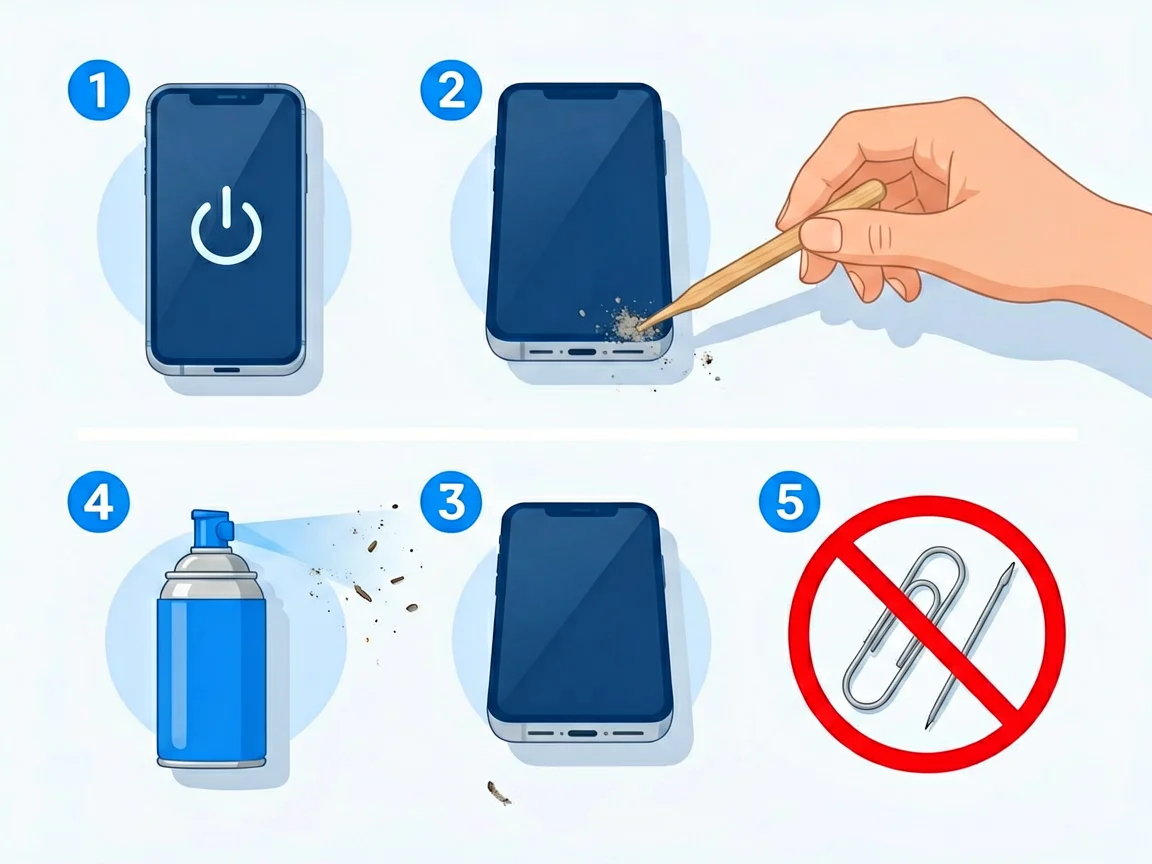
If the diagnosis points at a dirty port, cleaning is often all it takes. Do it carefully :
If cleaning works, the cable will click firmly into place and the phone charges normally. If not, the issue is deeper.
Cleaning won’t fix physical damage. Take the phone to a repairer if you see any of these :
On many modern phones the charging port is attached to the motherboard, so replacing it means micro-soldering — genuinely not a beginner-friendly job. A loose port can also be re-soldered by a technician if the pins themselves aren’t broken.
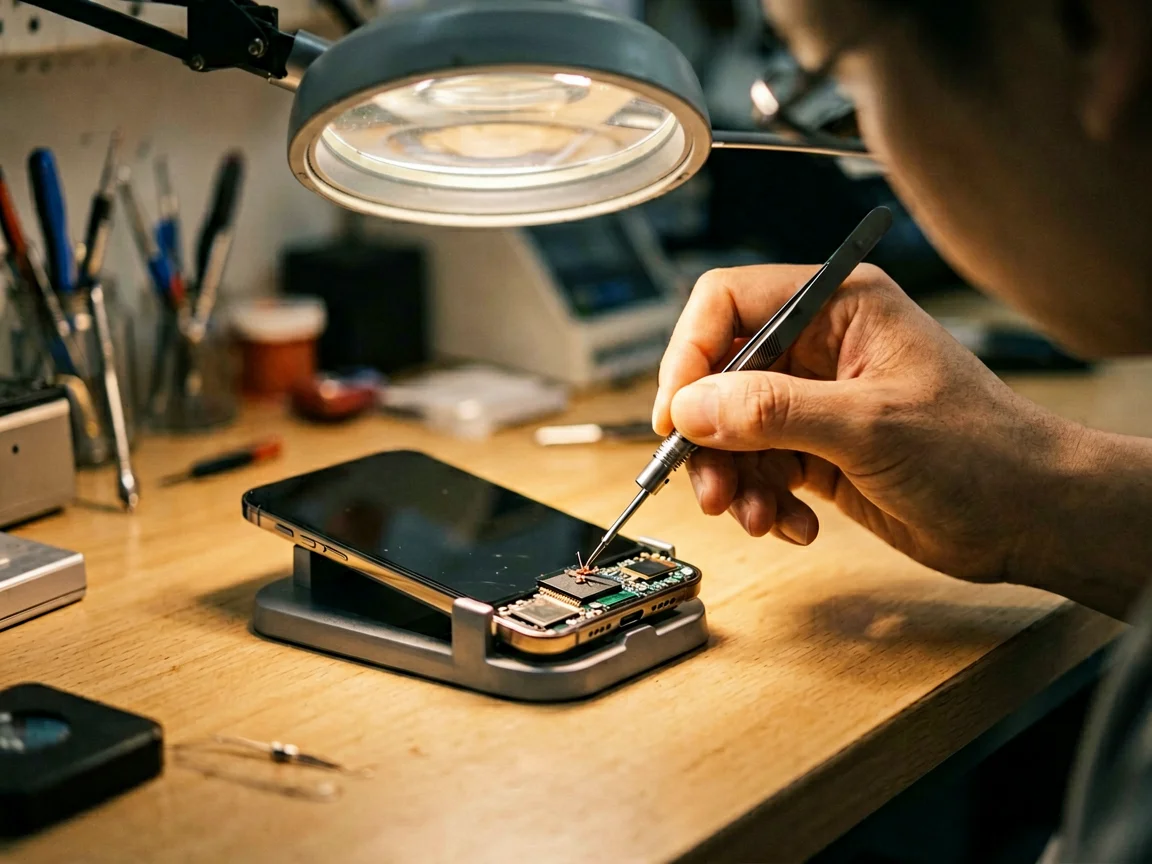
In South Africa, third-party shops typically quote around R700–R2,000 for a charging port repair depending on the model and whether it’s a port swap or board-level work (illustration only — third-party prices, not our quote).
Prevention is cheap and simple :
If you need a spare cable or a replacement part down the line, browse our cables and adapters and phone parts when you’re ready.
Why does my phone only charge at a certain angle?
It usually means the internal pins are worn, bent, or the solder joint is loose — the cable can’t maintain a solid connection except at one angle. It can also be packed lint. Clean it first; if the angle issue persists, the port likely needs professional repair.
Can I clean my phone charging port myself?
Yes, safely: power off the phone, then use a wooden toothpick or plastic pick to scrape out lint, plus short bursts of compressed air. Never use metal tools like paperclips or needles, and never pour liquid into the port.
How much does a charging port repair cost in South Africa?
Third-party shops typically quote around R700–R2,000 depending on the phone model and whether the port can be swapped or needs board-level work. Always confirm whether the price includes the part and labour (third-party ranges, not our prices).
Is it the battery or the charging port?
If the phone only charges at an angle, or the cable feels loose, it’s the port. If the port is fine but the phone still dies fast or shuts down early, look at the battery. Our guide to phone battery warning signs walks through the difference.
Can a charging port be fixed without replacing it?
Sometimes. If it’s just debris, cleaning fixes it. If solder joints are loose, a technician can re-solder them. Full replacement is needed when pins are broken, the port is cracked, or water corrosion has set in.
*Charging problems got you stuck? Try a clean and a new cable first — and when you need parts, browse our cables and adapters and phone parts.*
POTATOTECH is currently preparing its online store. Product names, specifications, pricing, stock levels and delivery options mentioned or linked above are indicative and subject to change. For the latest availability, specifications or shipping details, please use our Contact page. Nothing in this article constitutes a purchase offer or a commitment to supply.
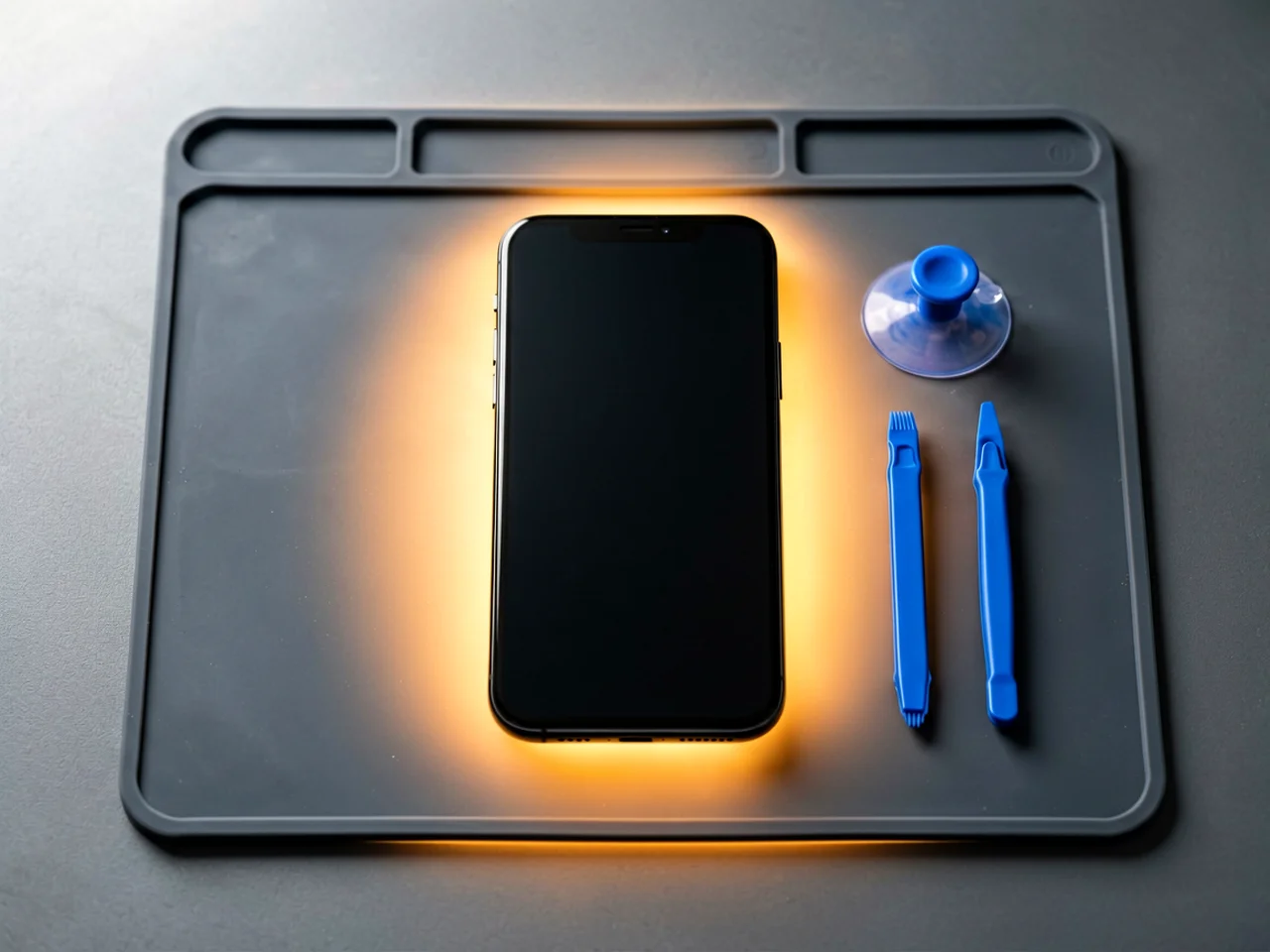
Most cracked phone panels don’t come from a shaky hand. They come from the wrong temperature. Heat the adhesive too little and the glass fights you until it snaps. Heat it too much, or in one spot, and you cook the panel underneath instead — which is how “repair” turns into “replace”. This guide is […]

You tap an app and nothing happens for ten seconds, then the whole screen freezes mid-animation. You wait, you tap again, the phone buzzes once and sits there. Sometimes a restart clears it for a day, sometimes it freezes again as soon as you open WhatsApp, and sometimes it started after an update or when […]

You open Maps or your taxi-hailing app, and the blue dot never settles, or it places you three streets away. You stand outside with a clear sky above you, and the phone still takes minutes to lock on, or it locks on and then drops your position into the middle of a field. Sometimes the […]
One Response