
Looking for the iPad screen repair cost in South Africa? Most repairs range from R1,000–R3,500 at an independent shop, while authorised repair can cost about R3,200–R8,000. DIY parts are cheaper, but the risk is much higher.
In South Africa, iPad screen replacement commonly costs about R1,000–R3,500 at an independent repair shop, R3,200–R8,000 through an authorised provider, or roughly R350–R1,500 for DIY parts. iPad, iPad Air, iPad Pro and older models differ because of the display assembly, adhesive, calibration, labour and transport involved. These are general market ranges, not POTATOTECH service quotes.
At a glance: confirm whether the quote covers glass only or the full display assembly, ask about warranty terms, and avoid DIY if the LCD, frame, battery or internal components may also be damaged.
This guide covers iPad screen replacement prices model by model — for a cross-brand overview, see our complete phone screen replacement guide for South Africa.
A cracked iPad screen costs between R1,200 and R3,500 at independent repair shops across South Africa. Apple Authorised Service Providers charge R3,500 to R8,000 depending on the model and damage type. DIY kits range from R400 to R1,500 but carry significant risk of damaging the display beyond repair.
The price gap between professional repair and DIY replacement is substantial. An independent shop in Pretoria might fix your iPad 9 for R1,400, while an Apple Authorised Service Provider in Sandton could quote R4,200 for the same model. This difference reflects not just the part cost, but expertise, warranty coverage, and the risk of permanent damage if the repair fails.
Understanding your options before handing over your device helps you make an informed decision. This guide breaks down realistic costs for all iPad models, explains what affects pricing, and helps you decide whether professional repair or DIY replacement makes sense for your situation.
Before comparing quotes, identify the exact iPad generation and ask whether the price covers glass only or the complete display assembly. For a cracked screen that still shows a clear image and responds to touch, glass-only repair may be possible. Lines, black spots, flickering or dead touch areas usually mean a full display replacement.
For related guidance, compare this with our cracked iPad screen repair guide and iPhone screen replacement cost guide.
Screen replacement costs vary dramatically across iPad models. Here is what you can expect to pay at South African repair shops in 2026:
| iPad Model | Independent Shop (ZAR) | Apple Authorised (ZAR) | DIY Kit (ZAR) |
|---|---|---|---|
| iPad 9 (10.2″) | R1,200–R1,800 | R3,500–R4,500 | R400–R800 |
| iPad 8 (10.2″) | R1,200–R1,800 | R3,500–R4,500 | R400–R800 |
| iPad 7 (10.2″) | R1,000–R1,600 | R3,200–R4,000 | R350–R700 |
| iPad Air (4th/5th gen) | R1,800–R2,500 | R4,500–R5,500 | R600–R1,000 |
| iPad Pro 11″ | R2,200–R3,000 | R5,500–R6,500 | R800–R1,200 |
| iPad Pro 12.9″ | R2,500–R3,500 | R6,500–R8,000 | R1,000–R1,500 |
These prices cover glass-only replacement when the display still functions properly. If the LCD is damaged, costs increase significantly because the entire display assembly must be replaced. Always request a written quote that specifies whether the price includes glass only or full display assembly replacement.
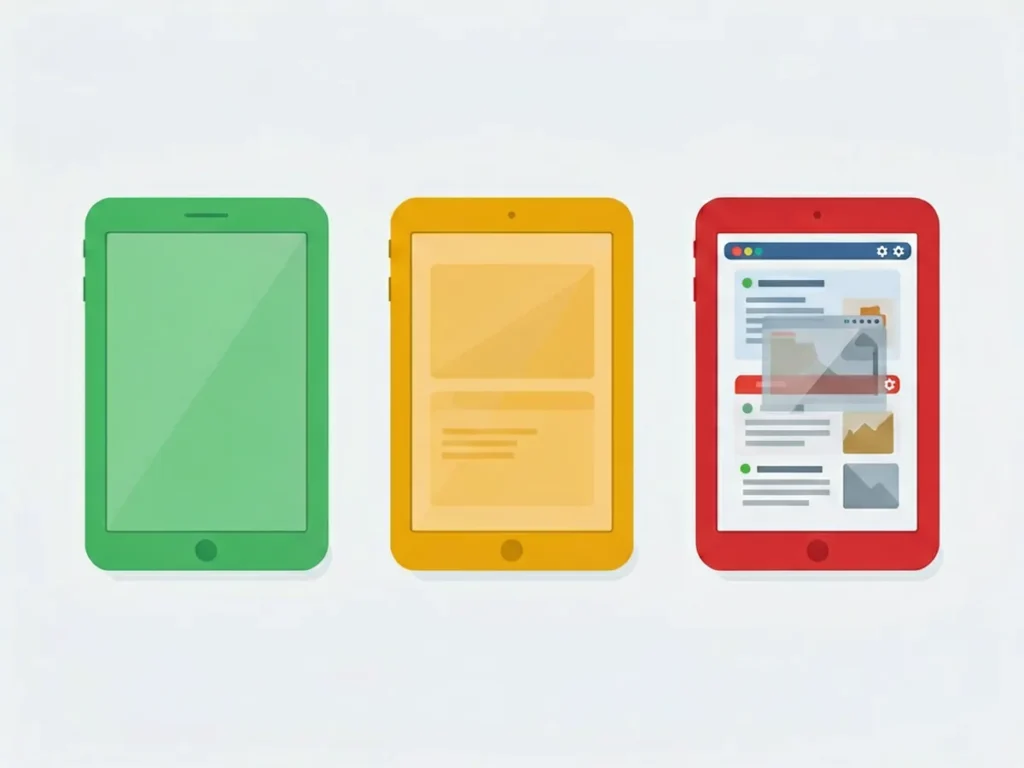
Several variables influence the final price beyond the basic model comparison. Understanding these factors helps you evaluate quotes accurately:
Not all screen damage requires immediate replacement. Here is how to assess whether repair is necessary:

Screen replacement on iPads is significantly more complex than iPhone repairs. The display assembly is glued tightly with strong adhesive, and multiple layers must be separated carefully. Here is what each option involves:
Sometimes spending money on a screen repair is not the smart financial move. Consider these questions before deciding:
For example, repairing an iPad 7 (released 2019) for R1,800 might be worthwhile if the rest of the device functions well. But spending R2,500 on an iPad Air 4 that already has battery issues probably does not make financial sense.
Not all repair shops provide equal quality. Here is how to find a reputable service provider in South Africa:
Yes, but cracks worsen over time. Small hairline fractures can spread from temperature changes or pressure. If the crack is near the edge and does not affect touch response, you can use it carefully with a screen protector applied over the crack. If it is in the middle of the display or touch is affected, replace it soon.
If you have AppleCare+, screen replacement costs a service fee of R450–R650 instead of the full repair cost. Check your coverage at supports.apple.com before assuming you will pay full price. AppleCare+ also covers accidental damage, which standard warranty does not.
Most shops complete standard iPad screen replacements in 1–2 hours. iPad Pro 12.9-inch models take longer due to the larger display and more complex assembly. First-time DIY attempts can take 2–4 hours and may require a second attempt if the glass does not lift cleanly.
Any unauthorized repair voids Apple warranty coverage. If your iPad is still under warranty or AppleCare+, professional repair through an Authorised Service Provider is the safest option. Third-party repairs may affect future service eligibility.
iPads use different display technologies across models and generations. Knowing which type your iPad has helps you understand repair options and costs:
Display type affects both repair cost and availability of replacement parts. Older models may have discontinued parts, while newer models with advanced displays command premium prices.
Understanding what happens during a professional screen replacement helps you evaluate repair quality:
Quality varies significantly between shops. Cheap repairs may skip steps or use inferior adhesive, leading to premature failure or water damage.
Before repairing your iPad, understand your legal rights and warranty status:
Always ask about warranty coverage before choosing a repair provider. A slightly higher price with better warranty protection may save money long-term.
Once your iPad screen is repaired, take steps to prevent future damage:
Prevention is far cheaper than repair. A R150 screen protector and R300 case cost significantly less than a R1,500 screen replacement.
Repair costs vary significantly across South African cities. Understanding regional differences helps you find the best value:
Mail-order repair services have emerged as an alternative, allowing you to send your device to specialized shops anywhere in the country. This can access better expertise but adds shipping risk and time.
A cracked iPad screen affects more than just aesthetics. Consider these practical consequences:
These factors should be weighed against repair costs when deciding whether to fix or replace.
DIY repair is not always a bad choice. Consider these scenarios where self-repair may be appropriate:
However, for newer iPads with expensive displays, professional repair usually provides better value through warranty protection and guaranteed quality.
The iPad repair landscape continues to evolve. Understanding current trends helps you make informed decisions:
These trends generally benefit consumers through increased access and competitive pricing. Stay informed about policy changes that may affect repair costs in the future.
Device repair has environmental benefits beyond cost savings:
South Africa faces growing e-waste challenges. Extending device lifespans through repair is both economically and environmentally sensible.
Screen prices depend on the exact model and the grade you choose. POTATOTECH currently lists these repair tools; confirm suitability for your exact iPad model before buying:
Disclaimer: POTATOTECH is currently preparing our online store. Prices quoted are estimates based on market research from South African repair shops and may vary. For current pricing and availability, see our Contact page.
For related repairs, read our guides to iPhone screen replacement costs, phone screen flickering and phone battery replacement costs. If you are considering DIY, browse the repair tools category first.
For current product information, use our Contact page. Ask the repairer to confirm screen type, calibration, adhesive, transport responsibility and post-repair warranty in writing.
The answer depends on whether the repair needs glass only or a complete display assembly. When comparing iPad screen repair cost, check the model, part type, labour, adhesive, calibration, transport and post-repair warranty.
Screen prices differ a lot between iPad models, and ordering the wrong part is an expensive mistake. Send us your iPad model number (Settings > General > About) on WhatsApp and we will confirm the right screen and current price before you order. If the glass is cracked but the picture still works, first read our guide to fixing a cracked iPad screen.
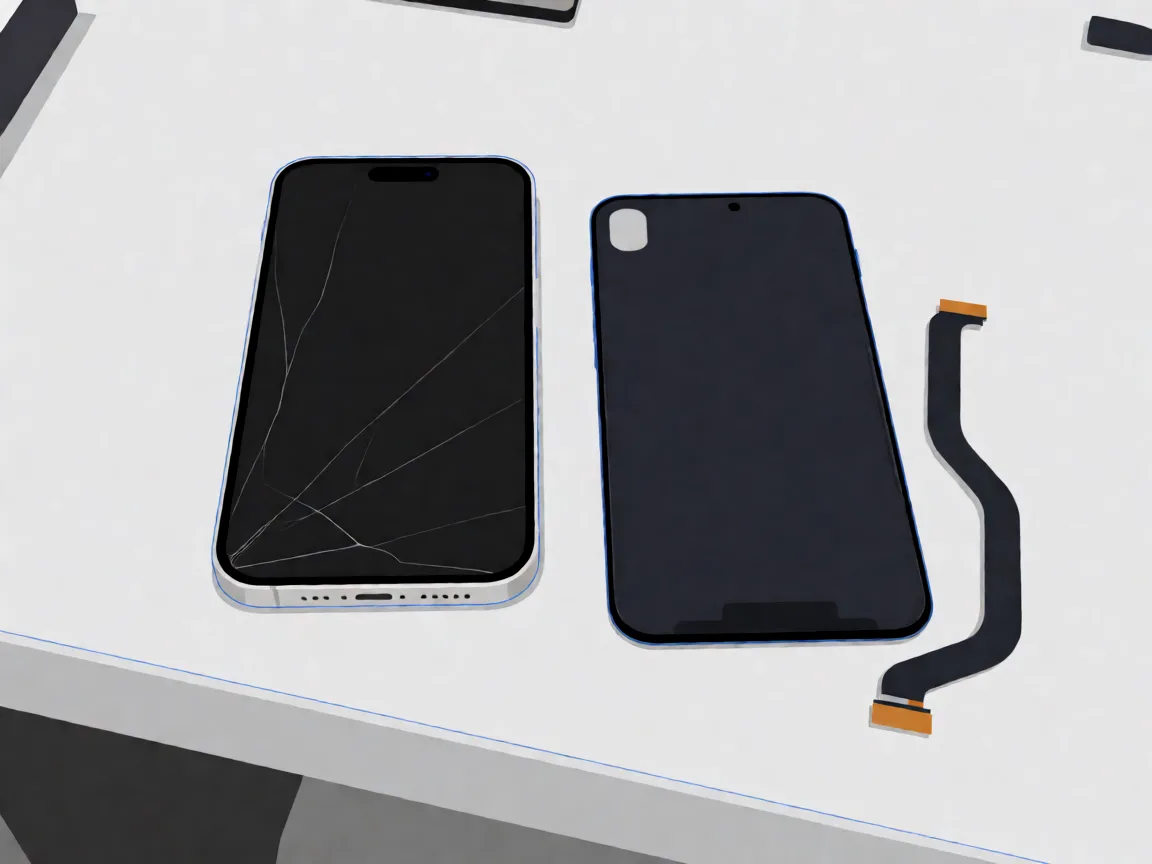
Samsung Galaxy A14 screen replacement in South Africa: part prices, the 4G versus 5G model trap, why no OLED exists for this phone, and honest DIY difficulty.
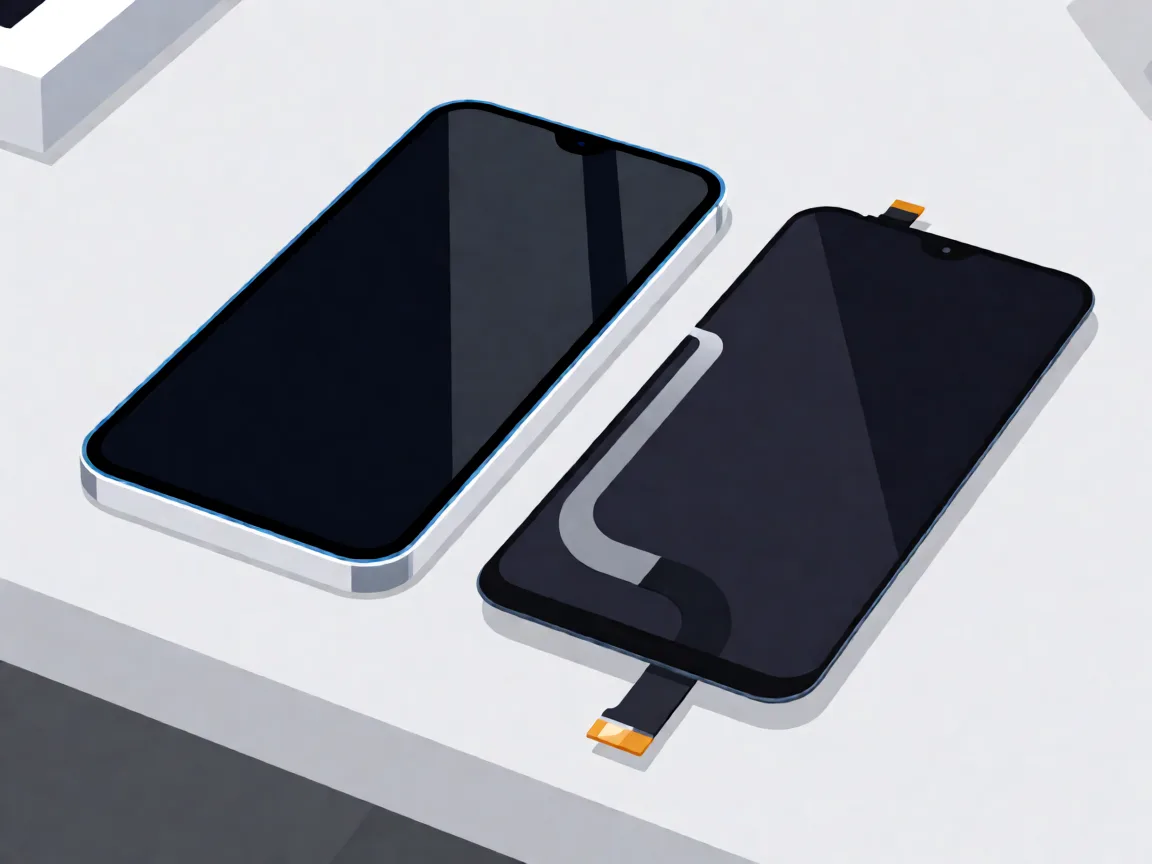
Samsung Galaxy A05 screen replacement in South Africa: part prices, the A05s and A06 model traps, with-frame versus bare panel, and the honest DIY difficulty.

Compare Samsung Galaxy A-series screen part prices in South Africa, understand what changes the fitted repair cost, and check your exact model before ordering.
One Response