
You unlock your Galaxy S21, and there it is: a single bright green line running straight down the screen. It was not there this morning. It does not fade when you tilt the phone or restart the app. Within hours it may be joined by a second line, and you are already searching for a Samsung green line fix while wondering what it will cost in South Africa.
The honest answer is that a green line on a Samsung OLED display is almost always a hardware fault, and there is no permanent fix short of replacing the screen. This guide explains what causes the green line, which Galaxy models are affected, what you can try before paying for a repair, what Samsung’s warranty actually covers in South Africa, and what a replacement realistically costs at repair shops around the country.
A green vertical line is a row of OLED pixels stuck in the on state. Each OLED pixel produces its own light, and the line you see is an entire column of pixels being driven by a damaged signal path. Unlike a temporary software glitch that affects the whole screen, a green line stays fixed in one position and typically appears in the same place after every restart.
There is an important distinction to make before you look for fixes: a green line that appeared suddenly, without a drop, is not the same as a cracked or water-damaged display. It points to a failure inside the display assembly itself, which is why most software troubleshooting will not remove it.
Several distinct causes produce the same green line symptom. Understanding which one applies to your phone changes whether a repair can help or whether the whole display assembly needs replacing.
The flexible cable that carries the video signal from the phone’s main board to the display driver chip runs along the edge of the screen. If this cable is pinched, torn or its connector loosens, one or more pixel columns lose their signal and stay lit green. This is the most common cause reported across Galaxy S21, S22 and S23 models.
The display driver integrated circuit (IC) sits on the glass itself. It converts the phone’s signal into the voltages that switch each pixel on and off. When the IC develops a fault, entire columns of pixels can lock into the wrong state. This failure mode is associated with heat stress and manufacturing variation rather than physical damage.
A hard knock, sitting on the phone in a back pocket, or repeated pressure near the top edge can damage the OLED panel or its connection. If the green line appeared right after a drop, the display assembly almost certainly needs replacing.
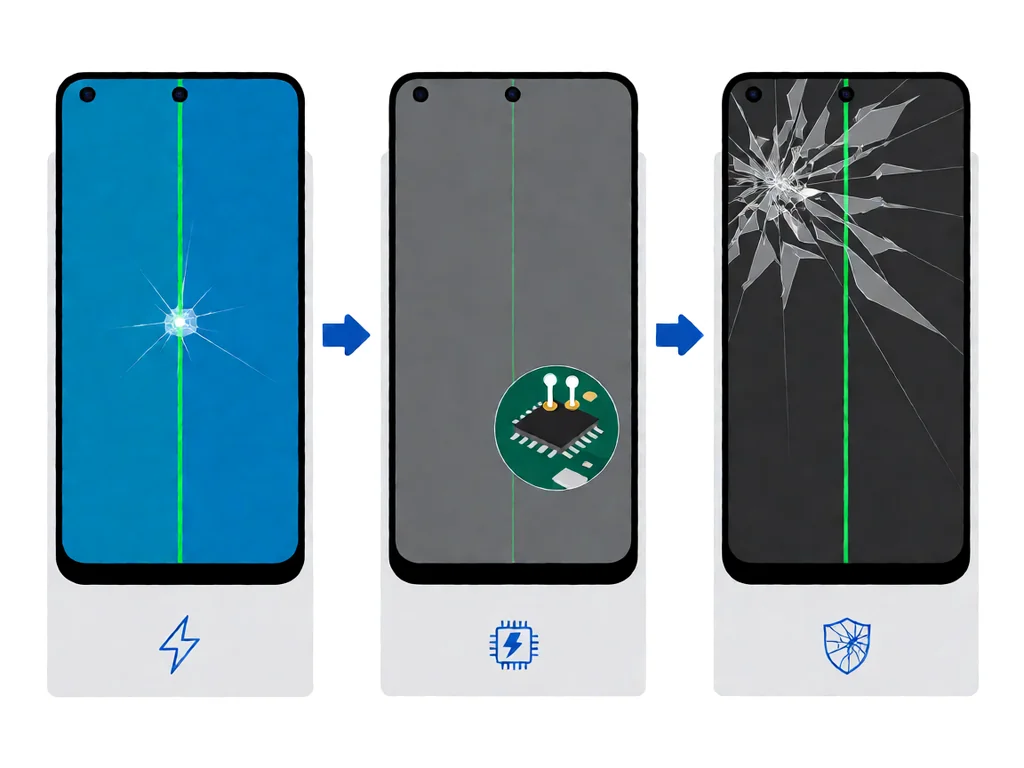
Note: the three causes shown above produce identical symptoms, which is why repair technicians open the phone to diagnose rather than guess.
Green line reports cluster around Samsung’s flagship OLED panels. The Galaxy S21 series drew the most attention when the issue went viral in 2021 and 2022, but reports also appear on S20, S22, S23 and some A-series phones with AMOLED displays.
If you own one of these models and a green line appears while the phone is still under its manufacturer warranty, read the warranty section below before spending money on a third-party repair.
This is the question most people search for, and the short answer is: you can sometimes hide the line, but you cannot repair the damaged pixel column. No amount of restarting, updating, clearing cache or toggling developer options will fix a genuine hardware green line.
Warning: do not follow YouTube videos that suggest “fixing” a green line by applying pressure, freezing the phone, or heating the screen. These methods cannot repair the panel and risk further damage to the display and battery.
When the green line will not go away, you are choosing between three replacement routes. The price difference between them is large, and so is the quality difference.

Samsung South Africa operates service centres in Johannesburg, Cape Town and Durban, alongside authorised partners. A screen replaced here uses a genuine Samsung panel with the original display calibration, and the work carries Samsung’s repair warranty. This is the most expensive route, but it is the only one that guarantees an OEM-quality result.
Many established independent shops across South Africa fit quality-grade OLED panels sourced from the same supply chain as Samsung’s parts. Prices sit well below the authorised rate, and turnaround is usually one to two days. The trade-off is that panel quality varies between suppliers, so ask which grade of panel they fit before agreeing to the price.
Cheap replacements under R1,000 are usually refurbished or lower-grade panels. They can show colour shift, reduced brightness, or develop new faults quickly. If you only need the phone to function for a few more months, this may be acceptable, but treat very low quotes with caution.
A green line that appears on its own, without a drop or visible damage, is a manufacturing defect rather than user damage. If your Galaxy is still within its manufacturer warranty period, Samsung South Africa is generally expected to replace the screen at no charge, provided the phone shows no signs of physical damage, water ingress, or unauthorised repair.
Prices below are market reference ranges observed at independent South African repair shops in 2026. Always request a written quote before handing over your phone, and confirm whether the price includes the display assembly or just the glass.
Prices in Johannesburg and Cape Town tend to run slightly higher than Durban or Pretoria. Shops in shopping-centre kiosks often quote low for the screen but add labour, so ask for the total out-the-door price in writing.
Samsung OLED screen replacement is one of the harder phone repairs. The panel is glued into the frame, the battery sits directly beneath it, and the display cable is fragile. iFixit rates Galaxy screen replacements as Moderate to Difficult depending on the model.
If you are weighing repair against replacement, compare the screen quote to the phone’s second-hand value. For an S21 or older model, a R2,500 replacement may be close to the phone’s resale value, and upgrading might make more sense.
No. A genuine hardware green line comes from a damaged pixel column or its signal path, and it will not disappear on its own. If the line vanished after a restart, it was a software glitch, not the OLED fault discussed here.
A sudden green line without a drop usually points to a failure in the flex cable or the display driver IC. Heat stress, manufacturing variation and the phone’s age are common contributing factors on S21 and later OLED models.
If the phone is within its manufacturer warranty and shows no signs of physical damage or unauthorised repair, Samsung-authorised centres generally replace the display at no charge. Confirm your warranty status in the Samsung Members app or with your proof of purchase.
Expect roughly R1,200 to R2,800 at an independent shop for S21/S22 series panels, or R2,500 to R5,500 through Samsung-authorised service for newer flagships. Under-warranty repairs should cost nothing. Always ask for a written quote first.
The CPA gives consumers rights against latent defects for six months after purchase. A green line appearing suddenly without user damage may qualify as a latent defect, so it is worth pursuing even if the standard warranty wording is unclear.
Compare the repair quote to the phone’s second-hand value. If a screen replacement costs close to what the phone is worth, upgrading may be more sensible, especially on older models like the S21.
Disclaimer: POTATOTECH is still preparing our online store. Repair prices in this article are indicative market reference ranges based on publicly listed quotes, not a formal survey, and they change over time. For current pricing and availability, see our Contact page.
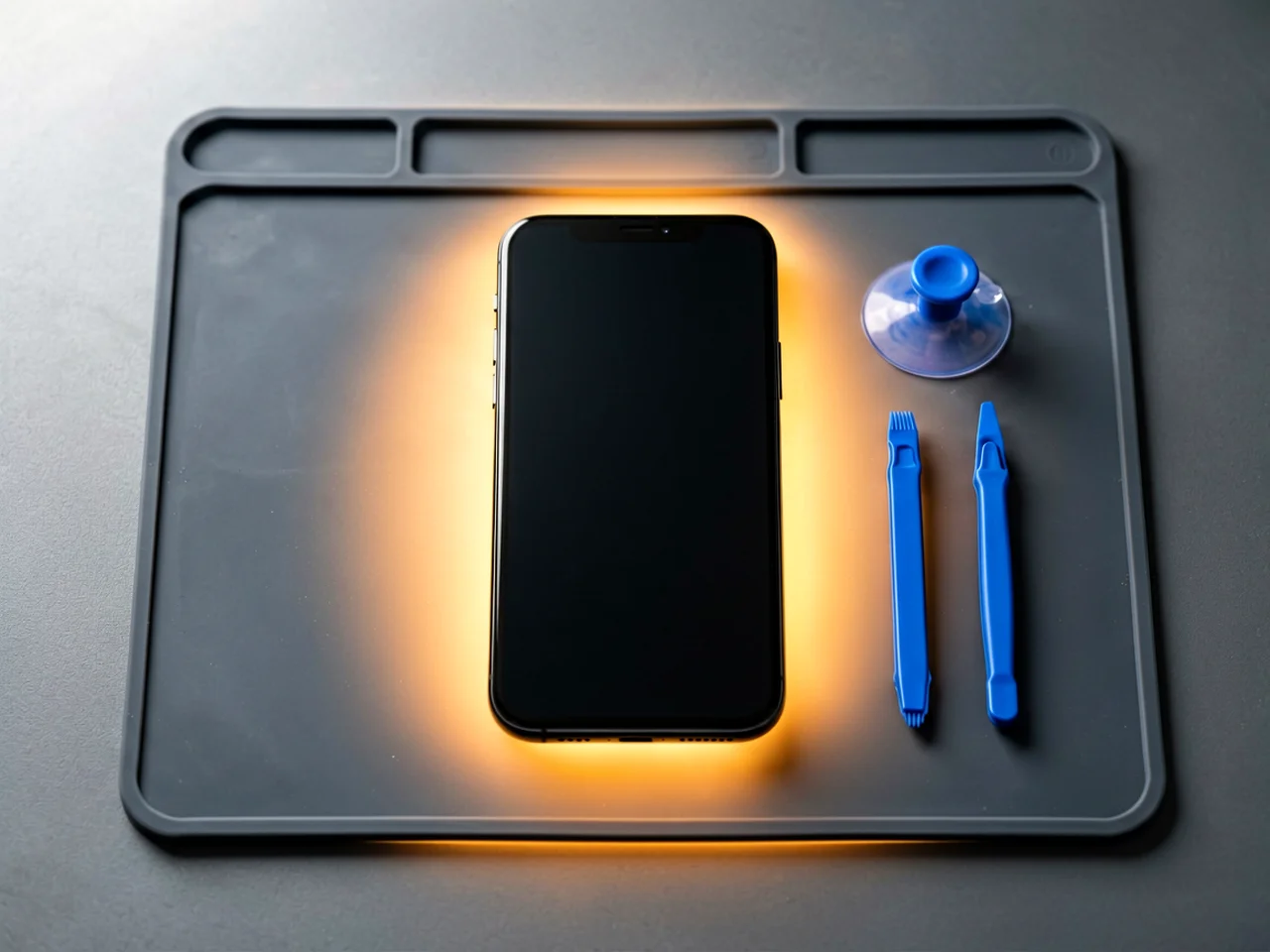
Most cracked phone panels don’t come from a shaky hand. They come from the wrong temperature. Heat the adhesive too little and the glass fights you until it snaps. Heat it too much, or in one spot, and you cook the panel underneath instead — which is how “repair” turns into “replace”. This guide is […]

You tap an app and nothing happens for ten seconds, then the whole screen freezes mid-animation. You wait, you tap again, the phone buzzes once and sits there. Sometimes a restart clears it for a day, sometimes it freezes again as soon as you open WhatsApp, and sometimes it started after an update or when […]

You open Maps or your taxi-hailing app, and the blue dot never settles, or it places you three streets away. You stand outside with a clear sky above you, and the phone still takes minutes to lock on, or it locks on and then drops your position into the middle of a field. Sometimes the […]