
You press your thumb on the reader, the phone vibrates or flashes “Try again”, and after a few attempts it tells you the fingerprint is not recognised. Sometimes the sensor does not respond at all, sometimes it works one minute and fails the next, and sometimes it stopped the day you had a new screen fitted. The frustrating part is that the phone otherwise works fine, so the fault is focused entirely on the biometric reader.
Fingerprint failure is one of the most common post-repair complaints in South Africa, because the sensor is tightly coupled to the screen and the mainboard, and a rushed or cheap screen job is exactly where it breaks. This guide covers the 30-second resets, the software and protector fixes that clear most cases, the South African causes that catch people out (non-original screens and load shedding interrupting an update), and when the sensor module or its flex actually needs a repair.
Most modern phones use one of three sensor types. Capacitive sensors sit under the home button or a small pad and read the tiny ridges of your fingerprint as a pattern of capacitance. Optical and ultrasonic sensors sit underneath the display itself (under-display), shining light or sound through the screen to map the print. The under-display types are the ones most affected by screen quality, because they must see through the panel above them. All three types link back to a secure chip on the mainboard that stores the enrolled prints, so a fault can sit in the sensor, the screen above it, or the board behind it.
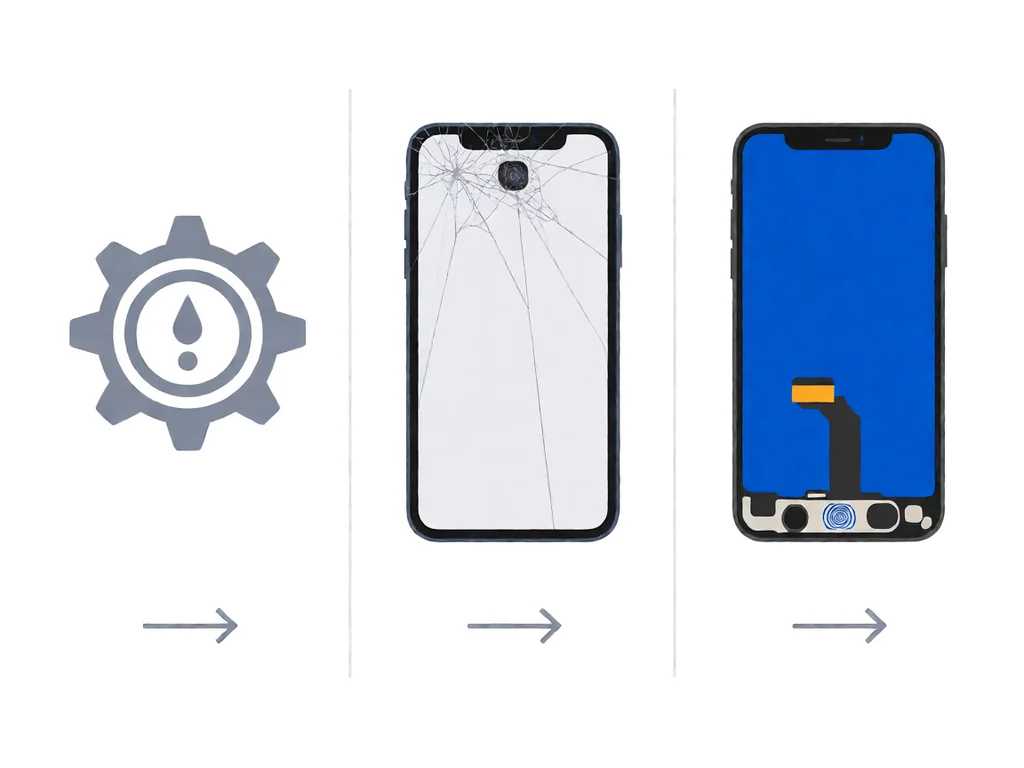
The five causes below account for almost every fingerprint failure seen on South African repair benches, listed in the order to rule them out.
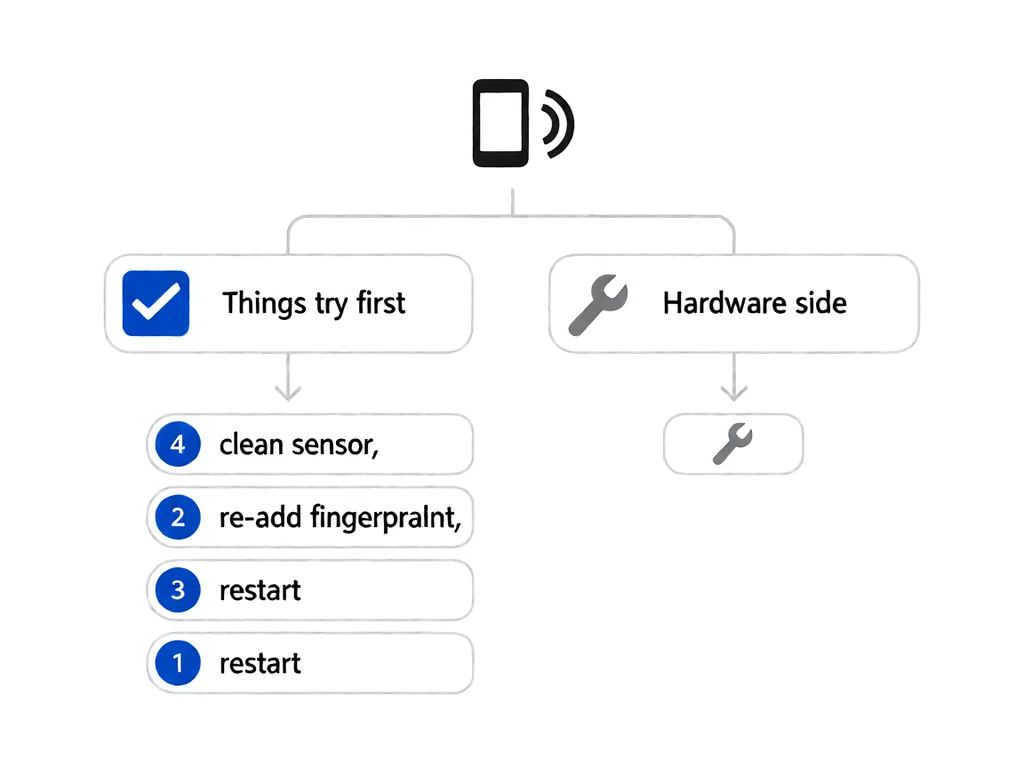
Before changing any setting, do the quick checks in order. Wipe the sensor with a dry, lint-free cloth to remove oil and lint. Then delete the enrolled fingerprints and re-enrol them, because a corrupted print record is a frequent silent failure. Remove the case and any screen protector temporarily to rule them out. Finally, restart the phone, because a simple reboot clears a stuck secure-enclave state that no setting change will touch.
If the sensor still will not read after those four steps, the fault is not a dirty reader or a saved-print glitch. Move to the phone-side fixes below before assuming hardware.
On both Android and iPhone, the first software fix is to delete all enrolled fingerprints and re-add them in a well-lit room, placing the finger from several angles so the reader captures the edges, not just the centre. If recognition is intermittent, boot into safe mode (Android) or test before restoring — a third-party app or a half-finished system update can interfere with the biometric service. Make sure the phone is on the latest system version, because biometric drivers are part of the system image and a pending update often includes a fix.
For “works for a while then stops”, the cause is usually the phone dropping into a low-power state that disables the always-on reader or a battery-optimisation setting killing the biometric service. Whitelist the relevant system process from battery saving, and if the problem started right after an interrupted update, finish or redo the update on a charger.
Two South African factors cause most of the fingerprint failures we see. The first is the non-original screen. Under-display sensors must read through the panel, and a cheap parallel-import or street-market screen often uses glass or an OLED layer with the wrong optical properties, so the sensor simply cannot see the print. A screen fitted by a low-cost shop without the correct original or high-quality compatible panel is the most common reason a phone loses fingerprint unlock the same day.
The second is load shedding. A system update rewrites the biometric driver, and if the power cuts halfway through, the driver is left half-written. The phone boots, everything looks normal, but the fingerprint reader either will not enrol or fails after a few uses. The fix is to never start a system update inside the load shedding window and to finish the update on a charger once power returns. If the driver is already corrupted, re-enrolling fails until the system is cleanly reinstalled.
A protector that is too thick, a gel or UV-cured film with trapped air bubbles, or a case lip pressing on the sensor area can all stop reading. Tempered glass above about 0.3 mm starts to hurt under-display optical sensors, and a cured protector with a misaligned cutout blocks the reader entirely. The test is simple: peel the protector or remove the case and try again. If it works bare, the accessory is at fault, not the phone. Choose a thin, correctly cut film, and avoid UV-gel protectors on phones with under-display sensors unless the film is rated for that model.
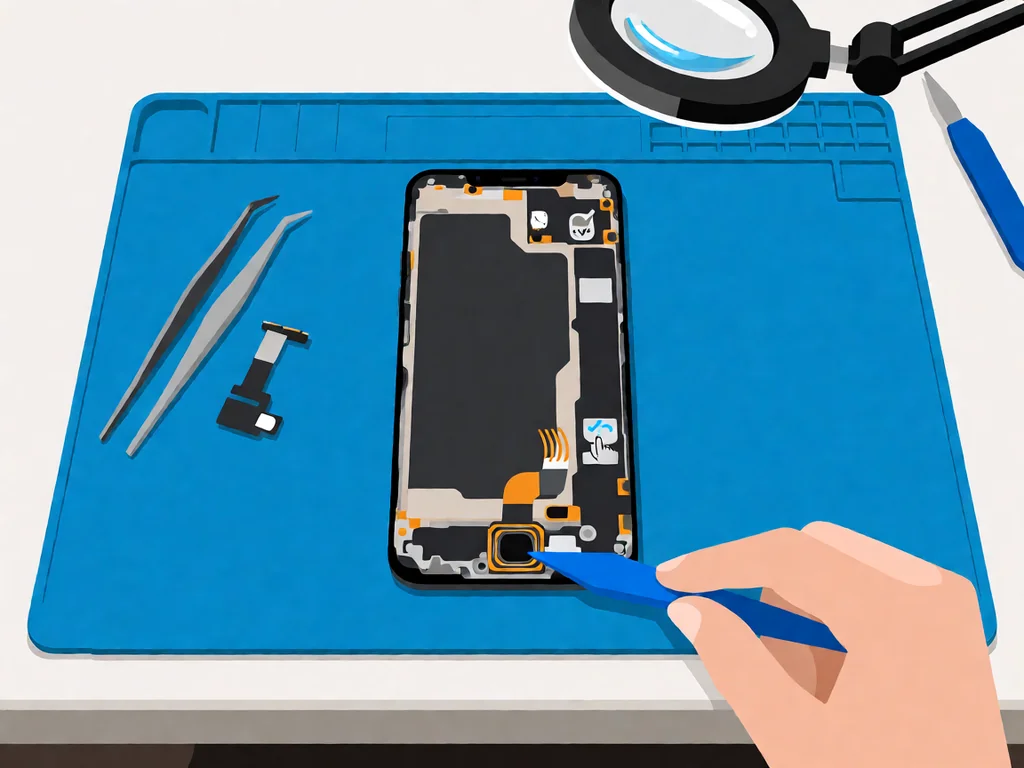
A phone that had a working reader before a screen swap and none afterwards almost always means the sensor or its flex was damaged or not reseated. On many phones the fingerprint module is bonded to, or plugged into, the screen assembly, so a non-original screen may simply lack a compatible sensor, and a rushed job can leave the flex unplugged or trapped. The fix is to reopen the phone, reseat or replace the flex, and fit a screen the sensor can read through.
If your fingerprint died right after a repair, take it back to the shop that did the work rather than a second shop — the original shop owns the mistake, and the reseat or correct screen is a quick job for them. Our guide on iPhone screen cracked: repair or replace in South Africa explains what a careful screen job should include, and our guide on touch screen not working after a repair covers the same forgotten-flex failure on the touch layer.
The fingerprint sensor and its connector sit low on the mainboard, and after a spill the corrosion creeps in along the flex. The reader fails while the screen, calls, and charging still work, which is why a water-damaged phone that “still works” often cannot unlock by thumb. Our guide on what to do when a phone gets water damaged in South Africa covers the first 24 hours, including the rice myth that does more harm than good. For the sensor specifically, the connector needs to be cleaned with isopropyl alcohol, and if the corrosion has pitted it, the flex or module is a cheap replacement once the phone is opened.
If the reset, the re-enrol, the protector test, and the screen-repair reseat all fail, the fault is the sensor module or its flex on the mainboard. A drop can crack the module, and corrosion or a bent connector can break the signal path. This is a board-level job: the screen is lifted, the old module or flex is unclipped, and a new one is laid down and reconnected. The part is cheap; the labour is opening the phone properly.
A phone that cannot enrol any finger, even after a clean re-enrol and with the protector off, is almost certainly a hardware fault rather than a settings problem. Settings faults make the phone reject one print or fail intermittently; a dead module makes it reject every finger, every time.
Local repair shops in South Africa typically charge a diagnostic fee between R250 and R450 to open the phone, confirm whether the fault is software or the sensor, and quote the rest. Many shops credit the fee back if you proceed with the repair.
A software-only fix, where the shop re-enrols prints or does a clean system reinstall, is often just the diagnostic fee. A fingerprint module or flex replacement requires lifting the screen and runs R400 to R900, including labour, depending on the brand and model, with iPhones and Samsung Galaxy on the higher end because of the adhesive-sealed construction. The biggest cost multiplier is the screen itself: if the non-original panel is why the sensor cannot read, fitting a correct compatible screen adds the screen price on top. A mainboard connector repair, where the pad is damaged, is the most expensive at R1200 to R2500 and is worth doing mainly on higher-value phones.
This article is general guidance based on manufacturer documentation, repair-shop experience, and the sources linked above. It is not a substitute for a professional diagnostic, and it is not a guarantee that any specific phone can be saved. If your phone is under manufacturer warranty, opening it will void that warranty. Always stop work and seek a qualified technician if the phone shows any sign of battery swelling, overheating, or chemical smell. POTATOTECH is a South African retailer of phone parts and repair tools and does not offer a phone repair service.
Why is my fingerprint sensor not working?
Because the fault is local to the reader, and the three most likely causes are a dirty or oily sensor, a screen protector or case sitting too far above it, or a software glitch in the enrolled prints. Wipe the sensor, delete and re-enrol your prints, remove the case and protector temporarily, and restart. If it still rejects every finger, the cause moves to hardware: a damaged flex after a screen replacement or water damage to the connector.
Why does my fingerprint stop working after a screen replacement?
Because the sensor module and its flex are part of, or tucked under, the screen assembly, so a non-original panel the reader cannot see through, or a flex that was not reseated, leaves the sensor dead. The fix is to reopen the phone, reseat or replace the flex, and fit a screen the under-display sensor can read through. If the reader died right after a repair, take it back to the shop that did the work rather than a second shop, because the reseat or correct screen is a quick job for them.
Why does my fingerprint not work with a screen protector?
Because a thick tempered-glass film, a UV-cured gel layer with trapped air, or a misaligned cutout sits above the reader and blocks the optical or capacitive path, especially on under-display sensors. The test is to peel the protector or remove the case and try again. If it works bare, the accessory is at fault. Choose a thin, correctly cut film rated for your model rather than a heavy universal one.
Why did my fingerprint stop working after an update?
Because a system update rewrites the biometric driver, and if load shedding or a flat battery cuts the power halfway through, the driver is left half-written, so the reader fails to enrol or drops after a few uses. Finish or redo the update on a charger, and if the driver is already corrupted, re-enrolling will fail until the system is cleanly reinstalled. Avoid starting any update inside the load shedding window.
Why won’t my fingerprint work when my fingers are wet or sweaty?
Because capacitive sensors read the tiny ridges of your print as a pattern of capacitance, and water or sweat bridges those ridges and flattens the signal, so the reader cannot tell one ridge from the next. Dry your finger and the sensor, and on hot South African days, wipe both before trying. Under-display optical sensors handle damp skin slightly better, but a thoroughly wet finger still fails on most phones.
How much does it cost to fix a fingerprint sensor in South Africa?
A diagnostic is typically R250 to R450, often credited back to the repair. A software-only fix is often just that fee. A sensor module or flex replacement, which requires lifting the screen, runs R400 to R900, including labour, with iPhone and Samsung on the higher end. If the non-original screen is why the reader cannot see the print, fitting a correct compatible screen adds the screen price on top. A mainboard connector repair is the most expensive at R1200 to R2500, worth doing mainly on higher-value phones.
Most cracked phone panels don’t come from a shaky hand. They come from the wrong temperature. Heat the adhesive too little and the glass fights you until it snaps. Heat it too much, or in one spot, and you cook the panel underneath instead — which is how “repair” turns into “replace”. This guide is […]

You tap an app and nothing happens for ten seconds, then the whole screen freezes mid-animation. You wait, you tap again, the phone buzzes once and sits there. Sometimes a restart clears it for a day, sometimes it freezes again as soon as you open WhatsApp, and sometimes it started after an update or when […]

You open Maps or your taxi-hailing app, and the blue dot never settles, or it places you three streets away. You stand outside with a clear sky above you, and the phone still takes minutes to lock on, or it locks on and then drops your position into the middle of a field. Sometimes the […]