
You open the Wi-Fi settings, tap your home network, and instead of connecting, the phone just spins, or it connects for a second and drops, or it sits there with the words “Authentication problem” or “Saved, secured” but never actually reaches the internet. Sometimes the phone cannot even see your network in the list. The frustrating part is that every other device in the house is online, so the fault is clearly on the phone side.
Wi-Fi failure is one of the most common phone complaints in South Africa and one of the most misdiagnosed, because the same symptom can come from a software glitch, a router setting, liquid damage, a failed update, or a loose antenna after a screen repair. This guide walks through the 30-second resets, the router-side checks that catch most cases, the two South African causes that surprise people (load shedding interrupting an update and a screen swap that forgets the antenna), and when the wifi antenna itself needs to be reseated or replaced.
A phone connects to Wi-Fi in three layers. The radio is the physical chip that transmits and receives on the 2.4 GHz and 5 GHz bands. The firmware is the small piece of software that drives that chip and talks to the operating system. The router is the box on your wall that the phone is trying to reach. A failure at any one of those three layers produces the same visible symptom — no internet — which is why the first job is to work out which layer is broken before changing anything.
Most failures are in the software or the router layer, which is good news because both are fixable without opening the phone. The hardware layer — the wifi antenna and its flex cable — only fails after a drop, water, or a repair, and that is the case the later sections cover.
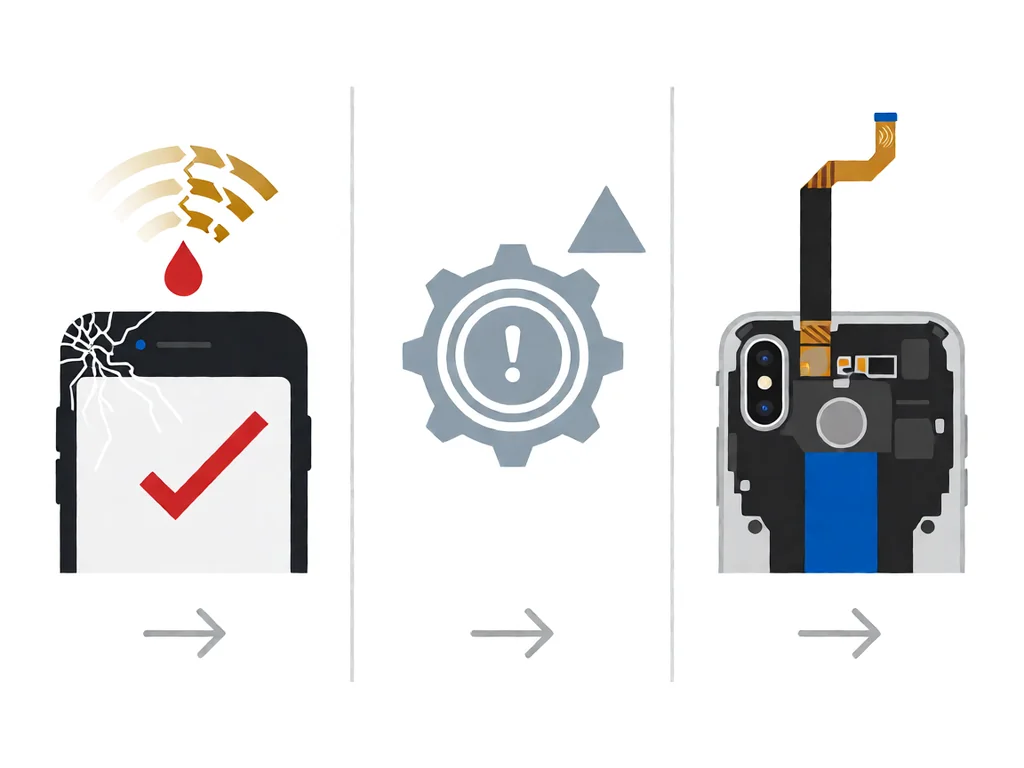
The five causes below account for almost every Wi-Fi failure seen on South African repair benches, listed in the order to rule them out.
Before changing any setting, do the three resets in order. They fix the majority of software-layer cases and take under a minute each. Toggle aeroplane mode off and on to force the modem to re-register. Then go to the Wi-Fi network, choose Forget, and re-enter the password — this clears a corrupted saved profile. Finally, restart the phone, because a simple reboot clears a stuck driver state that no setting change will touch.
If the phone still will not connect after those three, the fault is not a saved-profile glitch. Move to the router checks below before assuming hardware.
The router is the second-most common culprit, and it explains why a laptop connects but the phone does not. Restart the router by pulling power for 30 seconds — this clears a stuck DHCP table that has run out of addresses to hand out. If your internet service provider supplied a modem-router that broadcasts 5 GHz only, an older phone may simply not see it; logging into the router and enabling the 2.4 GHz band fixes that immediately.
Channel congestion is the other router-side cause. In dense South African flats and townships, dozens of routers sit on the same channel, and the phone thrashes between them. Setting the router to auto-select or a less crowded channel, or splitting 2.4 GHz and 5 GHz into two named networks, usually stops the constant dropouts.
A phone that suddenly loses wifi after working fine is, in South Africa, very often a phone that was updating when the power went out. The operating system or firmware update rewrites the wifi driver, and if load shedding cuts the power halfway through, the driver is left half-written. The phone boots, everything looks normal, but the wifi either will not turn on or connects and drops instantly.
The fix is to never start a system update inside the load shedding window and to retry the update on a charger once power is back. If the driver is already corrupted, a network settings reset (covered earlier) or, in the worst case, a clean reinstall of the system through the computer app restores it. The same load-shedding risk applies to the router itself, which is why a small UPS on the router is worth it if wifi dropouts cluster around the outage schedule.
The wifi antenna is a thin strip of flexible cable that runs along the top edge of the phone, directly under where water collects first. After a spill, the mainboard may survive, but the antenna connector corrodes, and the phone loses wifi and Bluetooth together while cellular still works. This is why a water-damaged phone that “still works” often cannot get online.
Our guide on what to do when a phone gets water damaged in South Africa covers the first 24 hours, including the rice myth that does more harm than good. For the wifi specifically, the antenna and its connector need to be cleaned with isopropyl alcohol, and if the corrosion has pitted the connector, the antenna flex is a cheap replacement once the phone is opened.
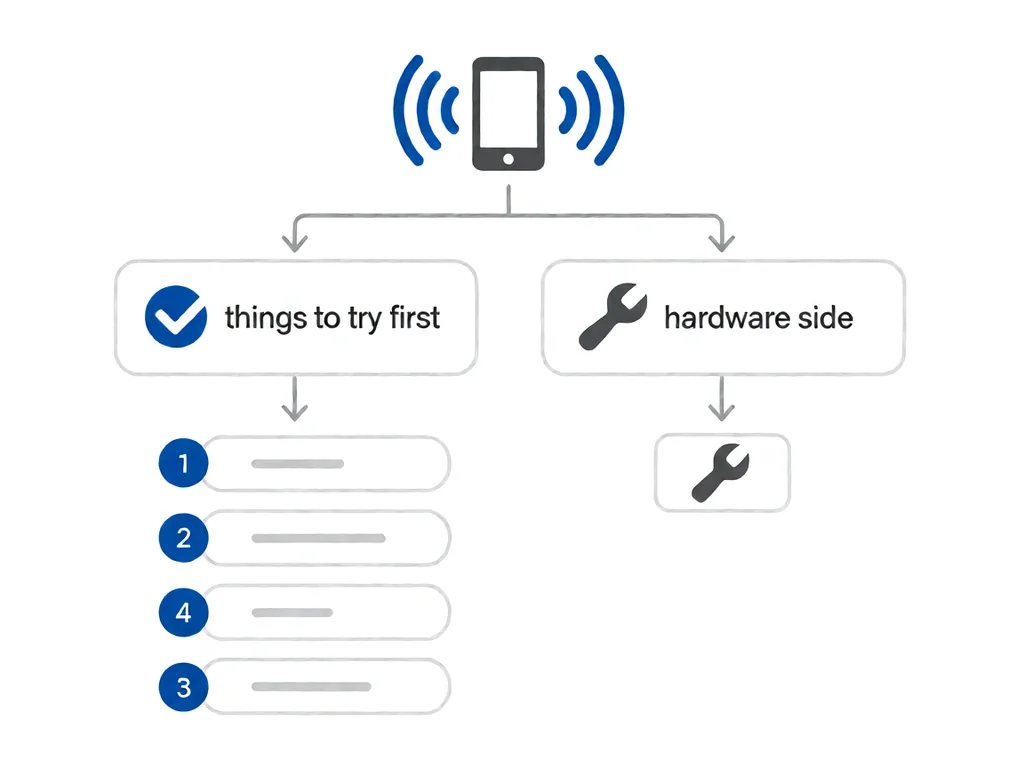
A phone that had perfect wifi before a screen swap and none afterwards almost always means the wifi antenna was not reconnected. The antenna flex clips to the top of the mainboard, and the display assembly sits right over it, so a technician who is rushing can leave it unplugged or trapped under the frame. The fix is to open the phone again, seat the antenna connector, and confirm the clip is down.
If your phone lost wifi right after a repair, take it back to the shop that did the work rather than a second shop — the original shop owns the mistake, and the reseat is a five-minute job. Our guide on iPhone screen cracked: repair or replace in South Africa explains what a careful screen job should include, including reconnecting every flex that was disturbed.
If the resets, the router checks, and a screen-repair reseat all fail, the fault is the antenna or its connector on the mainboard. A drop can crack the ceramic antenna, and corrosion or a bent connector can break the signal path. This is a board-level job: the back is opened, the old antenna flex is unclipped and peeled off, and a new one is laid down and reconnected. The part is cheap; the labour is opening the phone properly.
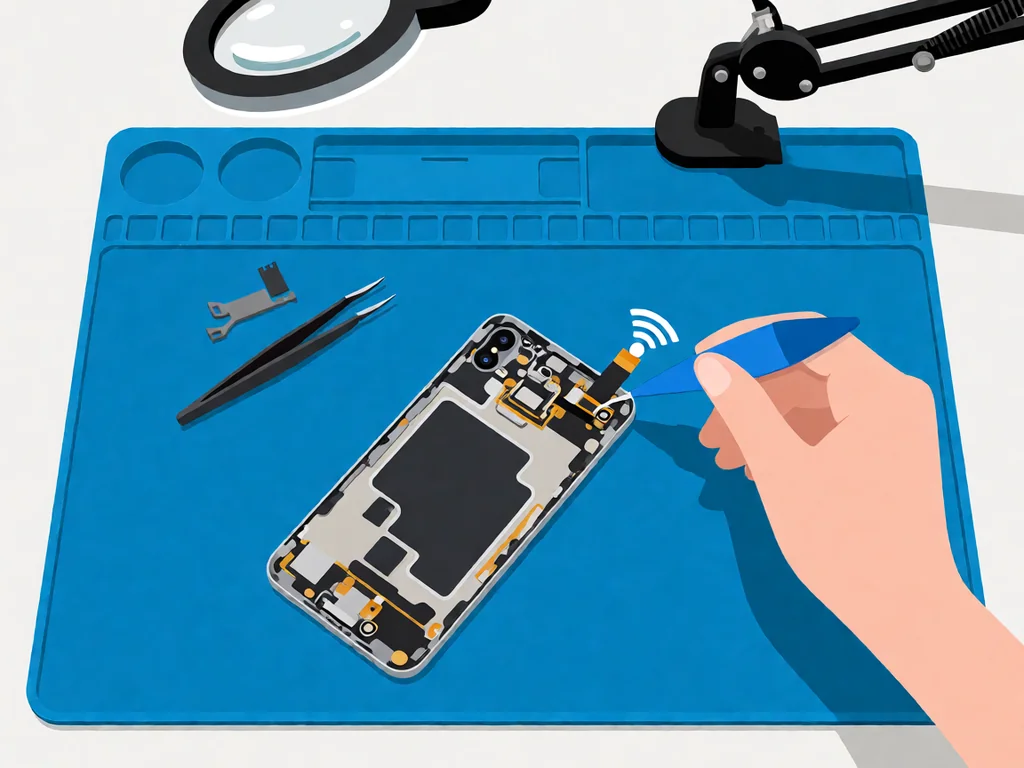
A phone that cannot see ANY network, not even neighbours’ Wi-Fi, is almost certainly a hardware antenna fault rather than a settings problem. Settings faults make the phone fail to connect to one network; a dead antenna makes the phone blind to all of them.
Local repair shops in South Africa typically charge a diagnostic fee between R250 and R450 to open the phone, confirm whether the fault is software or the antenna, and quote the rest. Many shops credit the fee back if you proceed with the repair.
A software-only fix, where the shop does a forced network reset or a clean system reinstall, is often just the diagnostic fee. A wifi antenna replacement, which requires opening the phone, runs R400 to R900, including labour, depending on the brand and model, with iPhones and Samsung Galaxy on the higher end because of the adhesive-sealed construction. A mainboard connector repair, where the pad itself is damaged, is the most expensive at R1200 to R2500 and is worth doing mainly on higher-value phones. The antenna flexes for the common South African phone brands, which are cheap and widely available locally, so the part is never the blocker — the cost is the technician’s time to open the phone properly.
This article is general guidance based on manufacturer documentation, repair-shop experience, and the sources linked above. It is not a substitute for a professional diagnostic, and it is not a guarantee that any specific phone can be saved. If your phone is under manufacturer warranty, opening it will void that warranty. Always stop work and seek a qualified technician if the phone shows any sign of battery swelling, overheating, or chemical smell. POTATOTECH is a South African retailer of phone parts and repair tools and does not offer a phone repair service.
Why won’t my phone connect to wifi, but other devices will?
Because the fault is on the phone side, and the three most likely causes are a corrupted saved network profile, a router that is broadcasting on a band the phone cannot see, or a wifi antenna that has failed after water or a drop. A saved-profile glitch is cleared by forgetting the network and re-entering the password. A band mismatch is fixed by enabling 2.4 GHz on the router. A dead antenna is the hardware case and needs a repair.
How do I fix wifi not connecting after an update?
A failed or interrupted update can leave the wifi driver half-written, which is common in South Africa when load shedding cuts power mid-update. Start with a network settings reset. If that does not work, reconnect the phone to a computer and reinstall the system, which rewrites the driver cleanly. Avoid starting any update inside the load shedding window in the first place.
Why does my phone keep disconnecting from wifi?
The usual reasons are channel congestion, where dozens of nearby routers sit on the same channel and the phone thrashes between them, and a router with a stuck DHCP table that drops clients. Setting the router to auto-select its channel and restarting it fixes most cases. Constant dropouts that say “incorrect password” after a power cut usually mean the router needs a restart too.
Can water damage cause wifi to stop working?
Yes, and it is a common one. The wifi antenna runs along the top edge of the phone, exactly where water collects first, so corrosion on the antenna or its connector kills the signal while cellular still works. A phone that survived a spill but lost wifi almost certainly has a corroded antenna. The fix is to clean the connector with isopropyl alcohol or replace the antenna flex if the corrosion has pitted it.
Why does wifi stop working after a screen replacement?
Because the wifi antenna flex clips to the top of the mainboard, directly under the display assembly, and a rushed screen job can leave it unplugged or trapped under the frame. The fix is to reopen the phone and seat the connector. If the wifi died right after a repair, take it back to the shop that did the work rather than a second shop, because the reseat is a five-minute job the original shop owns.
How much does it cost to fix wifi on a phone in South Africa?
A diagnostic is typically R250 to R450, often credited back to the repair. A software-only fix is often just that fee. A wifi antenna replacement, which requires opening the phone, runs from R400 to R900, including labour, with iPhones and Samsungs on the higher end. A mainboard connector repair is the most expensive at R1200 to R2500, worth doing mainly on higher-value phones.

You tap an app and nothing happens for ten seconds, then the whole screen freezes mid-animation. You wait, you tap again, the phone buzzes once and sits there. Sometimes a restart clears it for a day, sometimes it freezes again as soon as you open WhatsApp, and sometimes it started after an update or when […]

You open Maps or your taxi-hailing app, and the blue dot never settles, or it places you three streets away. You stand outside with a clear sky above you, and the phone still takes minutes to lock on, or it locks on and then drops your position into the middle of a field. Sometimes the […]
You pick up the phone to take a voice note or make a call, tap the record button, and the waveform stays flat. You speak louder, move your mouth closer to the bottom of the screen, and still nothing registers. Sometimes the microphone works in the camera app but not on a call; sometimes it […]