
You pick up your phone to make a call, glance at the top of the screen, and instead of the usual signal bars there is a small card icon with a line through it. On some phones the message is more direct: “No SIM card inserted”, “Insert SIM”, or “SIM card not detected”. The phone still works on Wi-Fi, and the apps still open, but the moment you try to call, message, or use mobile data, the phone refuses because it has lost its identity on the network.
A SIM card failure is one of the more confusing phone faults because the phone itself is mostly fine. The modem layer is the problem, and it can fail in five distinct ways. This guide covers the 60-second reseat fix, the network settings reset, the Vodacom, MTN, Cell C and Telkom carrier checks, and when the SIM tray itself needs replacement.
Every phone has two separate computer systems. The main system runs the apps, the camera, and the operating system. The modem is a smaller, lower-power system that talks to the mobile network. The SIM card is the identity module of that modem: it stores your phone number, your carrier account reference, and the encryption keys the network uses to authenticate you. Without a working SIM, the modem can scan for towers and measure signal strength, but the network will not let the modem onto the voice or data channels because it does not know who is asking.
When the phone says “SIM not detected”, it means the modem tried to read the SIM card and got nothing back or got an error back; it could not recover. The cause can be the card itself, the tray and its spring pins, the small flexible cable that connects the SIM reader to the mainboard, the network settings the modem uses to talk to the carrier, or the carrier’s own records about the card. Each one of those has a different fix, and each one of those will be discussed below.
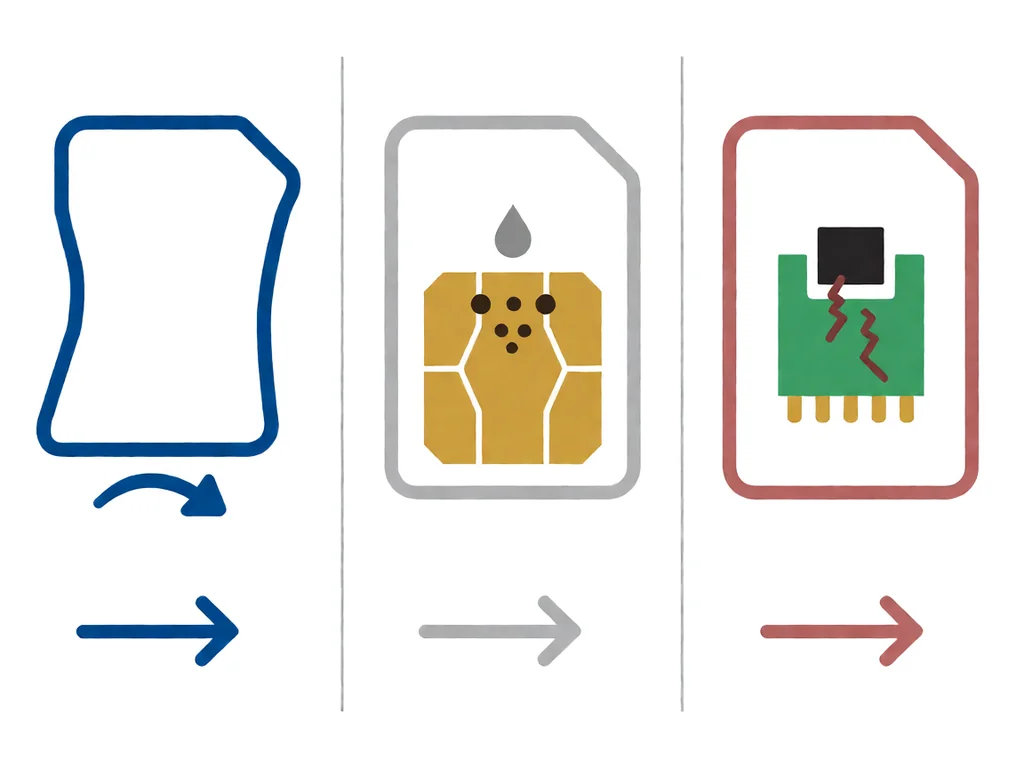
The five causes account for almost every SIM-not-detected case seen on South African repair benches, listed in the order to rule them out.
Before you do anything else, do the reseat. Power the phone off, eject the SIM tray with the pin tool or a straightened paperclip, take the SIM card out, and put it back in. Make sure the card sits flat in the tray and the tray closes fully. Power the phone back on and check whether the message has cleared. This fixes a meaningful fraction of cases because the SIM reader pins can lose contact after a drop, a temperature swing, or a vibration in a pocket.
If the reseat did not fix it, clean the gold contacts on the SIM with a dry, lint-free cloth. Do not use water, alcohol, or any other liquid on the card itself, because some SIM cards have a thin coating that liquid can damage. If the contacts look visibly green or white from oxidation, a soft pencil eraser rubbed gently across the contacts can restore them. Wipe the eraser residue off with the cloth afterwards.
The third test is to put the SIM into another phone that you know works or put a SIM you know works into the phone. If the suspect SIM works in another phone, the fault is in the suspect phone. If a known-good SIM does not work in the suspect phone, the fault is in the suspect phone. Either result narrows the problem to the phone, the card, or the carrier.
If the reseat and the swap test both point at the suspect phone, the next step is to reset the network settings. On most Android phones this is Settings → System → Reset options → Reset Wi-Fi, mobile and Bluetooth. On iPhone it is Settings → General → Transfer or Reset iPhone → Reset → Reset Network Settings. The reset clears saved Wi-Fi passwords, Bluetooth pairings, APN settings, and the preferred network list.
After the reset the phone reboots, and APN values pull fresh from the SIM. Vodacom and MTN APNs are automatic. Cell C and Telkom sometimes need a manual APN entry, which the carriers publish on their support pages. This step is also the right one after a software update that leaves the network confused.
South African carriers can each suspend or block a SIM at the account level. The four main checks below each take a few minutes from the phone.
If all four checks show the account as active and the SIM still does not register, the fault is on the device side. The next two sections cover a damaged SIM tray and a parallel-imported phone with a foreign carrier lock.
South Africa’s coastal areas, including Durban, Cape Town, the Garden Route, and the KwaZulu-Natal south coast, have humid, salt-laden air that corrodes exposed metal faster than inland air does. The SIM tray spring pins and the gold contacts on the SIM are the first parts to show this corrosion because they are exposed every time the tray is opened. A SIM that worked perfectly in Johannesburg can start to fail within weeks of a coastal holiday.
The fix is a careful clean of both the card contacts and the pins inside the SIM reader. Isopropyl alcohol on a cotton bud, used gently, can clean the pins without bending them. If the corrosion is heavy and the pins look pitted or green rather than gold, the SIM reader itself may need to be replaced. Our guide on what to do when a phone gets water damaged in South Africa covers the broader liquid-damage case, including the SA-specific rice myth that does more harm than good.
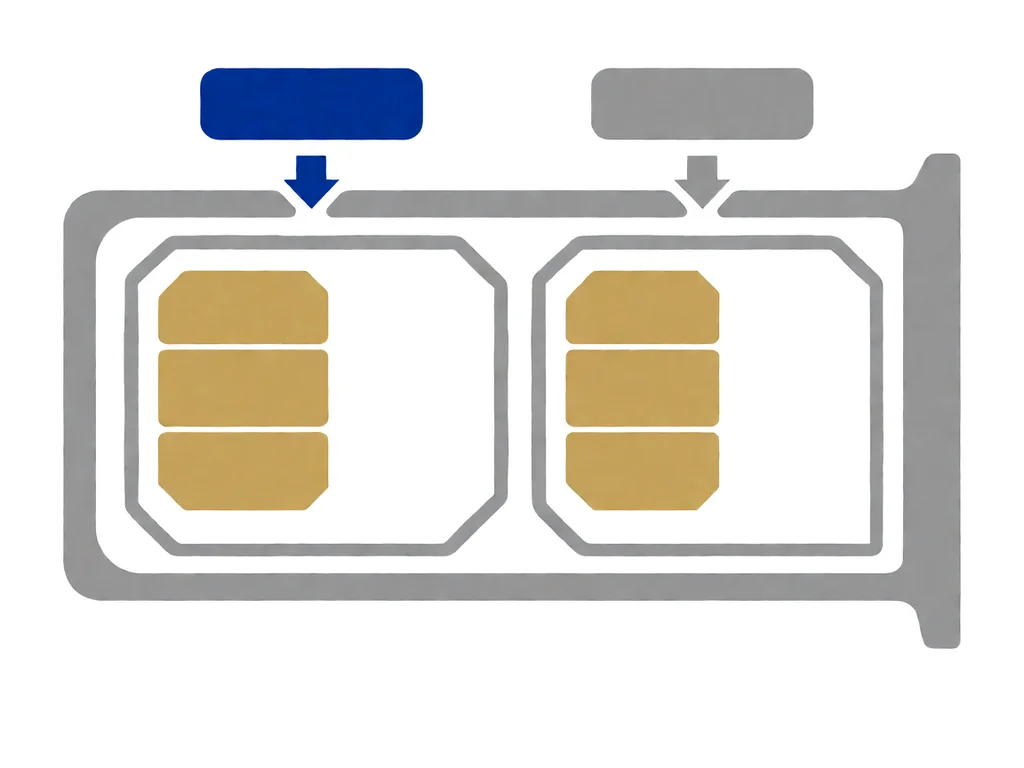
A SIM tray is a small plastic or metal sled with a notch for the card. It slides into the SIM reader and presses the card against six tiny spring pins. Three things go wrong with the tray: the notch can widen with repeated insertions so the card sits loose, the sled itself can warp out of flat so the card does not sit square, or the small plastic frame that holds the tray can crack. A replacement SIM tray for the popular brands costs R80 to R150 in South Africa, and replacement is a DIY job that takes about a minute with a paperclip.
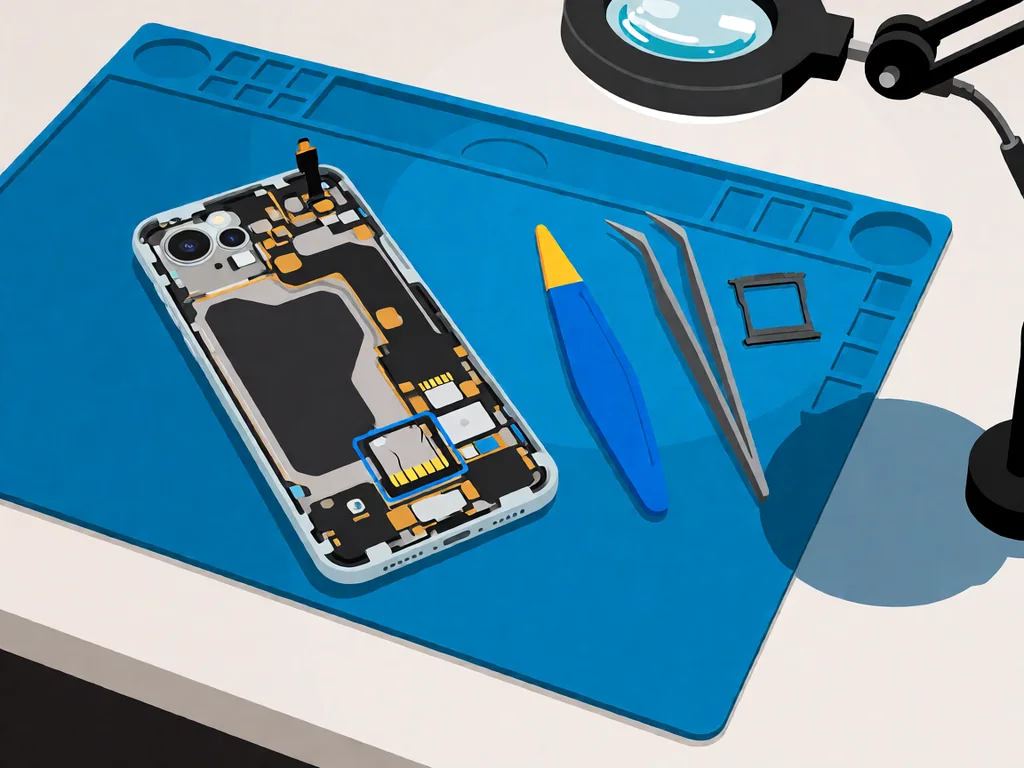
If the tray looks fine, the fault is probably in the SIM reader itself. The SIM reader is a small surface-mounted module soldered to the mainboard. Replacement is a board-level repair that a phone-repair shop handles in 30 to 60 minutes. The reader part is cheap (R60 to R180 depending on the brand and model), but the labour is what makes the repair worth R600 to R1200 in total. Newer phones that use eSIMs alongside a single physical SIM slot have a smaller fault surface, but the physical slot, when present, fails the same way as the older dual-SIM trays.
South Africa has a healthy market in refurbished and parallel-imported phones, often brought in from the UK, the UAE, Singapore, or the US. These phones are usually genuine and often significantly cheaper than the local equivalent, but they come with a carrier lock that can look exactly like a SIM-not-detected fault on the phone side. The phone itself is fine; the carrier lock is a software block that says “this phone is not allowed on this network”.
The lock usually has to be removed by the original carrier, which is impossible for a phone imported from a market where the carrier no longer exists. Some shops offer an unlock service via a server-side request, costing R400 to R1200 depending on brand and model. A phone that cannot be unlocked is usable only as a Wi-Fi tablet.
RICA requires that every active SIM in South Africa be registered to a verified identity. A new SIM that has not been RICA-ed will register on the phone but refuse to make calls or send SMS until taken to a carrier store with an ID. Not a SIM-not-detected fault, but it can look like one to a user who has just bought a starter pack.
Local repair shops typically charge a diagnostic fee of R250 to R450 to open the phone, identify whether the SIM fault is the tray, the reader or the mainboard, and quote the rest. Many shops credit the fee back if you go ahead.
A tray replacement is R80 to R150 for the part and R150 to R250 for labour. A SIM reader replacement is R600 to R1200 in total, with iPhones and Samsung Galaxy on the higher end because of adhesive-sealed construction. A mainboard-level repair on the modem or SIM reader IC is R1500 to R3500; on cheaper phones the diagnostic alone is more than the phone is worth, in which case the honest answer is to replace the phone and recover from backup. Our phone parts catalogue lists the SIM readers, trays and flex cables carried locally for the most common brands.
This article is general guidance based on manufacturer documentation, repair-shop experience, and the sources linked above. It is not a substitute for a professional diagnostic, and it is not a guarantee that any specific phone can be saved. If your phone is under manufacturer warranty, opening it will void that warranty. RICA registration is a legal requirement in South Africa, and any new SIM must be registered at a carrier store with valid ID. Always stop work and seek a qualified technician if the phone shows any sign of battery swelling, overheating, or chemical smell. POTATOTECH is a South African retailer of phone parts and repair tools and does not offer a phone repair service.
Why does my phone say SIM card not detected?
The most common reason is dirty or oxidised SIM contacts or a SIM tray no longer pressing the card flat against the spring pins. The second is corrupted network settings after a software update. The third is a carrier-side account issue, where Vodacom, MTN, Cell C or Telkom has suspended the SIM. The least common but most expensive reason is a board-level fault on the SIM reader or the modem.
Can a SIM card just stop working?
Yes. SIM cards have a service life of 5 to 7 years for older cards and 10+ years for newer ones. Heat, moisture and physical flex shorten that life. A SIM in a wallet for years, swapped between phones, or exposed to salt air can fail without warning. The fix is a free SIM swap at the carrier store, with the same number transferred.
Will a factory reset fix SIM not detected?
Rarely, and it is not the first thing to try. A factory reset clears the network settings, which can help when corrupted settings are the cause, but it also wipes the phone, a much bigger cost than reseating the SIM. Start with reseat, clean, swap into another phone, and network settings reset. A factory reset is the last software step, not the first.
How do I fix a SIM card not detected on a Samsung?
On Samsung Galaxy, the reseat and clean work the same way as on other brands. The Samsung-specific addition is the diagnostic tool in the Samsung Members app, which runs a SIM card test under the Support tab. If the test fails and the SIM is known-good in another phone, the fault is in the SIM reader, and a board-level repair is the next step.
How much does it cost to fix a SIM card not detected in South Africa?
A diagnostic is R250 to R450, often credited back. A SIM tray replacement is R80 to R150 for the part plus R150 to R250 for labour. A SIM reader replacement is R600 to R1200 in total. A mainboard-level repair on the modem chip is R1500 to R3500, worth doing mainly on higher-value phones. A SIM swap at the carrier store is usually free.
Does water damage cause the SIM to not be detected?
Yes, especially in coastal South Africa. Salt-laden air and any direct liquid spill corrode the gold contacts on the SIM and the spring pins inside the SIM reader faster than inland air does. A SIM that worked in Pretoria can fail within weeks of a coastal holiday. The fix is to clean both card contacts and reader pins with isopropyl alcohol on a cotton bud and replace the SIM reader if the corrosion has pitted the pins.

You tap an app and nothing happens for ten seconds, then the whole screen freezes mid-animation. You wait, you tap again, the phone buzzes once and sits there. Sometimes a restart clears it for a day, sometimes it freezes again as soon as you open WhatsApp, and sometimes it started after an update or when […]

You open Maps or your taxi-hailing app, and the blue dot never settles, or it places you three streets away. You stand outside with a clear sky above you, and the phone still takes minutes to lock on, or it locks on and then drops your position into the middle of a field. Sometimes the […]
You pick up the phone to take a voice note or make a call, tap the record button, and the waveform stays flat. You speak louder, move your mouth closer to the bottom of the screen, and still nothing registers. Sometimes the microphone works in the camera app but not on a call; sometimes it […]