
If you are weighing a screen replacement, or simply wondering why a repaired iPhone suddenly looks different, two acronyms keep showing up: LCD and OLED. In South Africa, where many users keep phones well beyond a single contract and rely on local repair shops, that distinction is practical rather than academic. A wrong assumption about your panel can mean a repair that looks off, costs more than expected, or fails to restore features you relied on. This guide gives you the vocabulary and the checks before you hand a device over. Understanding the iphone lcd vs oled difference is the fastest way to avoid a mismatched repair, pick the right replacement panel, and know what you are actually paying for in display quality. This guide explains what each technology is, how they perform in daily use, how to identify which screen your iPhone uses, and what genuinely matters when a screen needs fixing.
Both are ways to light up the pixels on your phone, but they work from opposite principles.
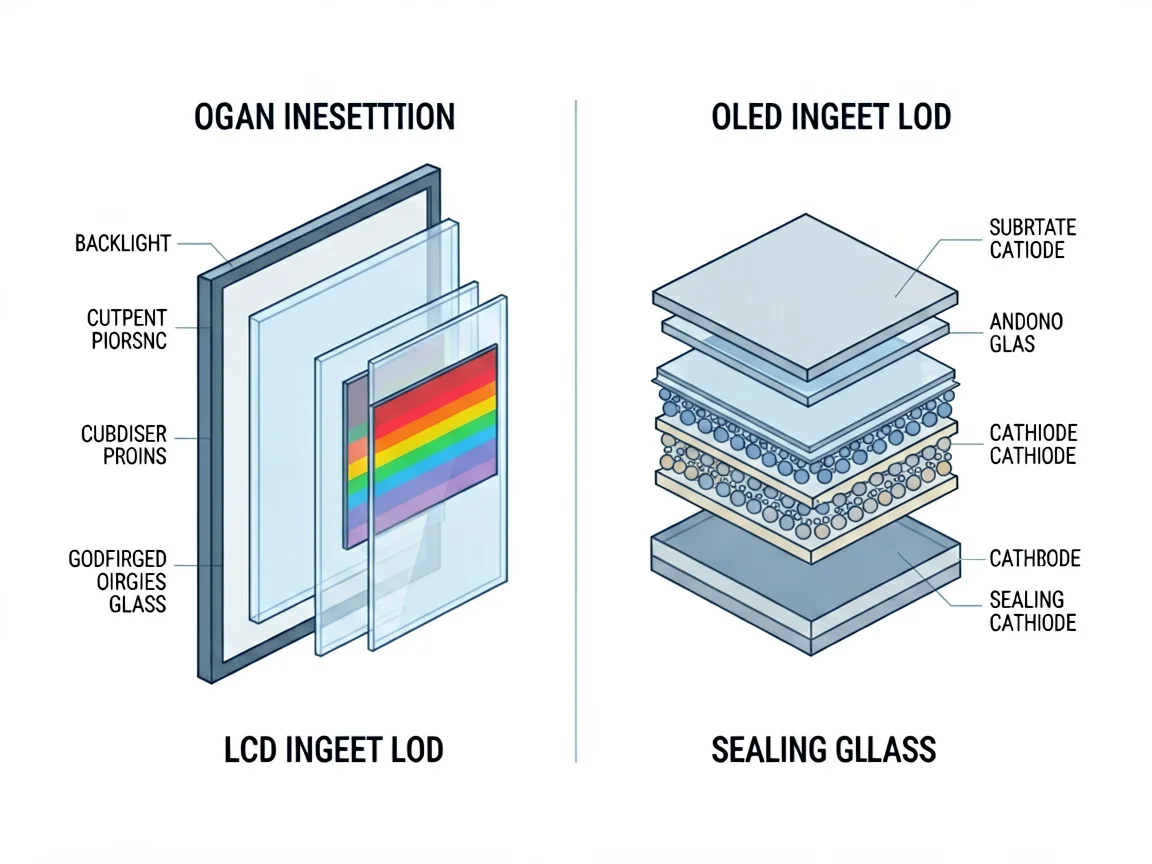
LCD (Liquid Crystal Display) does not emit its own light. A layer of liquid crystals controls how much white light — produced by a separate backlight behind the panel — passes through to create the image. The backlight is always on, even when the screen shows black.
OLED (Organic Light Emitting Diode) is self-emissive. Each pixel produces its own light and can switch off completely to show true black. There is no separate backlight layer, which is why OLED panels can be thinner.
In short: an LCD shines light through a filter; an OLED is made of millions of tiny lights that switch on and off individually.
The table below summarises what you will actually notice, rather than spec-sheet trivia.
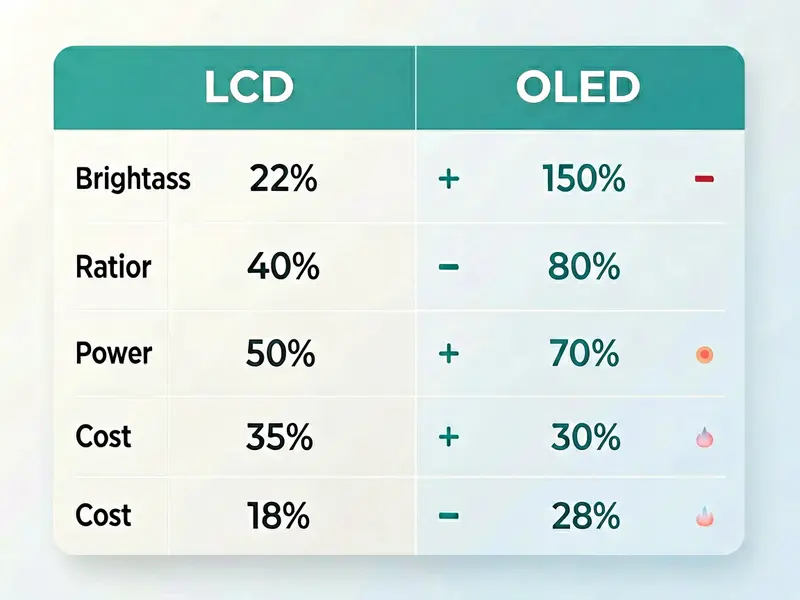
| Feature | LCD | OLED |
|---|---|---|
| Black levels | Greyish, backlight bleeds through | True black, pixels off |
| Contrast | Moderate | Very high |
| Colour saturation | Good | Richer, more vivid |
| Brightness in sunlight | Often stronger at peak | Strong, but varies by model |
| Power use | Backlight always draws power | Saves power on dark content |
| Thickness | Thicker (needs backlight) | Thinner, lighter |
| Burn-in risk | None | Possible over years of static images |
| Manufacturing cost | Lower | Higher |
For most everyday tasks — messaging, maps, social feeds — both look fine. The gap is widest with high-contrast content: a night sky, a black wallpaper, or a video with dark scenes will look noticeably deeper on OLED.
Apple did not put one display type across the whole range. Here is the practical breakdown by model:
OLED iPhones
LCD iPhones
Quick reference by series:
| iPhone line | Display type |
|---|---|
| X, XS, XS Max | OLED |
| XR, 11 (standard) | LCD |
| 11 Pro, 11 Pro Max | OLED |
| 12 / 13 / 14 / 15 / 16 (all models, including mini and Plus) | OLED |
| SE (2nd, 3rd gen) | LCD |
If you are unsure, the model number on the back or in Settings → General → About tells you. When in doubt, a repair technician can confirm the panel type in seconds, because the replacement part must match the original technology for colour and features like True Tone to behave correctly.
Yes — and this is where the iphone lcd vs oled question stops being academic.
A replacement has to match the original panel technology. Putting an LCD where an OLED belonged (or vice versa) creates mismatch problems: wrong black levels, colour shift, lost deep blacks, and in some cases features like high refresh rate or True Tone behaving incorrectly. It is not just about “a screen is a screen.”
Knowing your panel type lets you:
When you need parts or want to understand compatibility for your specific model, start from our phone parts category, where the range is organised by device and component type.
Because an OLED only lights the pixels it needs, dark interfaces and dark mode can draw less power than on an LCD, whose backlight runs constantly. In practice the saving is real but modest — you will not double your battery life by switching technologies. The bigger battery wins come from software optimisation and battery health, not from the display type alone.
For South African users who already manage load shedding and frequent top-ups, the practical takeaway is simple: do not choose a screen based on battery myths. Pick based on the original specification of your device and the quality of the replacement part.
If you are replacing a screen, the answer is almost always: match what your iPhone shipped with. That preserves colour accuracy, contrast, and device features.
Situations where the choice is more flexible:
The “better” technology is contextual. OLED wins on contrast and thinness; LCD wins on cost and zero burn-in risk. Neither is universally superior.
Decision checklist
“OLED is always better.” Not for everyone. OLED carries a long-term burn-in risk with static elements (navigation bars, clocks), and costs more. For many users an LCD is the pragmatic choice.
“LCD replacements are low quality by definition.” Quality depends on the part grade and the repair, not the underlying technology. A well-made LCD can look excellent.
“You cannot tell the difference.” On models that originally shipped OLED, the contrast and black-level gap is obvious side by side. If a “repair” made your deep blacks look grey, the panel type or grade has likely changed.
“Any screen will fit if the model matches.” Fit is physical; performance is not. The panel technology, connector, and feature support (True Tone, ProMotion) all have to align.
Specs rarely convince anyone — real use does. Here is where the iPhone LCD vs OLED question actually changes your day:
None of this means an LCD is “bad.” The technology tax is paid in contrast and black depth, not in basic usability.
A less-discussed point: many OLED screens dim using PWM (pulse-width modulation) at low brightness, which some users perceive as flicker and link to eye strain or headaches. LCDs using DC dimming tend to be steadier for sensitive users. If you have noticed eye fatigue with a particular phone at low brightness, panel type is worth considering — though lighting, font size, and total screen time matter far more overall. This is not a reason to avoid OLED, only a factor for a small group of sensitive users.
When a screen breaks, the biggest determinant of your result is not “LCD or OLED” — it is the grade and source of the replacement part, and the skill of the person fitting it.
This is why knowing your original panel type up front protects you: you can ask for, and verify, a matching component rather than accepting whatever is in stock.
It is fair to ask why an OLED screen replacement is typically pricier than an LCD one. The reasons are structural, not arbitrary:
None of this means you should downgrade an OLED device to an LCD to save money — that trade usually costs you the very display qualities you bought the phone for. It does mean budgeting realistically and confirming the quote covers a like-for-like panel.
There is a quieter argument for understanding your screen: keeping a working iPhone in service with a quality replacement is cheaper than buying new and keeps electronics out of landfill. For many South African users, a well-done screen or battery repair extends a device’s life by years. Knowing whether you have an LCD or OLED helps you make that repair intentional — matching the part, preserving the experience, and avoiding a second visit to fix a mismatch.
Walking in informed changes the outcome. Before any screen work, ask the technician or service these four questions:
None of this requires you to be a technician. It requires knowing the one fact this guide opened with: whether your phone runs an LCD or an OLED. That single detail turns a vague “fix my screen” request into a specific, verifiable order — and protects you from a mismatch that would have you back at the counter a week later.
For image quality — especially black levels, contrast, and colour depth — OLED is noticeably better and is what flagship iPhones ship with. Whether it is “worth” the higher replacement cost depends on your device and budget. If your phone originally had OLED, matching it preserves the experience you already paid for.
Check the model: iPhone X, XS and 11 Pro models use OLED, and every iPhone 12, 13, 14, 15 and 16 model—including mini and Plus variants—uses OLED. The iPhone XR, iPhone 11 and iPhone SE (2nd/3rd generation) use LCD. The exact model number in Settings → General → About confirms it.
Technically a different panel can be fitted, but it is not recommended. Mismatched technology causes colour, black-level, and feature (True Tone, refresh rate) inconsistencies. The safe approach is to replace like-for-like.
It can, over years of showing the same static elements. Modern iPhones include software mitigations, and for typical use burn-in develops slowly. It is a real but low-risk concern compared with early OLED devices.
Most often the replacement panel type or grade differs from the original, or features like True Tone were not transferred or calibrated. Confirming the original technology (LCD vs OLED) before the repair prevents this.
Yes, generally. The OLED panel itself costs more to manufacture than an LCD, which flows through to the replacement part price. The labour is usually similar.
Disclaimer: POTATOTECH is currently preparing its online store. Prices, stock, and shipping details shown anywhere on this site are indicative only and may change. For the latest part availability and quotation, use our Contact page. This article is educational and does not constitute a repair guarantee; have a qualified technician assess water-damaged or structurally compromised devices.
Related reading
Sources
Most cracked phone panels don’t come from a shaky hand. They come from the wrong temperature. Heat the adhesive too little and the glass fights you until it snaps. Heat it too much, or in one spot, and you cook the panel underneath instead — which is how “repair” turns into “replace”. This guide is […]

You tap an app and nothing happens for ten seconds, then the whole screen freezes mid-animation. You wait, you tap again, the phone buzzes once and sits there. Sometimes a restart clears it for a day, sometimes it freezes again as soon as you open WhatsApp, and sometimes it started after an update or when […]

You open Maps or your taxi-hailing app, and the blue dot never settles, or it places you three streets away. You stand outside with a clear sky above you, and the phone still takes minutes to lock on, or it locks on and then drops your position into the middle of a field. Sometimes the […]
3 responses