
The GPS is running, the phone sits on the dashboard vent, and the November sun pours through the windscreen — then the screen dims and a temperature warning appears. A phone overheating like this is not broken; it is responding to a heat chain: sun, workload, charger, and sometimes the battery. Work the chain in order, and most phones behave within minutes. This guide walks it with South African conditions in mind, from summer dashboards to load shedding.
Every phone gets warm during normal work — Apple’s own guidance lists first-time setup, restoring a backup, wireless charging, heavy games, camera use and HD streaming as normal warm-up moments. Warmth becomes genuine overheating when the phone starts defending itself:
If none of those have happened, the phone is simply warm — keep using it. If any have, work through the cool-down steps below, then use the causes section to find the source.
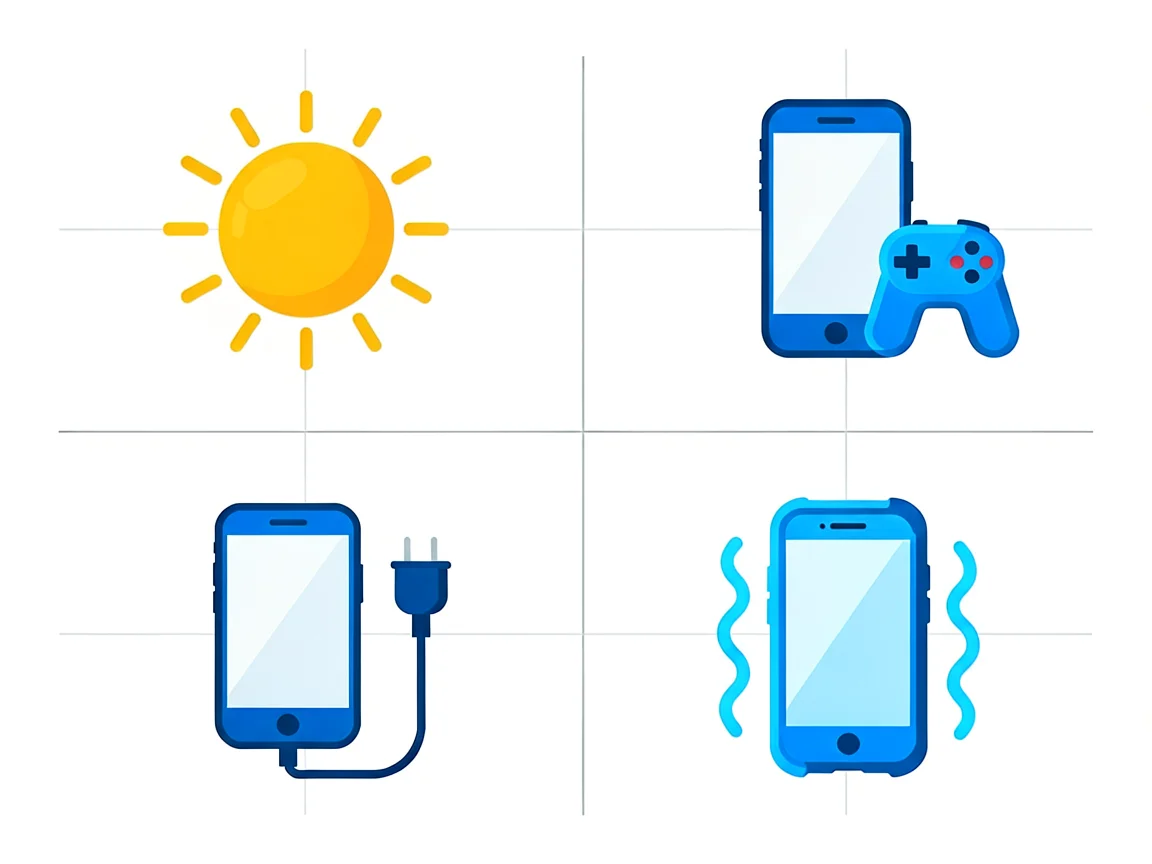
The goal is simple: stop heat from going in; let the heat already there escape. In order:
Give it ten to fifteen minutes. A phone that cools and behaves normally afterwards had an environmental or workload cause. A phone that heats up again within minutes of normal use has a deeper cause below.
Three folk remedies cause more damage than the heat itself:
Heat is a by-product of work: too much work, heat getting in from outside, or energy being wasted. Match your situation to one of these six:
1. Heavy workload. Gaming, navigation, video calls, camera recording and hotspot Use the push to push the processor hard for long stretches. Heat that appears only during these and vanishes after is workload, not hardware. Lower the graphics settings and give the phone a break between navigation runs.
2. Charging habits. Charging makes its own heat; fast charging makes more; using the phone while fast charging stacks workload on top. Wireless charging is the least efficient and the most wasteful. If the phone is regularly hot while charging, see the habits section below.
3. The South African environment. A phone on a summer dashboard can sit above 60°C — far beyond the 0°C to 35°C operating range phones are designed for, and hot enough to permanently shorten battery life. Windowsill sun does the same more slowly. Keep the phone out of parked cars, direct sun and the cubbyhole above a warm engine.
4. Cases and soft surfaces. Phones have no fan; the back panel is the radiator. Thick cases, magnetic mounts and wallet covers hold heat in; duvets, couches and pockets block it. Charging on a bed is the classic combination — trapped heat plus charging heat.
5. Weak signal searching. In a low-signal area the radio ramps up to stay connected, and that work produces real heat — why a pocketed phone can get hot with the screen off during load shedding, when towers run on backup power. Aeroplane mode in dead zones, or Wi-Fi calling at home, removes the strain.
6. Software and, rarely, malware. A stuck background process or a badly optimised app can load the processor with the screen off — iFixit’s Android overheating walkthrough covers the same chain from the hardware side. Check Settings → Battery: the app far above the rest is your suspect — update it, restrict its background access or remove it. A phone that is hot with no app explaining it deserves a malware scan; crypto-mining scripts and stalkerware both run the processor flat out.
If heat comes with fast drain even when idle, the battery is the likeliest suspect — an ageing lithium-ion cell wastes energy as heat. Our guide on why a phone battery dies fast covers the overlap, and when the battery actually needs replacing covers the decision point.
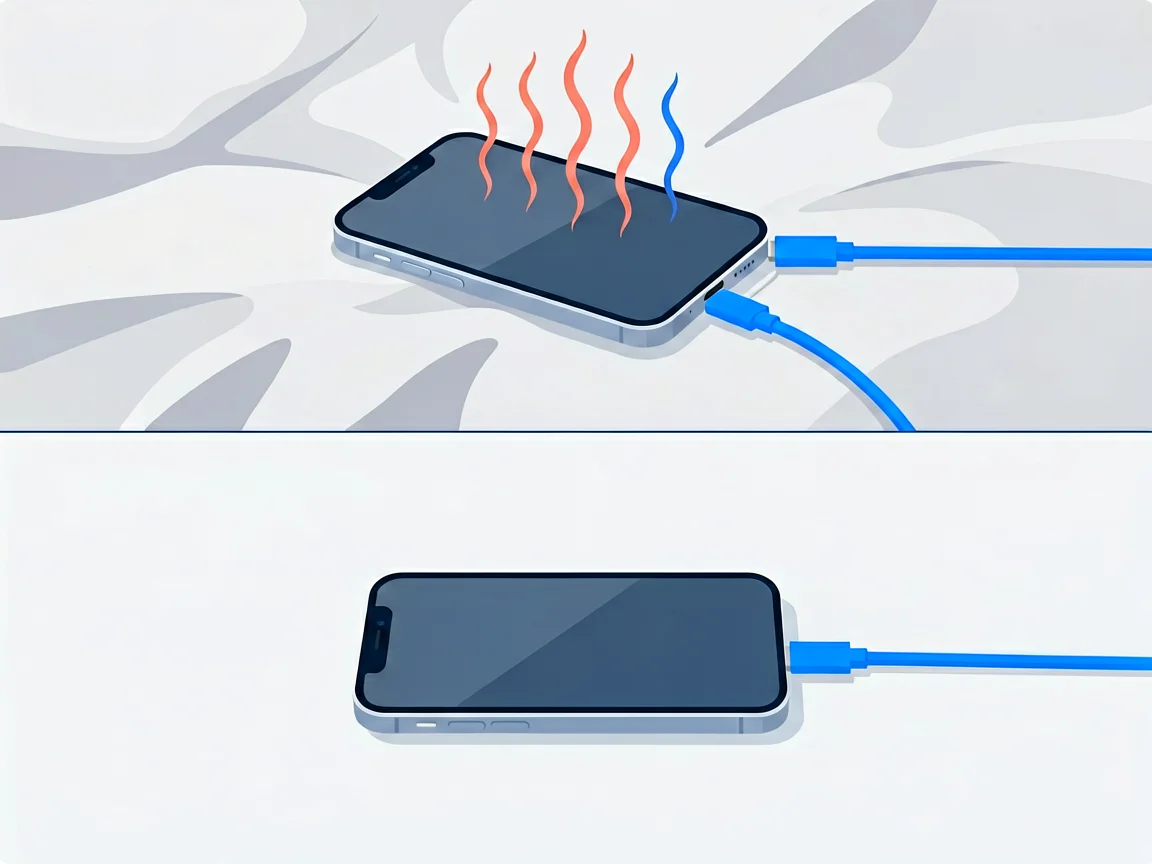
Charging is the heat source people touch most often. These habits remove most charging heat for free:
One more detail: heat concentrated at the port end — the plug and port warming well above the rest of the body — points at the port or cable, not the phone. Lint, a damaged cable or a worn connector, resists right at the contact point. That fault has its own guide: see phone charging port not working — causes, fixes and when to replace.
A very South African pattern: the phone runs hotter after coming back from a repair. Overheating after a screen replacement, a battery change or water damage each means something different:
The practical rule: collect the phone in person and test on the spot — run a game for five minutes with the case off and feel whether the heat is even warmth or a localised hotspot. A hotspot on the back panel, near the camera or at the port, is the signature of a hardware problem.

Most overheating is harmless once the cause is removed. A small number are genuine hardware faults, and they announce themselves:
For any of these, diagnosis comes first. Most South African shops charge R250–R450 for diagnostics and usually deduct it from the repair if you proceed — the fee buys a definite answer. Do not keep charging a swollen battery “until the weekend”; venting cells do not wait politely.
Prevention is the same as fixes applied in advance. Four habits do most of the work:
Heat management is battery management: a phone that lives in a hot car ages its battery months faster. For capacity loss, replacement timing and 2026 South African prices, our battery guides cover the rest.
Is phone overheating dangerous?
Usually not. Warmth and throttling are the phone protecting itself. The danger zone is a swollen, hissing or chemically smelling battery — power off and see a technician immediately.
Why does my phone overheat while charging?
Charging makes heat on its own; fast charging, wireless pads, thick cases, soft surfaces and using the phone while charging each add more. Charge on a hard surface, case off, phone idle — the heat usually disappears.
Why does my phone keep overheating for no reason?
There is always a reason — just not on screen. Check the battery screen for a background-heavy app, check for weak signal and heat-trapping cases, and if nothing explains it, run a malware scan.
Why is my phone overheating after a screen replacement?
A day or two of mild warmth is normal re-indexing after a reset. Heat that persists, or a localised hotspot near the display, points at a mis-seated connector or a poor-quality screen — take it back to the repair shop.
How can I cool my phone down fast?
Stop the heavy app, unplug the charger, take the case off, move it out of the sun onto a hard surface, and switch on aeroplane mode. Ten to fifteen minutes on a desk cools most phones. Never use a fridge, freezer or ice.
When should I take an overheating phone to a repair shop?
When heat comes with swelling, smell, hissing, random restarts, a localised hotspot, or overheating that survives every environmental and software fix. Diagnostic fees run roughly R250–R450 and are usually deducted from the repair if you proceed.
More from our phone repair library:
Disclaimer: This guide is for general information only. Repair steps carry risk; if you are unsure, consult a qualified technician. Prices and fees mentioned reflect publicly advertised ranges at the time of writing and may vary. POTATOTECH is not responsible for damage arising from DIY repairs.
Most cracked phone panels don’t come from a shaky hand. They come from the wrong temperature. Heat the adhesive too little and the glass fights you until it snaps. Heat it too much, or in one spot, and you cook the panel underneath instead — which is how “repair” turns into “replace”. This guide is […]

You tap an app and nothing happens for ten seconds, then the whole screen freezes mid-animation. You wait, you tap again, the phone buzzes once and sits there. Sometimes a restart clears it for a day, sometimes it freezes again as soon as you open WhatsApp, and sometimes it started after an update or when […]

You open Maps or your taxi-hailing app, and the blue dot never settles, or it places you three streets away. You stand outside with a clear sky above you, and the phone still takes minutes to lock on, or it locks on and then drops your position into the middle of a field. Sometimes the […]