
How long does a phone screen replacement actually take? The short answer: most professional shop repairs finish in 20 to 60 minutes — you can literally walk in before work and walk out with a fixed phone by lunchtime. But the exact time depends on your phone model, the type of damage, and which route you choose.
In South Africa, prices and timelines vary widely. A local repair shop in Johannesburg or Cape Town might have your part in stock and finish in under an hour. An Apple Store in Sandton or V&A Waterfront will take longer but uses genuine parts. Going DIY saves money but carries real risk.
Below, we break down exactly how long each option takes, what factors can stretch the timeline, and how to avoid waiting around all day.
The single biggest factor in repair time is where you choose to get it done. Each route has different trade-offs between speed, cost, and peace of mind.
| Repair Route | Typical Time | Best For | Trade-off |
|---|---|---|---|
| Quick-shop / mall kiosk | 20–45 minutes | iPhone 8 through 13 series; Samsung Galaxy A & S series | Fastest option, but part quality varies — always ask if they use OEM or premium aftermarket |
| Specialist repair shop | 30–60 minutes | Most smartphones including newer Pro models | Balance of speed and reliability; many offer 6–12 month warranties |
| Apple Store / authorised | 1–2 hours (+ appointment wait) | iPhone owners who want guaranteed genuine parts | Longer wait but genuine Apple parts with official warranty; may need booking ahead |
| Mail-in service | 3–5 business days | Older or rare models not stocked locally | Convenient but you are without your phone for several days |
| DIY at home | 30 min – 3+ hours | Experienced hobbyists with basic tools | Cheapest option but risk of damaging other components; not recommended for beginners |
Even within the same phone model, repair times can vary significantly. Here is what actually moves the needle:
Not all screens are created equal. Standard LCD screens (found on iPhone 8 through 11 base models, most Samsung Galaxy A series) are relatively straightforward to replace — the glass and display are separate layers. OLED and AMOLED panels (iPhone 12 and newer, most flagship Samsungs) are thinner, more fragile, and often glued as a single unit. This means more careful heating and separation work, adding 10–20 minutes to the process.
Curved-edge screens, like those on the Samsung Galaxy S20 and later, are particularly tricky. The curve makes it easy to crack the new panel during installation if you are not experienced, so technicians take extra time to work carefully.
This is the #1 reason repairs take longer than quoted. If the shop does not have your exact screen in stock, they will need to order it. For popular models (iPhone 12/13/14/15 series, Samsung S21/S22/S23), most Johannesburg and Cape Town shops keep multiple spares. For older or rarer models, expect to wait 1 to 3 business days for the part to arrive from suppliers in Durban, Cape Town, or imported directly.
Pro tip: Call ahead and ask — “Do you have an iPhone 14 Pro Max screen in stock right now?” A honest shop will tell you yes or no immediately.
Sometimes what looks like just a cracked screen hides deeper problems. During disassembly, a technician might find:
A good shop will always inform you before proceeding with additional work and adjust the timeline accordingly. If a quote seems suspiciously cheap, ask whether it covers only the screen or includes potential additional repairs.
An experienced technician who has performed hundreds of screen replacements can work significantly faster than a newcomer. This is one reason why specialist repair shops with certified technicians often complete jobs in 20–30 minutes while less experienced operators might take an hour for the same device. When choosing a repair provider, ask about their experience with your specific phone model.
Here is a quick reference for South African contexts:
| Route | Typical Duration | Your Phone Out of Reach | Cost Range (ZAR) |
|---|---|---|---|
| Mall kiosk / quick shop | 20–45 min | 30–60 min (including payment) | R800 – R2,500 |
| Specialist repair shop | 30–60 min | 45–90 min | R1,000 – R3,500 |
| Apple Store / authorised | 1–2 hours | 2–3 hours (incl. appointment) | R3,000 – R10,500+ |
| Mail-in service | 3–5 business days | 5–7 days total | R800 – R2,800 |
| DIY (experienced) | 30–60 min | 1–2 hours (learning curve) | R400 – R1,500 (parts only) |
| DIY (first-timer) | 1–3 hours | 2–4 hours | R400 – R1,500 (parts only) |
If you need your phone back the same day, follow these steps to minimise wait time:
DIY screen replacement has become increasingly popular, and with the right tools and a good tutorial, it is absolutely achievable. But it is not without risks:
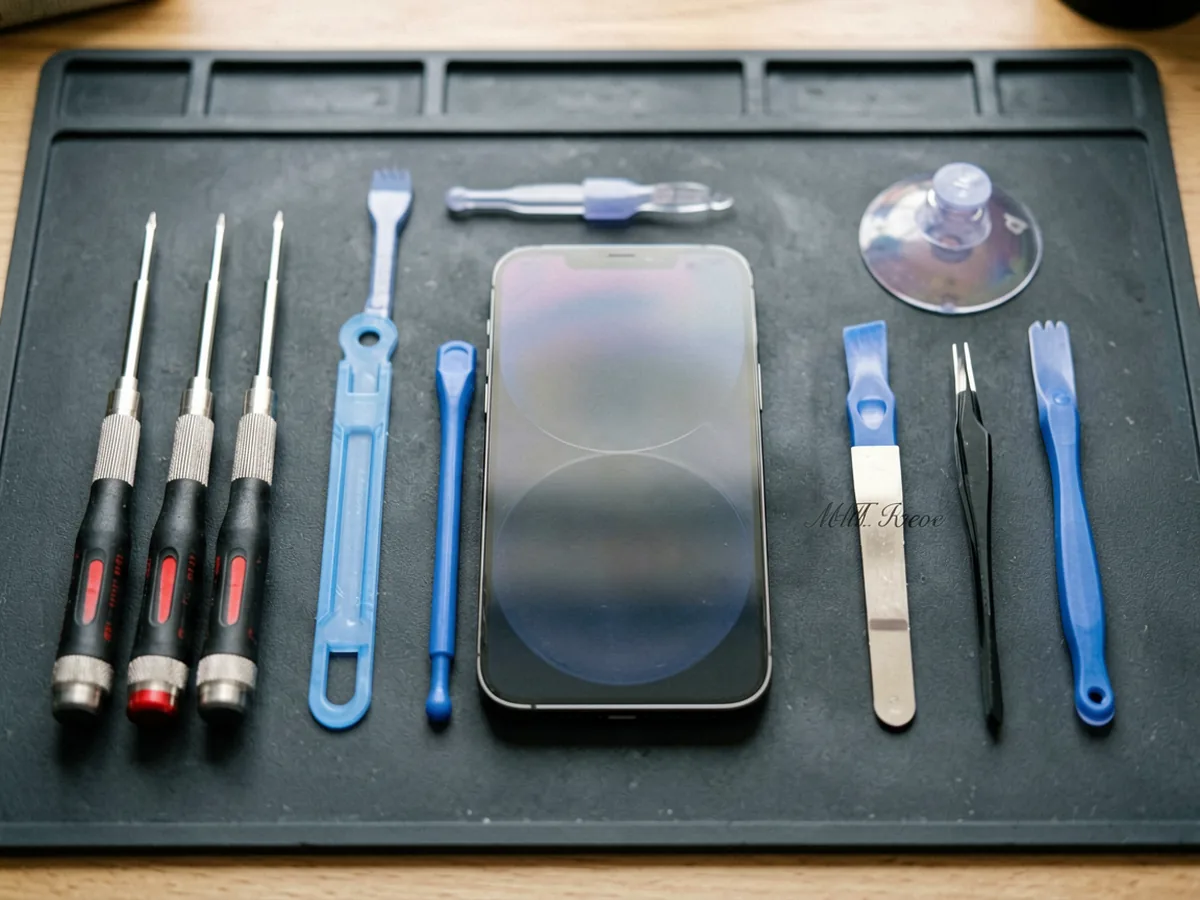
If you do go the DIY route, watch a model-specific video tutorial before starting, invest in a proper repair kit (not the cheapest option on Takealot), and work on a clean, well-lit surface. Our beginner phone repair tool kit guide covers what to look for.
Not all fast repairs are good repairs. Watch out for these warning signs:
For reference, here is what Apple’s official guidance says about screen repair timelines — and why authorised providers often take longer: they follow rigorous calibration and testing procedures that ensure your phone works exactly as intended after the repair.
For most iPhone models (8 through 15 series), a professional shop completes the replacement in 20 to 45 minutes when the part is in stock. iPhone 12 and newer with OLED screens may take 30–60 minutes due to the more delicate installation process. Apple Stores typically quote 1–2 hours including diagnostics.
Samsung Galaxy screens, especially the curved AMOLED panels on S-series models, typically take 30 to 60 minutes at a specialist shop. The curved glass requires more careful heating and separation, which adds time compared to flat LCD panels on budget models.
Yes — most independent repair shops and mall kiosks in South Africa offer while-you-wait service for common models. Plan for 30–60 minutes total including payment. Apple Store repairs usually require an appointment and you may need to leave your device for 1–2 hours.
Yes — any screen replacement, whether done by a professional or DIY, will compromise the original factory water and dust seal. Professional shops apply new adhesive seals, but these rarely match the original factory pressure-test standards. If water resistance is critical, consider this when deciding between DIY and professional repair.
A quality professional repair with a good aftermarket or OEM part should last 1 to 2 years or more with normal use. Budget parts may degrade within 6 months, showing yellowing edges or touch responsiveness issues. Apple genuine parts come with a 90-day warranty and typically perform like new for the life of the device.
Ordering note: Online ordering and payment are available. Product availability, compatibility and delivery options can vary, so confirm the exact model and specifications on the relevant product page before ordering. If you need help comparing options, use our Contact page.
Planning a repair? Browse our replacement phone parts and confirm the exact model, screen type and connector before ordering. You can also browse our repair tools category, read our OEM vs aftermarket guide, or check out our repair vs replace decision guide for more help.
Many standard phone screen repairs can be completed the same day when the correct part is available, but model complexity, adhesive, calibration and testing affect the final time. Ask whether the quoted time includes diagnosis, part fitting, testing and collection.
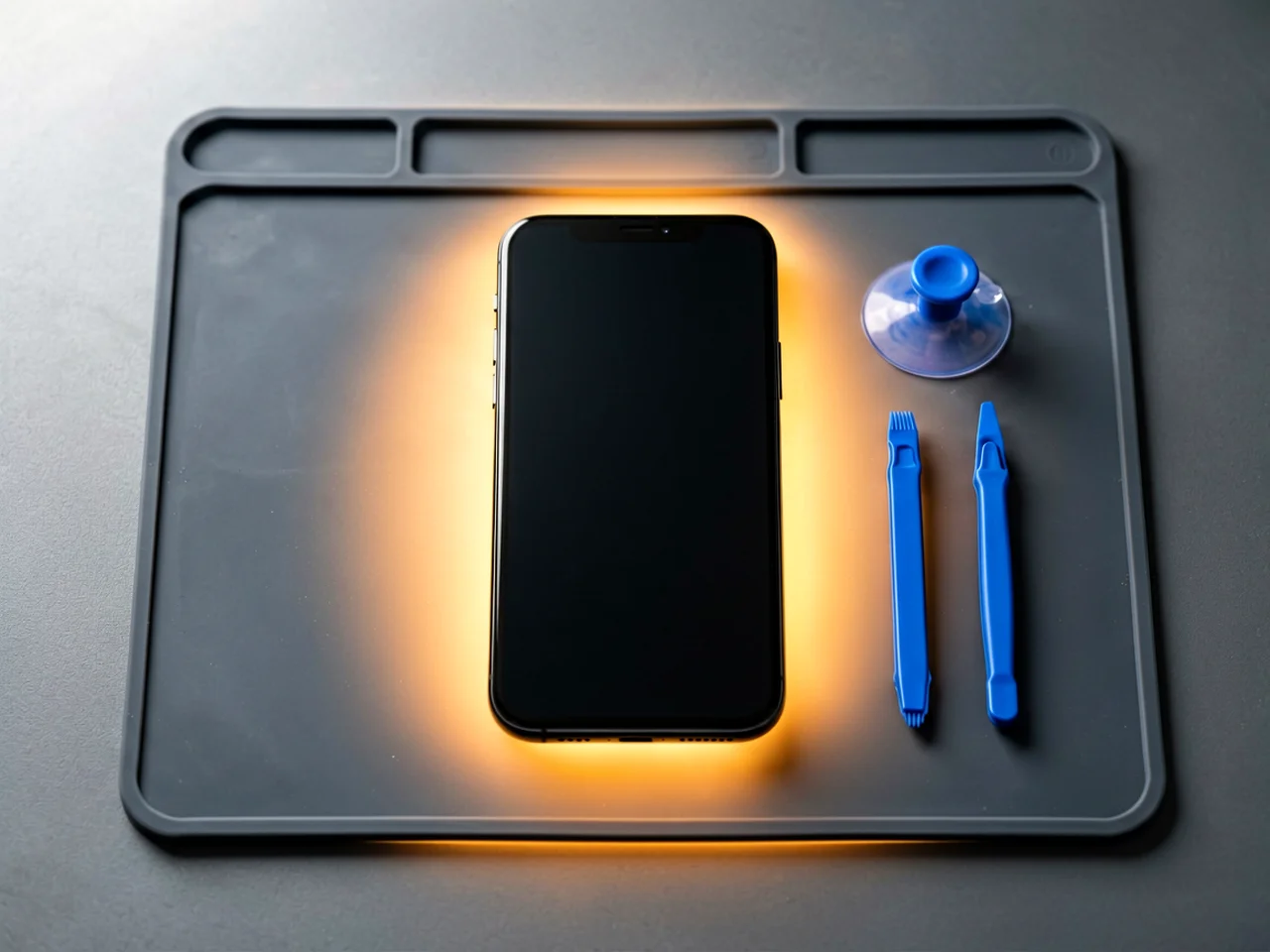
Most cracked phone panels don’t come from a shaky hand. They come from the wrong temperature. Heat the adhesive too little and the glass fights you until it snaps. Heat it too much, or in one spot, and you cook the panel underneath instead — which is how “repair” turns into “replace”. This guide is […]

You tap an app and nothing happens for ten seconds, then the whole screen freezes mid-animation. You wait, you tap again, the phone buzzes once and sits there. Sometimes a restart clears it for a day, sometimes it freezes again as soon as you open WhatsApp, and sometimes it started after an update or when […]

You open Maps or your taxi-hailing app, and the blue dot never settles, or it places you three streets away. You stand outside with a clear sky above you, and the phone still takes minutes to lock on, or it locks on and then drops your position into the middle of a field. Sometimes the […]
One Response