
Can you fix a cracked iPad screen yourself? Sometimes, and it is harder than an iPhone. Older base iPads (7th–9th gen, non-fused screens) are a moderate job a careful beginner can attempt. Newer models with fused screens (10th gen, iPad Air, and iPad Mini) are risky — the display can crack during removal — and the iPad Pro is expert-only. In South Africa, third-party screen replacements for standard iPads run roughly R1,799–R1,899, while DIY kits cost a few hundred rand but carry a real risk of turning a cracked screen into a dead tablet.
Before you decide, here is the honest picture — model by model, cost by cost.
iPads are not created equal when it comes to repair. iFixit puts it plainly: unlike newer iPads, the glass digitiser and LCD on the iPad 8 and 9 are not fused together — which is exactly what makes the older base models forgiving to open:
| Model family | Screen type | Difficulty | DIY verdict |
|---|---|---|---|
| iPad 7th–9th gen | Non-fused LCD | Moderate | Doable with care |
| iPad 10th gen | Fused LCD | Moderate+ | Risky — display can crack |
| iPad Air (all gens) | Fused LCD | Hard | Not recommended |
| iPad Mini (4th gen +) | Fused LCD | Hard | Not recommended |
| iPad Pro 11″ | Fused OLED | Expert | No |
| iPad Pro 12.9″ | Fused Liquid Retina | Expert | No |
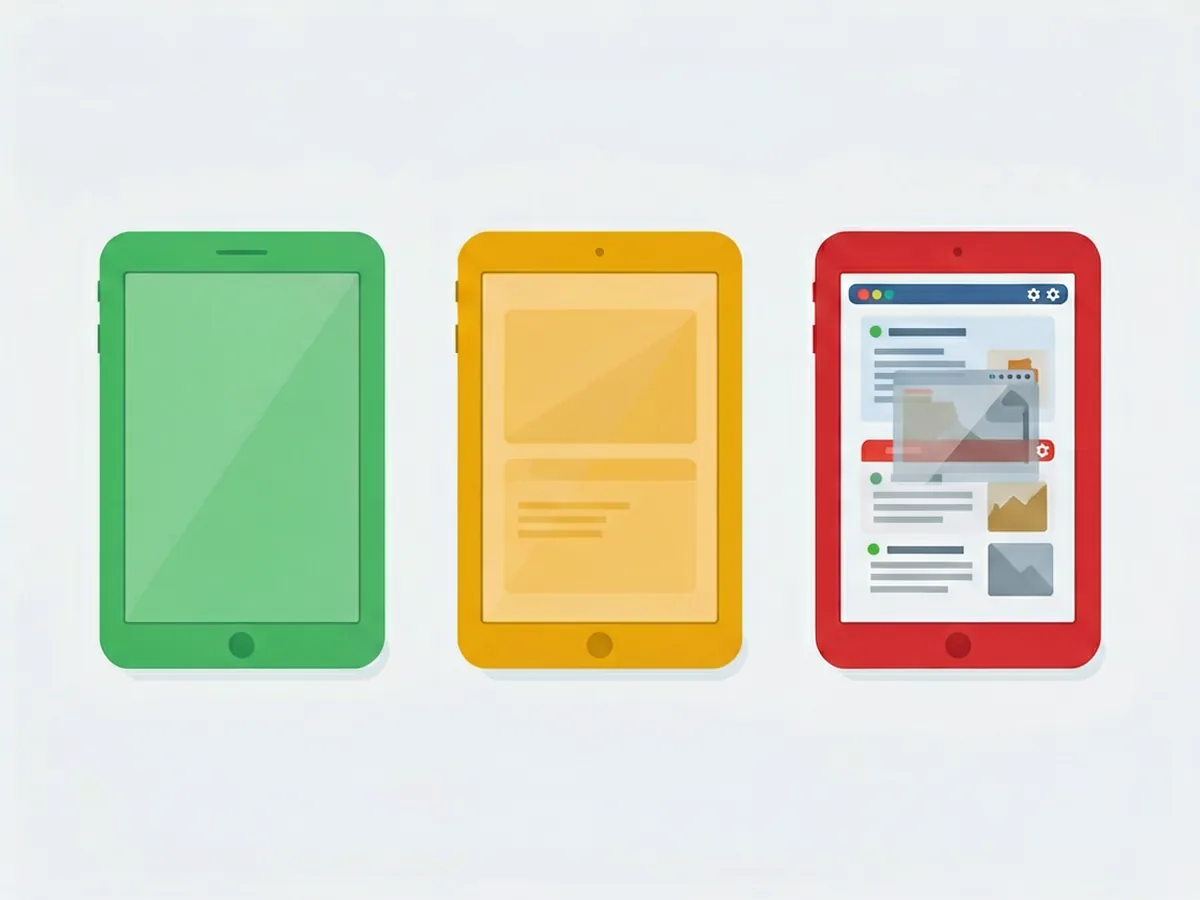
The pattern: older and non-fused = more forgiving; newer and fused = fragile. Even the base iPad 8 is rated harder than an iPhone — expect 90 minutes to 3 hours, because the large panel cracks easily and the strong adhesive needs 5+ minutes of heat per edge (iphoneipadfix.com). The iPad Pro M4’s tandem OLED display is explicitly not a DIY-friendly repair.
With iPhone repairs you can sometimes replace just the glass. Not with most iPads. On fused screens the glass and display are bonded into one unit — separating them is extremely difficult and risky, and a mistake destroys the panel. It is almost always safer and more cost-effective to replace the entire screen assembly.
So if you see “glass-only iPad repair” for a fused model at a bargain price, ask exactly what that means. If the display is not included, it probably is not the fix you need.
If your model is in the doable range, the job follows this shape:
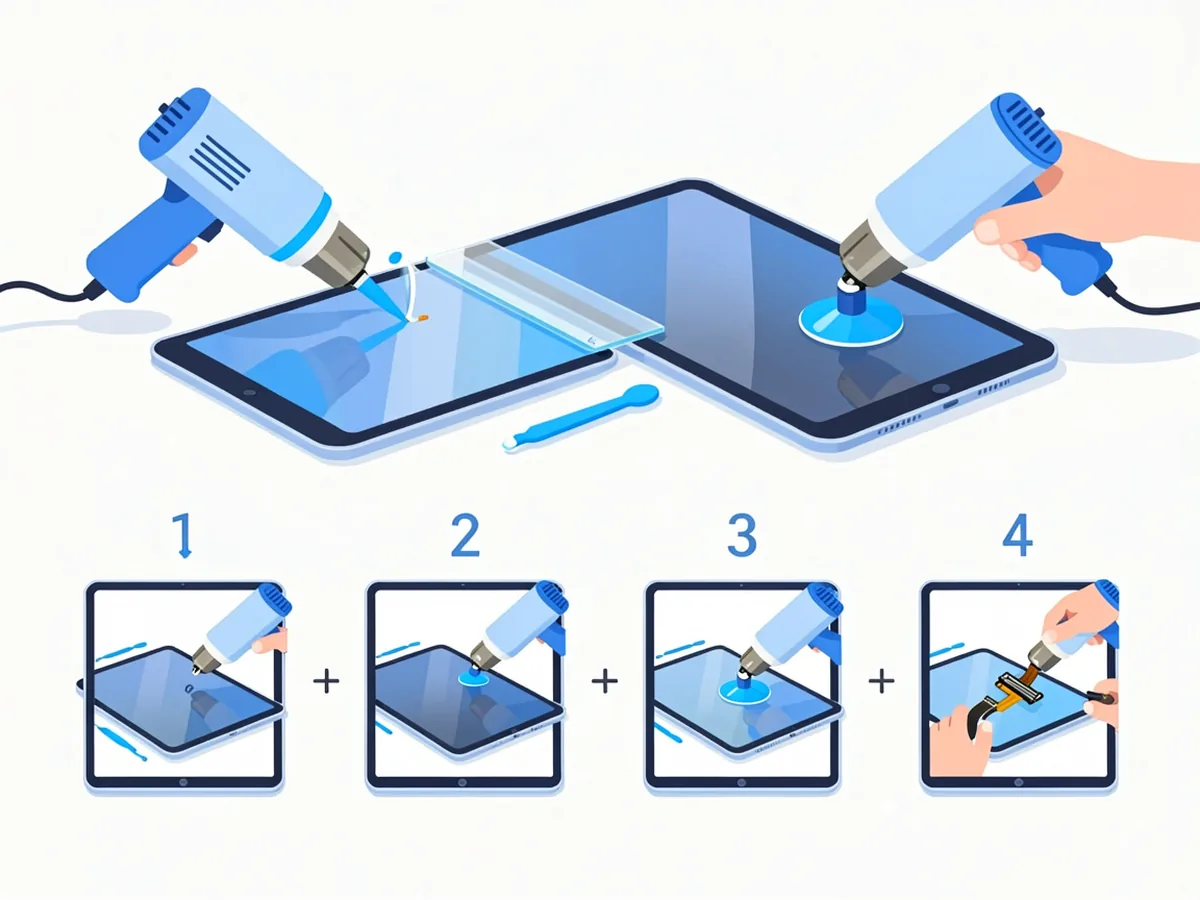
The cables are delicate; broken glass can cut (wear gloves); and pressing incorrectly can damage the logic board. If any step feels beyond you, stop — a professional repair is strongly recommended when you are not confident.
Repairers see the same failures again and again:
Third-party South African examples reported by a local source (illustration only — not our prices):
| iPad model | Screen replacement (third-party, ZAR) |
|---|---|
| iPad 6 | R1,799 |
| iPad 7 | R1,899 |
| iPad 8 | R1,899 |
| iPad Mini 1 | R599 |
(unisasapplication.co.za, 2026). Newer and Pro models cost substantially more — internationally, third-party iPad Pro screen repairs often land well above the standard iPad range, and Apple’s out-of-warranty pricing is higher still. DIY screen kits for older iPads can be found from a few hundred rand, but the total cost of a mistake (a cracked display or a dead digitiser) usually exceeds what a shop would have charged.
The general rule: if the repair bill comes to half to two-thirds of what a replacement iPad costs, lean toward replacing the device. A cracked screen on an otherwise healthy, recent iPad is worth fixing. A cracked screen on an old, slow model with a weak battery probably is not.
And a quick prevention note: a decent case with raised edges plus a glass screen protector costs a small fraction of one repair – on a device that lives in school bags and on coffee tables, it is the cheapest fix of all.
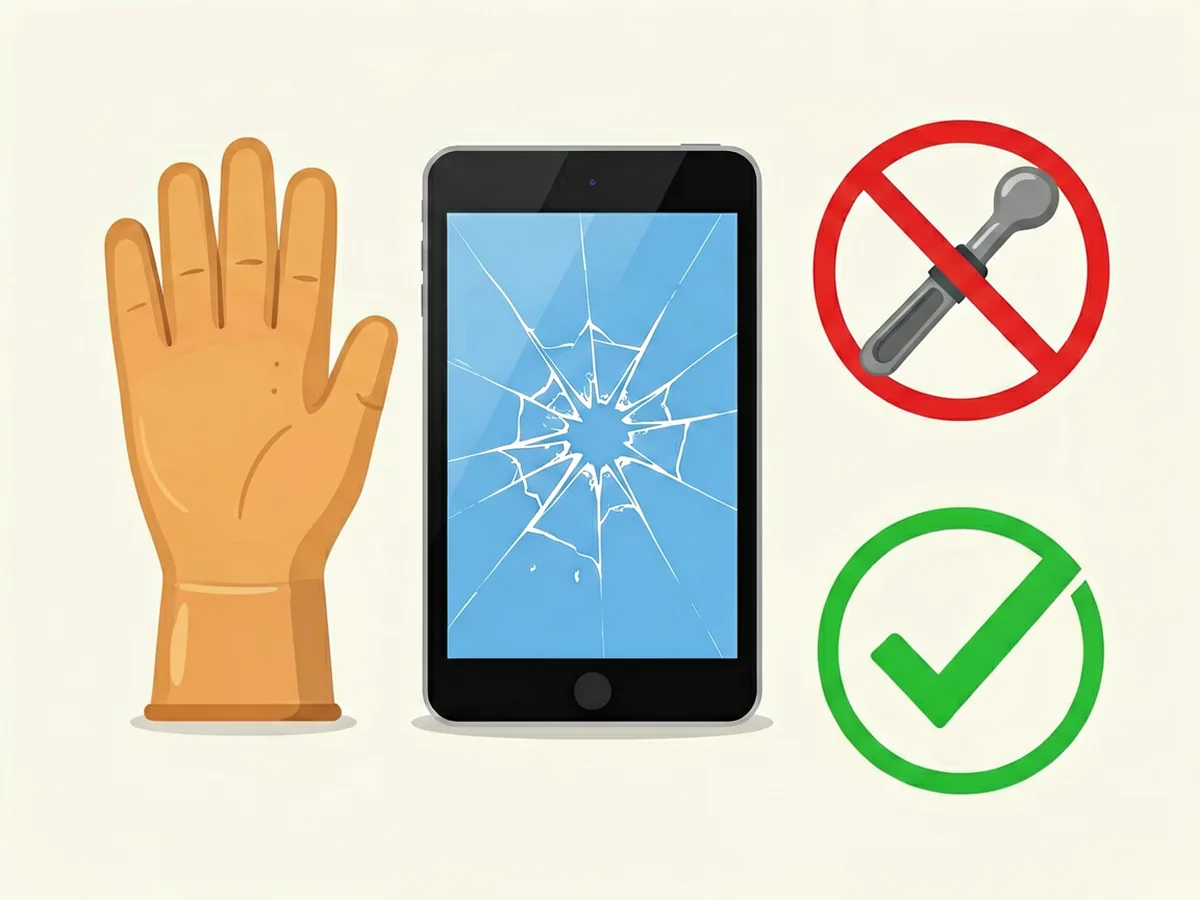
If you are set on doing it yourself, you need proper tools, not a butter knife. See our repair tools category for kits and opening tools, our beginner tool kit guide, our repair tool essentials, and the DIY starter kit guide before you start.
It is harder than an iPhone. Older base iPads (7th–9th gen) are moderate and doable for a careful beginner; fused-screen models (10th gen, Air, Mini) are risky; iPad Pro models are expert-only and not recommended for DIY.
Rarely. Most modern iPads use fused screens where glass and the display are bonded together. On the older base iPads the two are separate, but on fused models separating them is extremely difficult, so it is safer and usually cheaper to replace the full screen assembly.
Third-party SA examples put standard iPads around R1,799–R1,899; older Minis can be less, and Pro models substantially more. Always confirm the price includes the part and labour (third-party ranges, not our prices).
If the repair costs half to two-thirds or more of a replacement’s price, or the iPad is old and slow, replacing usually makes more sense. A recent, otherwise healthy iPad is worth fixing.
Unauthorised repairs generally are not covered by Apple’s warranty. If your iPad is still covered, check Apple’s official service options before opening it.
Discrepancy Notice: Our online shop is still under preparation. Product prices, availability and shipping options are subject to change. This article is for informational purposes only — please contact us at support@potatotech.co.za for the latest information.
Weighing up a cracked screen right now? Browse our repair tools category, or read our beginner tool kit guide before you decide on DIY.
Cracked iPhone back glass? Learn DIY vs professional replacement costs in South Africa, how long it takes, and when to seek help.
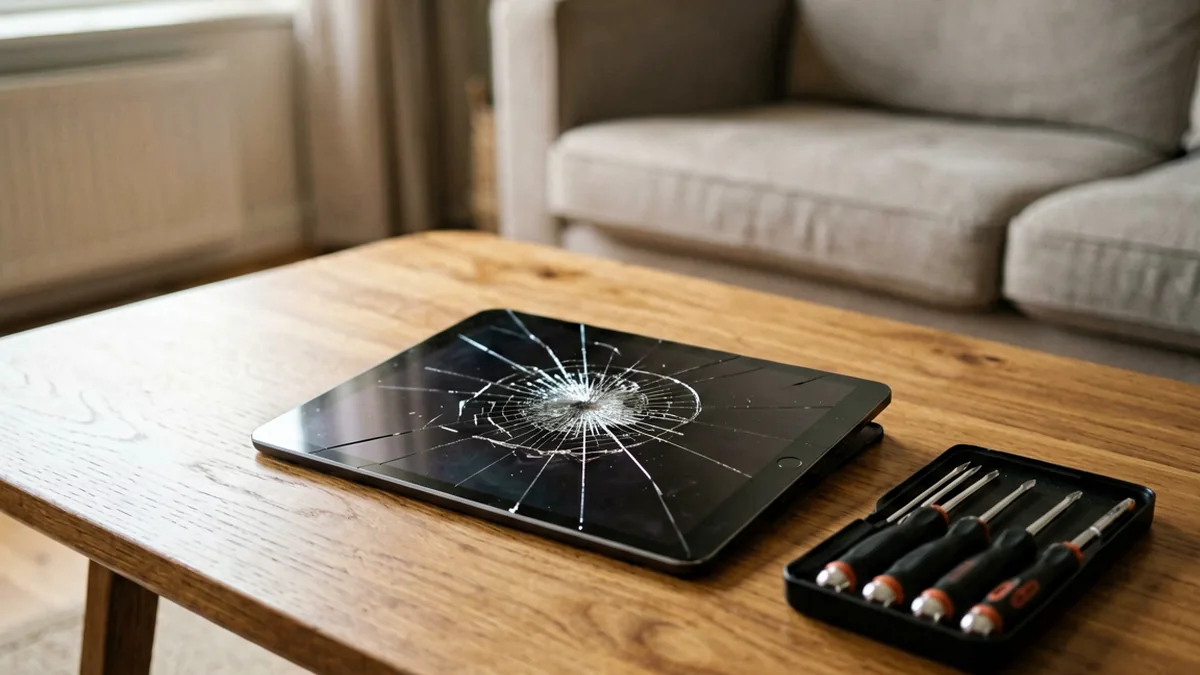
How much does an iPad screen replacement cost in South Africa? Compare DIY vs professional repair costs for all iPad models.
Choosing the right Bluetooth headphones in South Africa isn’t just about picking the first pair you see. Whether you’re commuting on the Gautrain, working from home, or gaming online, the right headphones make a real difference to your experience—and your wallet. This guide breaks down what actually matters when you’re shopping for wireless headphones in […]