
Parts sold as genuine come from, or are validated by, the device manufacturer. Aftermarket parts are made by third parties and may cost less, but quality, compatibility, calibration and warranty support vary. Sellers use labels such as “OEM” inconsistently, so verify the exact model and part number, supplier warranty, return terms and any features that may require post-repair configuration.
The repair industry uses “original,” “OEM,” “genuine,” and “aftermarket” loosely, and sometimes dishonestly. Here’s what each term actually means, how the grades compare, and how to pick the right one for your phone and your budget.
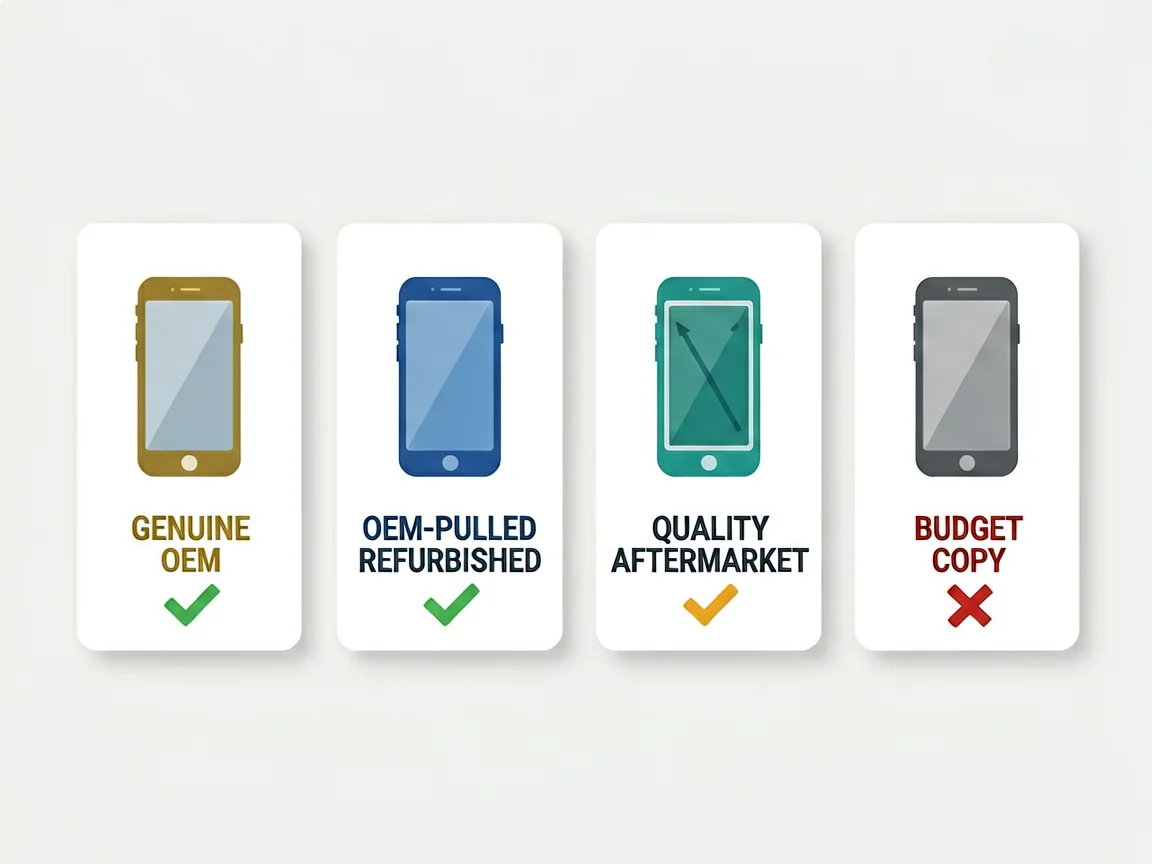
Genuine / OEM (Original Equipment Manufacturer). A part made by (or for) the brand that built your phone — for iPhones, that’s Apple’s display suppliers such as Samsung Display, LG Display or BOE. These are what ships in a new device and what Apple uses for its own repairs. Best quality, tightly controlled, and the most expensive. Outside Apple’s authorised network, genuine stock is limited and should come with proof of source.
OEM-pulled / refurbished original. A genuine part removed from another device and reconditioned — for a screen, that usually means the original OLED panel kept and fitted with new outer glass. Near-identical to new OEM at a lower price. A solid choice if resale value matters to you.
Quality aftermarket. A third-party part built to close tolerances by a known manufacturer. Good brightness, colour and touch for daily use. On an iPhone it shows as “Unknown Part” in settings, but it’s what a reputable shop fits for most customers. This is *not* the same as a cheap copy.
Budget “copy” / no-name. The bottom tier: inconsistent colour, weak touch response, short lifespan, often no warranty. This is the grade that gives aftermarket a bad name — and the one to walk away from.
Our labelling rule: we only use a status we can actually prove. A listing says *Service Pack*, *aftermarket*, *refurbished*, or *pulled/used tested* based on what the part genuinely is and what was tested — never an unverified “100% Original” or “OEM-grade” claim. If we can’t show the source or test, we don’t use the word.
| Feature | Genuine / OEM | OEM-pulled / Refurbished | Quality aftermarket | Budget copy |
|---|---|---|---|---|
| Brightness | 800–2000 nits | 600–1600 nits | 700–1800 nits | 400–800 nits |
| Colour accuracy | Best (DeltaE <2) | Very good (2–4) | Good (3–8) | Poor, yellow/green tint |
| True Tone / pairing | Full | Partial–full | Partial–none | None |
| Touch response | Exact | Near-exact | Near-exact | Variable, dead zones |
| Typical lifespan | 3–5 years | 2–3 years | 2–4 years | 1–2 years |
| Relative price | Highest | Mid–high | 30–50% below OEM | Lowest |
| Warranty | Longest | Mid | Mid (shop-dependent) | Often none |
The honest summary: genuine and OEM-pulled sit at the top for quality and resale; quality aftermarket is the sensible middle for most repairs; budget copies are a false economy.
This is the most repeated myth, so let’s be precise.
Face ID is safe — if the repair is done carefully. Face ID lives in the sensor module at the top of the phone, *not* in the screen. Any replacement screen — genuine, OEM-pulled, or aftermarket — keeps Face ID working as long as the technician doesn’t damage the sensor’s flex cable during the swap. A botched job can disable it; the screen grade can’t.
True Tone and pairing are the real difference. From iOS 15.2, iPhones show a Parts and Service History entry under Settings → General → About. A genuine part reads “Genuine Apple Part,” a transplanted original reads “Used Genuine Part,” and an aftermarket part reads “Unknown Part.” On aftermarket screens, True Tone may be unavailable or only partially supported until the shop runs calibration — and even then, some features stay tied to Apple’s system configuration. None of this breaks the phone; it’s a transparency notice.
So: an aftermarket screen won’t kill Face ID, but it may show a settings notice and lose some calibration features. Whether that matters depends on how long you’ll keep the phone.
You care about resale value or keep phones for years → Genuine or OEM-pulled. The settings notice stays clean and the display matches factory spec.
You want the phone working well at a fair price → Quality aftermarket. For most daily-use repairs it’s the right call, and the saving is real.
You’re fixing a phone you’ll trade in soon, or a backup device → Quality aftermarket keeps the bill down without noticeable compromise.
You found a suspiciously cheap “original” online → Walk away. A genuine screen at a fraction of market price is almost always mislabelled.
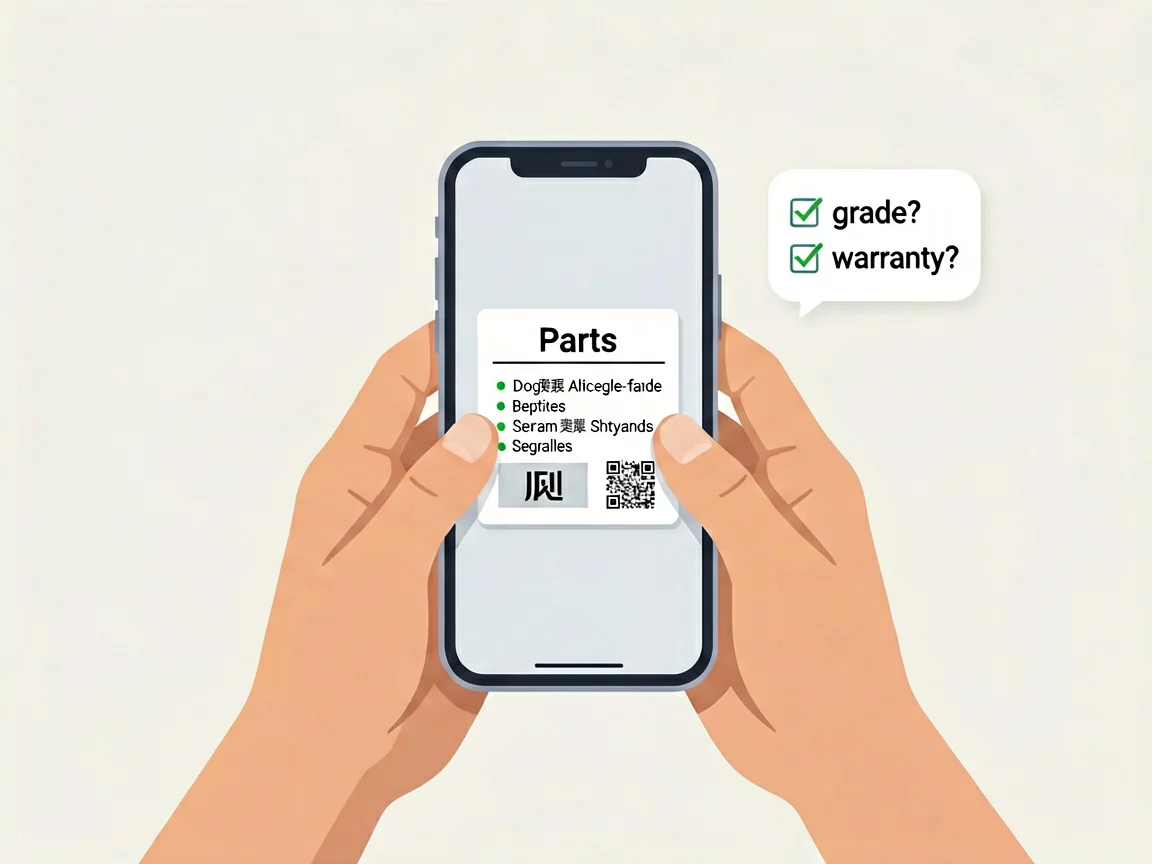
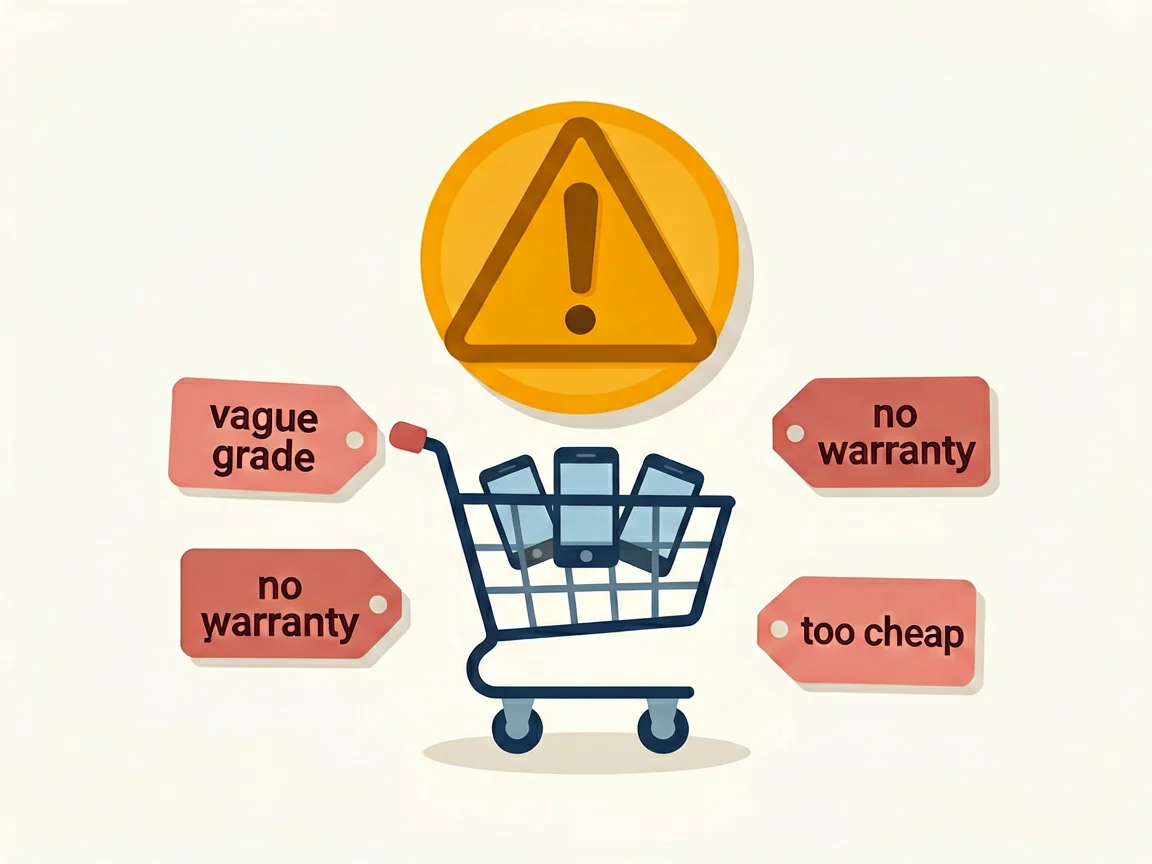
Because the terms get abused, we keep it simple and provable:
That way you’re comparing like for like, and you know what you’re paying for before checkout.
*Not sure which grade fits your model? Read our [iPhone screen cost guide] to see how grade affects price, or our [guide to telling if an iPhone screen is original]. Browse [phone parts by category] and send us your exact model and a photo of the label if you want us to confirm fit before you order.*
Most cracked phone panels don’t come from a shaky hand. They come from the wrong temperature. Heat the adhesive too little and the glass fights you until it snaps. Heat it too much, or in one spot, and you cook the panel underneath instead — which is how “repair” turns into “replace”. This guide is […]

You tap an app and nothing happens for ten seconds, then the whole screen freezes mid-animation. You wait, you tap again, the phone buzzes once and sits there. Sometimes a restart clears it for a day, sometimes it freezes again as soon as you open WhatsApp, and sometimes it started after an update or when […]

You open Maps or your taxi-hailing app, and the blue dot never settles, or it places you three streets away. You stand outside with a clear sky above you, and the phone still takes minutes to lock on, or it locks on and then drops your position into the middle of a field. Sometimes the […]
8 responses